8 Resume Errors That Cost Job Seekers Interviews in 2026


On this page
73% of hiring managers said they would eliminate a qualified candidate because of resume formatting, according to a January 2024 ResumeTemplates survey of 781 U.S. hiring managers. That’s a presentation problem costing someone a chance to explain their experience.
Most resume errors aren’t evidence that you lack talent. They prevent a parser or a recruiter from finding your skills, verifying your claims, or deciding whether you’re eligible for the role. For international candidates, a missing location can be as consequential as a missing qualification. For remote applicants, matching the tools isn’t enough if the employer can’t hire in your country.
Understanding how an ATS-friendly resume works helps separate technical failures from weak content. Both need attention, but they need different fixes. A clean PDF won’t repair an unsupported achievement, and stronger wording won’t rescue text that disappears during extraction.
This roundup prioritizes resume errors that can end an application early, from poor role matching and unreadable files to eligibility questions and unverifiable claims. It’s a practical screening order, not a statistical league table: the available surveys don’t measure every mistake on comparable terms.
International, remote, visa-seeking, and technology candidates can use the same approach. Make your evidence readable, relevant, and defensible. For additional role-specific examples, consult this resume guidance for technology roles.
1. Sending One Generic Resume to Every Job
A generic resume makes the recruiter reconstruct your fit. Don’t make someone search through unrelated projects to discover that you already use the tools named in the posting.
Customization deserves the effort. A CareerBuilder survey found that 60% of HR managers were more likely to pay attention to a resume customized to the open position, as reported by HR Daily Advisor.
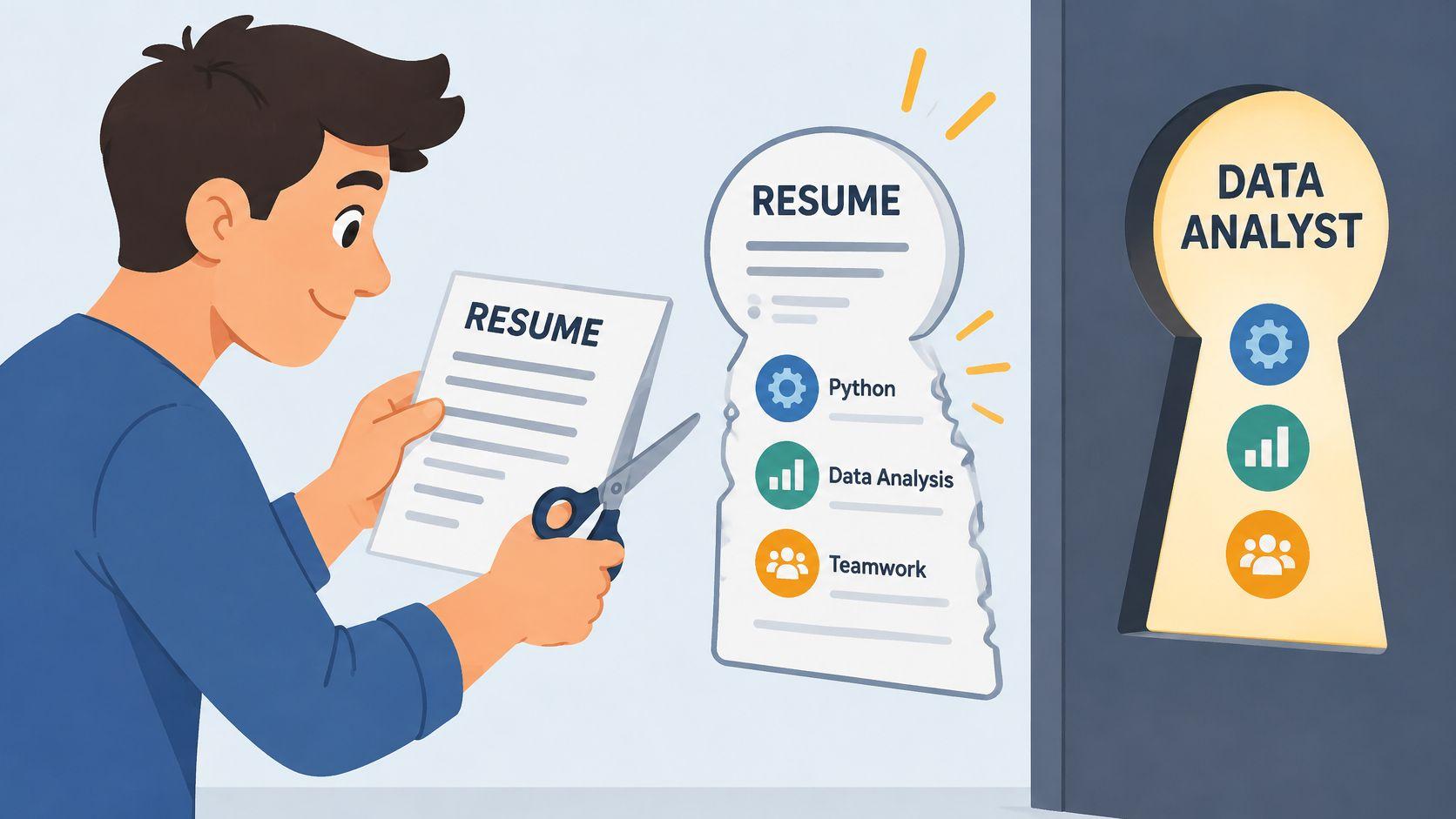
Change the emphasis, not the facts
Say you’re a data analyst applying for a position requiring SQL, Tableau, and A/B testing. If you’ve used those tools, put them in your skills section and demonstrate them in your strongest relevant bullets. Don’t lead with an unrelated reporting platform just because it dominates your current job.
A product manager targeting fintech should bring payments-related launches forward within the relevant role. Keep employers in reverse chronological order, but reorder the evidence within each position.
- Maintain a master resume. Store your projects, tools, outcomes, and supporting notes in one document.
- Create a separate application version. Change the summary, skills emphasis, and bullet order without overwriting your master.
- Review missing terminology. Add a job-description term only when it accurately describes your experience.
When reviewing worldwide remote openings, check country eligibility before tailoring. A strong skills match can’t override a hiring restriction. CareerPulseAI’s guide to targeted resumes offers a complementary tailoring workflow.
Fix: Rewrite the top portion around the role’s actual requirements. Quick self-check: Compare the posting with your summary and opening bullets. Can you point to clear evidence for its core requirements without explaining the connection aloud?
2. Using ATS-Unfriendly Formatting
Your resume can look excellent and still export badly. A sidebar might separate skills neatly for a person while causing software to extract them between unrelated job descriptions.
An ATSVerification vendor-published dataset reported skills tables flattening into glued-together text in 21.9% of 7,032 documents scanned during its stated sample period. That isn’t a universal failure rate, but it identifies a concrete problem worth testing.
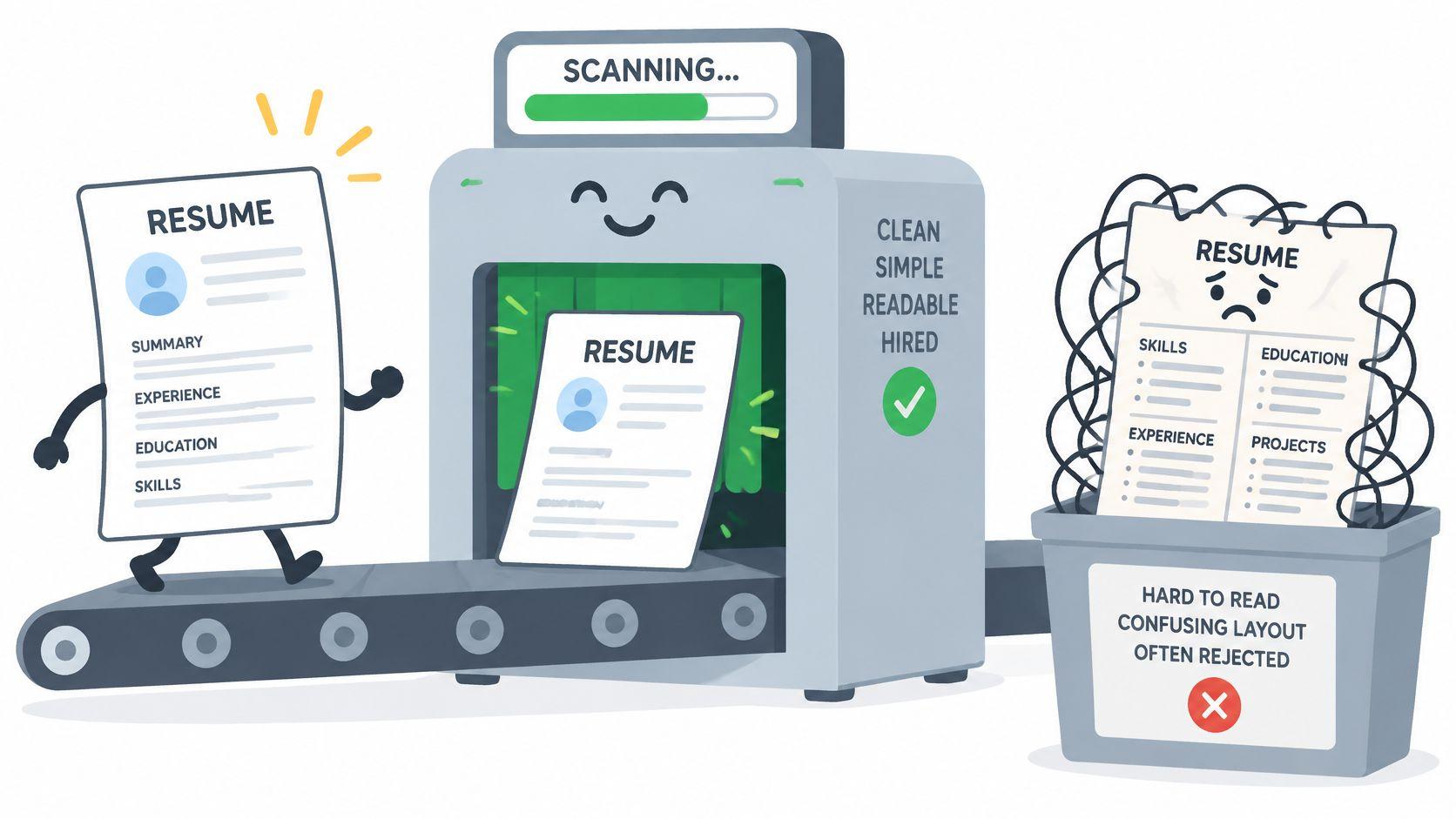
Test the exported file, not the template
Use a single-column layout with familiar headings such as Experience, Education, and Skills. Put contact details in the main document body, not exclusively in a page header or footer. Write skills as text instead of displaying proficiency through stars or progress bars.
A designer, for example, can submit a readable resume and link to a visually rich portfolio. Exporting the resume itself as an image sacrifices searchable text without adding evidence of design ability.
A recruiter should be able to read your resume, and software should be able to extract the same information in the same order.
Accessibility belongs in this check too. Keep headings descriptive, avoid icons that replace words, and make the reading order logical. Don’t assume that selecting some text proves the whole document works.
Follow the employer’s required file format. If you submit a PDF, preserve text rather than converting pages into images.
Fix: Replace columns, tables, text boxes, and graphical skills with ordinary text. Quick self-check: Copy the entire exported document into a plain-text editor. Confirm that your name, contact details, employers, titles, dates, and skills appear completely and in order.
3. Listing Duties Instead of Measurable Results
Responsible for customer support describes an assignment. It doesn’t tell the reader whether you resolved difficult cases, improved a process, or helped colleagues handle recurring problems.
In a CareerBuilder survey reported by CBIA, 34% of hiring and HR managers identified a resume without quantifiable results as a deal breaker. Give the reader evidence of contribution, not just a rewritten job description.

Show what changed because of your work
Build bullets around action, scope, and outcome. For a data engineer, that might mean explaining how rebuilding an Airflow pipeline removed manual recovery work and made reports available before the operations team started its shift.
For customer support, describe the queue you handled, the escalation process you improved, and the outcome you can substantiate. Add figures from dashboards or records when you have them. Don’t manufacture a percentage because the sentence looks stronger with one.
- Use an observable result. Reduced rework, a completed migration, an adopted dashboard, or a resolved audit issue can show impact.
- Explain your contribution. Separate the team’s overall achievement from the part you personally owned.
- Keep relevant routine work. A required technical skill still deserves space, even when the task didn’t produce a dramatic business result.
If you’re reviewing data analyst openings, notice whether employers emphasize experimentation, reporting, data quality, or stakeholder decisions. Choose achievement bullets that demonstrate that work.
Fix: Replace a duty-only bullet with what you did, what it affected, and what improved. Quick self-check: Underline each outcome. If you can underline only tools and responsibilities, add evidence of a completed result and verify it against your records.
4. Wrong Length and Irrelevant Content
An experienced engineer’s resume shouldn’t devote more attention to a distant summer retail job than to a recent platform migration. The problem isn’t the retail work. It’s the space allocated to evidence that doesn’t help this application.
The opposite mistake matters too. Compressing substantial experience into tiny type can remove the context a hiring manager needs to assess ownership and complexity.
In TopResume’s 2018 survey of 379 recruiters, hiring managers, and HR professionals, summarized by ResumeFast, outdated or irrelevant information ranked among the leading resume deal breakers. Editing for relevance is more useful than chasing a page count at any cost.
Cut noise before shrinking the font
Start by removing material that doesn’t support the target role. Old tools, generic objectives, extensive hobbies, and references statements shouldn’t displace recent evidence.
- Compress older experience. Keep the employer, title, and dates when they clarify your timeline, but shorten unrelated responsibilities.
- Retain transferable evidence. A career changer’s customer-facing work can support stakeholder management or service operations.
- Delete empty statements. References available upon request doesn’t demonstrate competence.
- Protect readability. Don’t solve excessive length with narrow margins and difficult-to-read text.
A career changer moving from hospitality into operations might retain scheduling, supplier coordination, and process improvement. They can remove detailed descriptions of service tasks that add no relevant evidence.
Editing rule: Keep a line because it helps the employer assess your fit, not because deleting it feels like erasing your career.
Fix: Give recent, relevant work the most space and compress the rest. Quick self-check: Read only the opening portion and section headings. Then inspect your oldest role. If that role receives more detail than your strongest relevant project, rebalance the document.
5. Typos, Inconsistent Formatting, and Sloppy Details
A misspelled tool name creates avoidable uncertainty. Mixed date styles and inconsistent employer names make the document harder to scan, even when the underlying experience is sound.
These aren’t rare concerns. In a June 2024 survey of 753 U.S. recruiters and HR professionals, 68% said typos in application materials were a reason to reject a candidate, according to Zety’s findings reported by ResumeProofed.
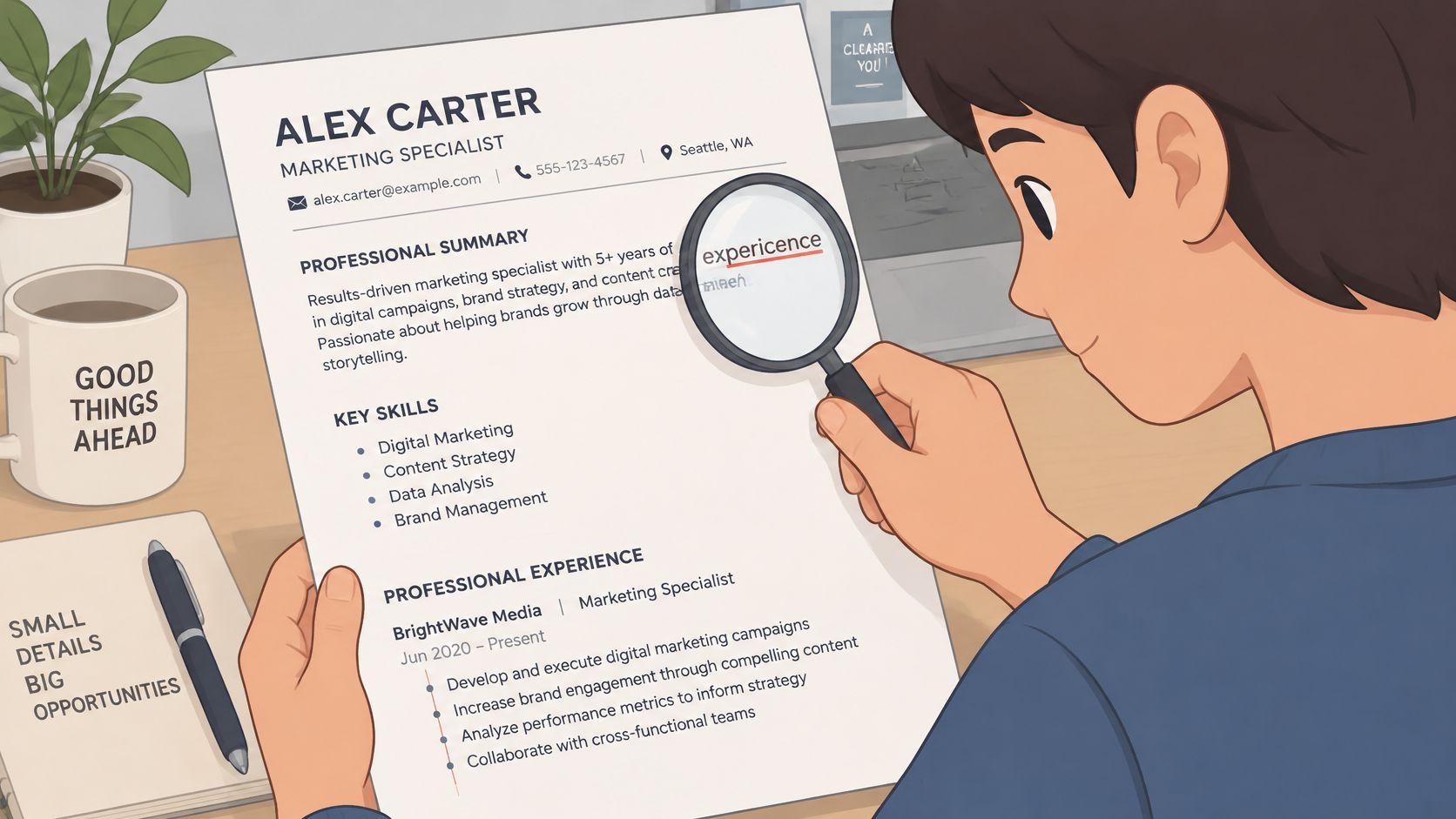
Proofread in separate passes
Don’t try to verify grammar, dates, links, and technical terms simultaneously. Review each category deliberately so familiar wording doesn’t distract you from incorrect details.
Start with language. Read aloud for missing words, awkward sentences, and tense changes. Use present tense for ongoing responsibilities and past tense for completed work.
- Names and terminology. Verify employer names, qualifications, software, and certifications against authoritative records.
- Consistency. Standardize date formats, bullet punctuation, capitalization, and spacing.
- Contact details. Test your email address, phone number, LinkedIn profile, and portfolio links.
- Export quality. Open the final attachment and check line breaks, missing characters, and page boundaries.
Say your resume uses Acme Corp in one role and ACME Corporation elsewhere. Confirm whether those are different entities or inconsistent labels, then use wording that matches your employment records.
A grammar checker can flag mistakes, but it can’t verify whether you named the correct product or copied the right employment dates. Ask someone familiar with your field to review terminology when possible.
Fix: Separate proofreading from rewriting and inspect the actual attachment. Quick self-check: Read sentences from the bottom upward, then check every date and contact field independently.
6. Omitting Work Authorization, Location, and Remote Eligibility
Remote isn’t the same as work from anywhere. An employer may allow home working while hiring only within a particular country. Visa sponsorship is a separate question again.
A candidate based in Singapore can match a US-only remote role’s technical requirements and still be outside its hiring scope. Leaving the location blank doesn’t remove that restriction. It only delays clarification.
State the facts without oversharing
Place your city, country, and relevant eligibility information near your contact details, in the main document body. Add your time zone when working-hour overlap matters.
Use wording that describes your real situation:
- Already authorized. State that you’re authorized to work in the target country without sponsorship, if accurate.
- Sponsorship required. Say that you require employer sponsorship for the target country.
- Relocation available. Name the destination rather than writing only open to opportunities.
- Remote availability. State your current country and the working-hour overlap you can reliably maintain.
Don’t publish passport numbers, identity documents, or detailed immigration records on your resume. You can communicate eligibility without exposing sensitive information.
Compare visa-sponsorship openings with remote job listings as separate searches. Then read each posting’s country restrictions, sponsorship language, and employment arrangement. Silence about sponsorship isn’t confirmation that it’s available.
A photo, age, or marital status doesn’t clarify work eligibility. Leave those details out unless the target market specifically expects them and you’ve checked the convention.
Eligibility check: State what you know. Don’t turn a willingness to relocate into a claim that you already have permission to work.
Fix: Add a concise, factual location and authorization statement. Quick self-check: Compare it with the posting’s hiring geography, sponsorship terms, and required time-zone overlap. Resolve contradictions before applying.
7. Leaving Career Gaps and Timeline Questions Unexplained
A career break doesn’t need an elaborate defense. It needs an accurate timeline and enough context to prevent confusion.
The same applies to overlapping consulting projects, freelance assignments, and study alongside employment. If the reader can’t distinguish those arrangements, ordinary career changes can look like inconsistent dates.
Explain the timeline without disclosing private details
Use consistent month-and-year dates. Label consulting and part-time work clearly, especially when assignments overlap with another position.
A caregiver returning to work might include Career break for family care with the relevant dates. Add study or freelance projects only if they happened. You don’t need to turn every break into a productivity story.
- Keep the explanation neutral. A company closure or fixed-term contract ending can be stated without criticizing an employer.
- Protect your privacy. You can describe a personal or health-related break without sharing a diagnosis.
- Separate unpaid projects from employment. Label portfolio work accurately rather than presenting it as a salaried role.
- Match other records. Check that your resume, application form, and professional profile use compatible dates.
Don’t hide the timeline behind an undated skills-only format. A Mississippi State University study of resumes from blind and low-vision job seekers found that ATS systems correctly read 55% of functional-resume content, compared with roughly 88% for chronological and combination formats.
A combination format can foreground relevant skills while retaining a readable work history. That’s useful for career changers who need both context and clear dates.
Fix: Add brief, truthful context wherever the timeline is otherwise unclear. Quick self-check: Read only titles and dates. Can another person distinguish employment, freelance work, education, and breaks without guessing?
8. Inflated Claims, Keyword Stuffing, and Unverifiable Statements
Claiming Kubernetes expertise after an introductory tutorial can unravel in an interview. Changing “Coordinator” to “Manager” can create a bigger problem when an employer checks your title. Keep the official title, then use your bullets to describe the broader responsibilities you held.
A polished sentence still needs evidence. In a Resume Builder survey cited by SHRM, 41% of respondents who admitted resume lies and were later hired said the employer rescinded the offer after discovering the falsehood.
Keep an evidence trail behind every major claim
For each achievement, keep a private note with the project, your contribution, how you measured the result, and any limits on the claim. Don’t put confidential employer material in a personal portfolio. The goal is to explain your work clearly, not disclose protected information.
AI-assisted applications raise another concern: hiring managers can find it harder to tell whether application materials reflect a candidate’s own abilities. Use AI to edit grammar and structure, not to add experience or inflate results.
- Describe proficiency precisely. Separate production ownership from supervised work, coursework, and personal projects.
- Use keywords in context. Connect each important skill to a task, project, or result.
- Check every metric. Use estimates only when you have a defensible basis, and label them as estimates.
- Keep titles accurate. For cross-border applications, retain the official title and explain unfamiliar wording in plain language.
If you can’t explain a resume bullet in an interview, rewrite it before submitting.
Fix: Replace inflated language with specific scope and evidence. Quick self-check: Choose your strongest claims. For each one, name the project, your contribution, and the result. If any part is unclear or hard to verify, revise the claim.
Resume Errors at a Glance
| Item | Main Risk | Most Affected Candidates | Fastest Fix |
|---|---|---|---|
| Sending One Generic Resume to Every Job | Poor role match and ATS filtering | Applicants to competitive, visa-sponsored, or remote roles | Tailor skills, summary, and experience bullets to each job |
| Using ATS-Unfriendly Formatting | ATS may misread or omit key information | Candidates using columns, graphics, tables, or image-based PDFs | Use a single-column layout with standard headings |
| Listing Duties Instead of Measurable Results | Impact is unclear to recruiters | Candidates with responsibility-focused bullets | Rewrite bullets with actions, context, and measurable outcomes |
| Wrong Length and Irrelevant Content | Relevant qualifications get buried | Early-career candidates with overly long resumes and experienced candidates with outdated content | Cut material that does not support the target role |
| Typos, Inconsistent Formatting, and Sloppy Details | Errors undermine credibility and scanability | Candidates in detail-oriented fields | Proofread and standardize dates, tense, punctuation, and bullets |
| Omitting Work Authorization, Location, and Remote Eligibility | Recruiters cannot confirm eligibility or location fit | International and remote job seekers | State location, work authorization, and relevant time zone clearly |
| Leaving Career Gaps and Timeline Questions Unexplained | Recruiters may assume the worst or question credibility | Candidates with employment gaps or unclear dates | Add accurate month-year dates and a brief, honest explanation |
| Inflated Claims, Keyword Stuffing, and Unverifiable Statements | Claims may fail interviews or verification | Candidates overstating skills, titles, or responsibilities | Keep claims accurate and support them with specific evidence |
A One-Page Checklist to Run Before You Click Apply
Print this checklist or keep it beside your application tracker. Use it on the final exported file, not just the editable document.
You’re checking whether an employer can read your evidence, understand your contribution, and establish eligibility. You’re not trying to make every resume sentence sound impressive.
Parsing
- Single column. Use a logical reading order without sidebars, layout tables, or floating text boxes.
- Plain-text contact details. Put your name, email, phone, and location in the document body.
- Text-preserving export. Follow the requested format and confirm that PDF text remains selectable.
- Extraction checked. Paste the exported text into a plain-text editor and inspect the order.
Substance
- Results demonstrated. Show what changed, what you delivered, or what you improved.
- Length justified. Give relevant work space without padding the document.
- Claims defensible. Keep only skills, titles, qualifications, and outcomes you can explain.
- Ownership clear. Distinguish your contribution from the wider team’s achievement.
Accuracy
- Dates consistent. Match employment records and explain overlapping arrangements.
- Language checked. Review spelling, grammar, technical names, and tense.
- Links tested. Open your portfolio and professional-profile links.
- Gap explanations ready. Keep explanations factual and protect private details.
Eligibility
- Location stated. Include your current city and country.
- Authorization accurate. State relevant work permission or sponsorship requirements without implying approval you don’t have.
- Remote scope checked. Confirm permitted countries, employment arrangement, and working-hour overlap.
- Relocation specific. Name your destination when relocation is relevant.
Tailoring
- Core requirements supported. Connect the posting’s main requirements to real experience.
- Keywords reviewed. Use accurate terminology naturally, without copying whole job-description passages.
- Master preserved. Save the application version separately.
- Attachment confirmed. Check the employer name, file contents, and selected document before submitting.
For the next application, run your resume through our free ATS Resume Builder, then check the Resume Match Score against the target job. The builder checks five ATS properties, provides single-column templates, and exports a text-preserving PDF; the match view highlights matched and missing keywords. Review every suggested change yourself, because a score doesn’t verify a claim or establish hiring eligibility.
If you need employer sponsorship, read what visa sponsorship means before treating a listing as suitable. Clear eligibility and credible evidence are more useful than another rushed application.
JobGlance brings resume preparation, per-job matching, and dedicated sponsorship and work-from-anywhere filters into one job-search workflow. Visit JobGlance to check your resume against a target role and review whether the opportunity fits your location and eligibility before applying.
Keep reading


