Common Resume Mistakes: 8 Fixes for Global Job Seekers


On this page
You find a remote role that fits. You’ve done the work, you meet most requirements, and the posting is still open. So you attach the resume you always send and move to the next listing.
Another candidate with the same experience does something different. Their resume mirrors the posting, states time-zone overlap in the header, and parses cleanly into the system. Yours uses a sidebar layout, gives no location, and describes the same skills in different words.
Only one file gets scored, ranked, and read. The other may never reach a human in usable form.
That’s why the most costly common resume mistakes aren’t about talent. They’re about filters. Eligibility, ranking, and readability decide the outcome before anyone judges your career properly.
The eight fixes below run in the order those filters act. Each one shows what goes wrong, what it costs, and a practical rewrite you can finish in one working session.
1. Sending One Generic Resume to Every Job
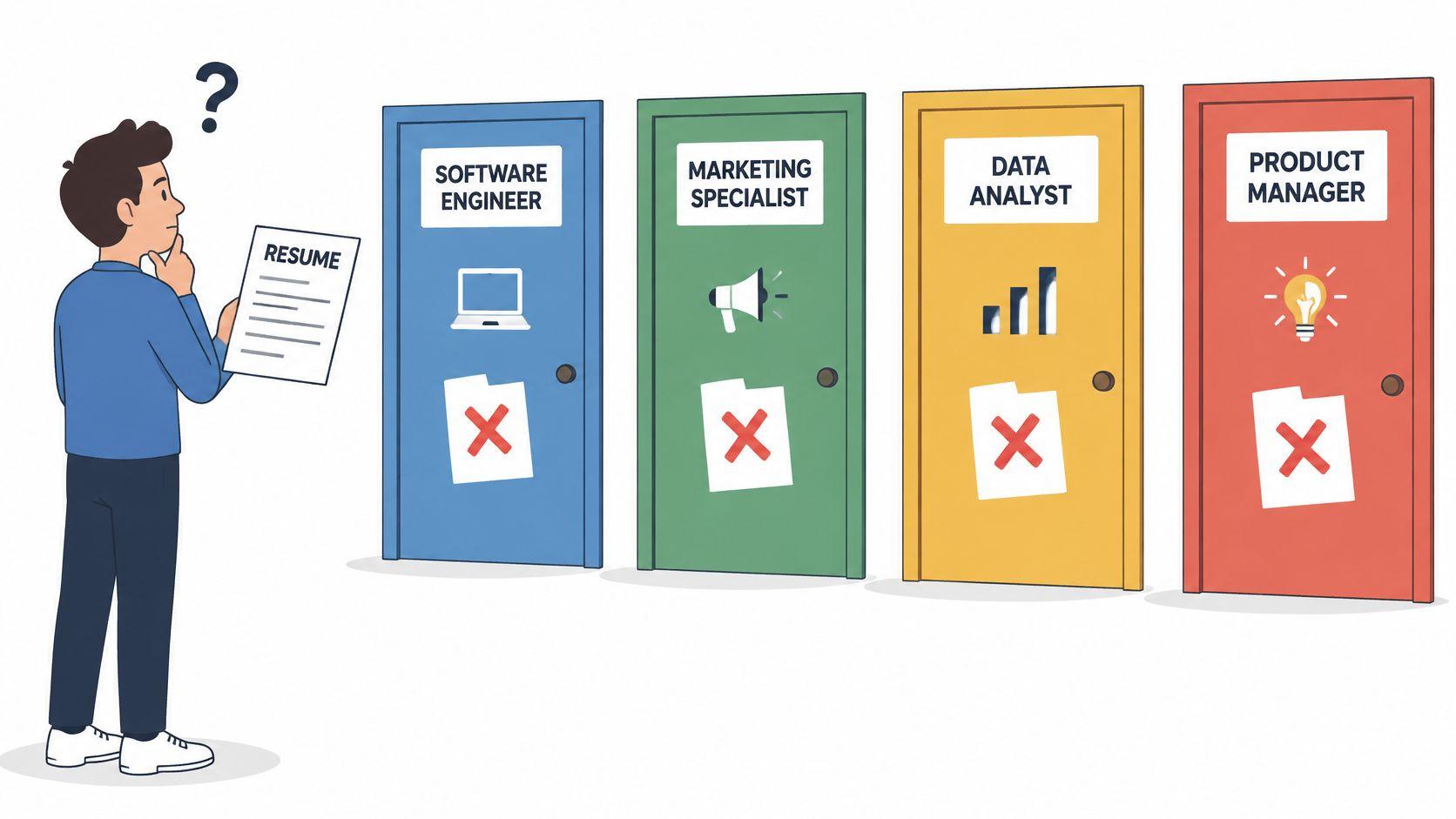
A generic resume asks the reader to do the matching for you. Recruiters won’t. They look for relevance first, and a document written for every job rarely looks built for any of them.
That risk is measurable. In a 2024 survey of 753 U.S. recruiters and HR professionals, 72% said a generic resume was a rejection factor, according to CNBC’s report on resume red flags.
Say a data analyst applies for a fintech role. The master resume lists dashboards and reporting but never names the stack or domain in the posting. A version adjusted for this job moves payments work, SQL, and fraud reporting to the top. Same person. Different signal.
The same applies to remote work. A product manager applying to a remote-first company shouldn’t leave out async collaboration and time-zone overlap when the posting asks for both. If it’s missing, the recruiter assumes it isn’t there.
Build versions, not copies
- Keep one master resume: Store every role, metric, tool, and project there, even if it’s long.
- Create category versions: Build one for fintech analytics, one for SaaS analytics, and so on. Don’t rebuild from zero for every posting.
- Rewrite the first half-page: Change the summary and the top three to five bullets for each application. That’s where relevance is judged.
- Name files clearly: Use a format like Resume_DataEngineer_Fintech_2025 so you know what each employer received.
Use a Resume Match Score before applying to see which keywords match and which are missing. Then browse live openings by role and tailor to the posting in front of you, not the job you wish existed.
2. Missing the Keywords the Job Description Uses
Qualified doesn’t always mean searchable. If the posting says ETL and your resume says “built pipelines,” a keyword filter may rank you below someone who used the exact term.
A Jobscan survey of hundreds of recruiters reported that 99.7% use keyword filters in their ATS, with resume skills filtered by 76.4%, according to Jobscan’s applicant tracking systems guide. That’s not a minor technicality. It’s the first sort.
Say a DevOps engineer writes “container orchestration” but never names Kubernetes, even though the posting lists it three times. Or a marketing manager claims SEO experience without naming Google Analytics or Search Console. A human might infer the match. A filter often won’t.
Practical rule: Use the employer’s wording where it’s truthful, then prove it with scope, tools, and results. A keyword without evidence won’t survive human review.
Apply the claim, evidence, context test
Copy the required and preferred skills into a list. Check each one against your resume. Where you have the experience, use the exact spelling from the posting for tools, certifications, and job titles.
Include both forms when it helps. Write “customer relationship management (CRM)” or “Finite Element Analysis (FEA)” rather than choosing only the version you prefer. That matters for international applicants whose local titles or technology names differ from the employer’s terms.
Don’t stuff a disconnected keyword list into the footer. Put the skill where the work happened and add the outcome. If you can’t discuss it in an interview, don’t add it.
JobGlance’s Resume Match Score highlights matched and missing keywords inside the job description. Use that check on roles like current product manager openings before you send the file.
3. ATS-Unfriendly Formatting With Tables Columns Graphics and Headers
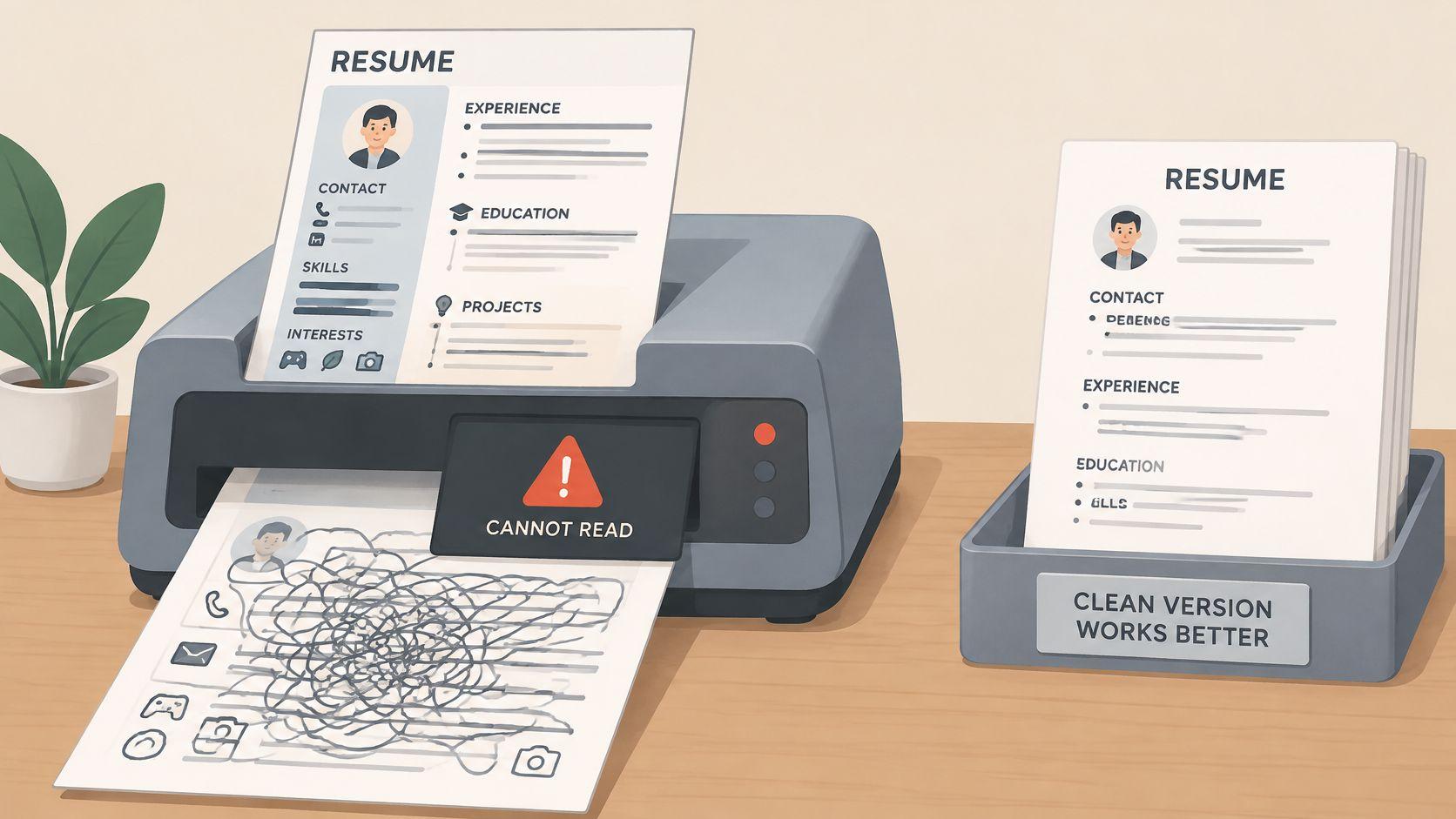
A resume can look polished and still arrive broken. Sidebars, tables, text boxes, icons, skill bars, and content inside headers or footers can be read out of order or skipped entirely.
The cost is invisible to you. The recruiter’s system may show missing titles, dates, or contact details while your PDF looks perfect on screen.
Say all your skills sit in a left sidebar. The parser reads them after your work history and attaches them to the wrong role. Or your name and email sit in a document header that the parser ignores. Now the record has no contact information.
Formatting problems are widespread. In a 2025 analysis of 1,571 resumes, poor formatting or layout appeared in 76% of documents, according to the Resumeble study release on PRWeb.
Make the file readable before you make it attractive
- Use one column: Keep headings conventional, such as Experience, Education, and Skills.
- Move contact details into the body: Don’t rely on the header or footer to carry your email or phone.
- Test the PDF: Export a text-preserving PDF, then select and copy every line. If the pasted text is scrambled, the parser will struggle too.
- Remove visual skill ratings: Replace bars and icons with plain words the system can search.
JobGlance’s ATS Resume Builder scores a resume against five ATS checks and rebuilds it in single-column templates. It’s free and unlimited on every tier at my.jobglance.app. For a specialist example of simple, evidence-led structure, see this water sector resume advice from WaterJobsIntel.
4. Listing Duties Instead of Quantified Achievements
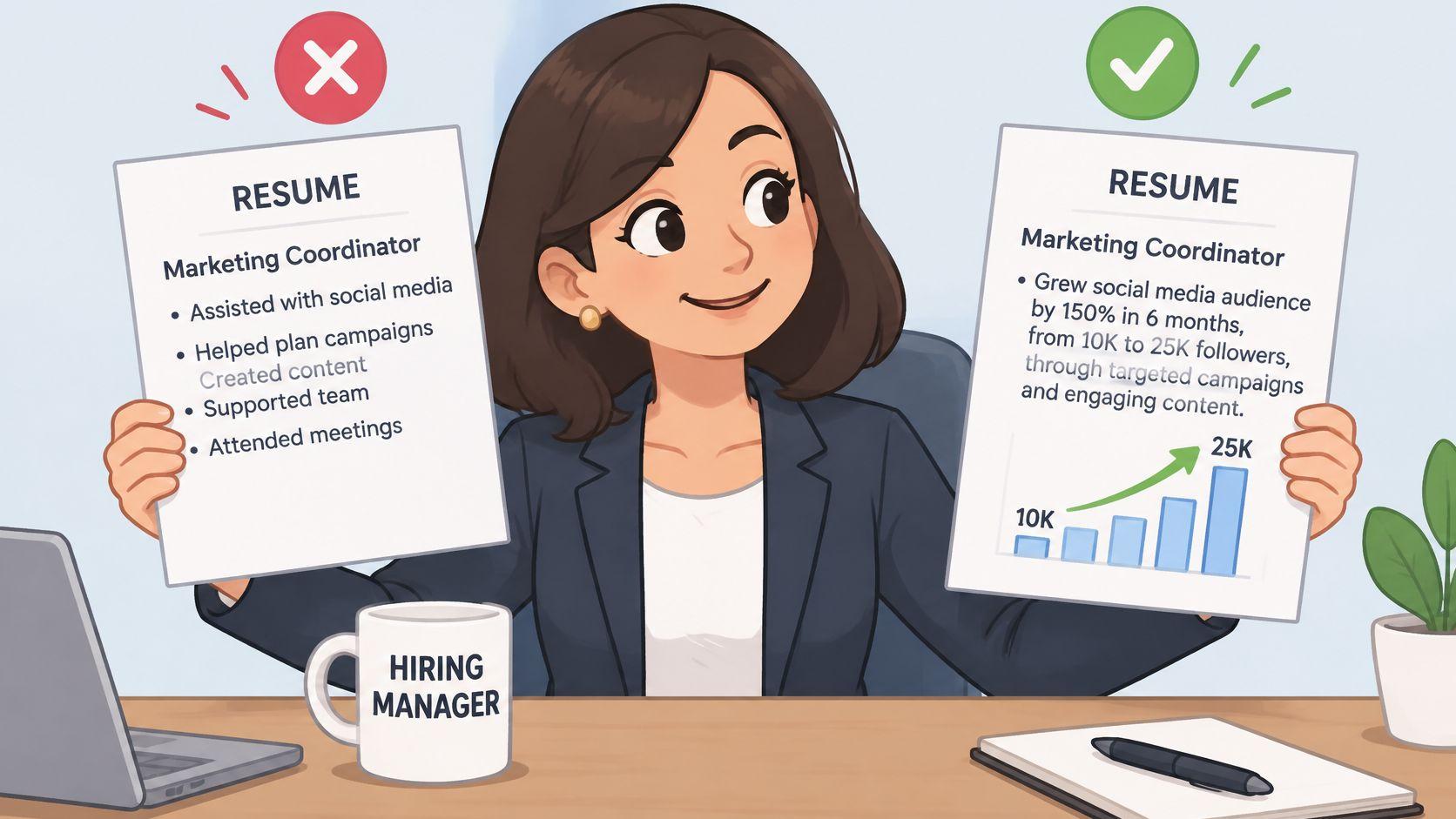
“Responsible for managing customer accounts” tells a recruiter what your job was. It says nothing about whether you did it well.
Reviewers compare scope and outcome. Harvard Extension School advises candidates to keep resume language fact-based and to quantify and qualify information whenever possible, according to Harvard’s guidance on creating impactful resumes. That advice gives you a simple editing test. Every major bullet should say what you did and what changed.
Compare these rewrites:
- Before: Managed the support queue.
- After: Reduced average first-response time from 19 hours to 4 hours across a team of six agents.
- Before: Built data pipelines.
- After: Built an ETL pipeline that cut nightly reporting runtime by 60% and supported 12 downstream dashboards.
The second versions don’t use better adjectives. They provide evidence a hiring manager can compare.
Find numbers you can defend
You don’t need revenue figures. Use percentages, volumes, budgets, cycle times, error rates, audience size, team size, or delivery counts. If you don’t know the exact figure, use a careful estimate you can explain.
Use this formula: action verb + what you did + measurable result. Keep each role to four to six bullets, strongest first. Then prepare one sentence explaining every metric, because interviewers will ask where it came from.
Don’t invent precision. A defensible range beats a dramatic number you can’t support.
5. Missing Work Authorization Location and Remote-Eligibility Information
For international and remote roles, eligibility comes before enthusiasm. If a recruiter can’t tell where you’re based or whether you can legally take the job, they often won’t spend time asking.
Add the answer to the header. It takes one line.
Say a candidate based in Lagos applies for a UK role. The header reads, “Right to work in the UK: Skilled Worker visa required; open to sponsorship.” The recruiter can route the application immediately instead of guessing.
A remote engineer in Manila can do the same with availability. “Available 6am to 2pm UK time, six years of async remote collaboration” answers the overlap question before it becomes an objection.
State the facts plainly
Include your city, country, and time zone. State work authorization in direct terms. If you need sponsorship, say so in the header or summary. If you’re authorized without sponsorship, say that too.
Don’t hide a non-linear history by removing all dates. Clear chronology and a brief explanation of a transition are easier to assess than gaps the reader has to reconstruct. Keep personal information separate from skills and results.
Target roles where your status fits. Start with visa sponsorship openings when sponsorship is required, and use remote job listings that specify location eligibility when location is the deciding factor. Don’t treat “remote, US only” and “open to candidates in any country” as the same thing. They’re different eligibility rules, and applying to the wrong one wastes the tailoring work you’ve just done.
6. Bloated Length and Irrelevant Content
Length isn’t the problem by itself. Buried relevance is.
A dated objective, every job since school, personal details, and long duty lists push your strongest evidence down the page. In a 2024 survey of 780 U.S. hiring managers, 36% said they always or often passed on otherwise qualified candidates when key information could not be located quickly, according to the ResumeTemplates.com survey release.
Replace “Seeking a challenging role where I can grow” with a three-line summary. Name the target role, years of experience, and two headline achievements. That gives the reader a reason to continue.
Say a data analyst still lists a 2009 retail job in detail. Remove it. Use the space for two quantified project bullets that match the posting. The resume gets shorter and stronger at the same time.
Cut by relevance, not by fear
Aim for one page if you have under ten years of experience and no more than two pages for most other candidates. Compress roles older than about 15 years unless they’re directly relevant. A one-line entry is enough for early work.
Remove age, marital status, and photos unless you’ve verified that the target market expects them. Norms differ by country, so don’t copy a format from one market into another without checking.
Your first half-page should prove fit. If the strongest evidence appears on page two, many readers will never reach it.
7. Typos Inconsistent Dates and Careless Formatting
One typo won’t erase a career. It can still end an application.
A 2023 survey cited by Robert Half found that 63% of senior managers would eliminate an applicant after seeing only one or two resume mistakes, according to Fast Company’s report on resume typos. Small errors act as a fast proxy for care, especially when your resume claims strong communication or attention to detail.
The experimental evidence is just as direct. A 2020 randomized experiment involving 445 Belgian recruiters found that two spelling errors lowered interview probability by 7.3 percentage points, according to Resumity’s summary of resume statistics.
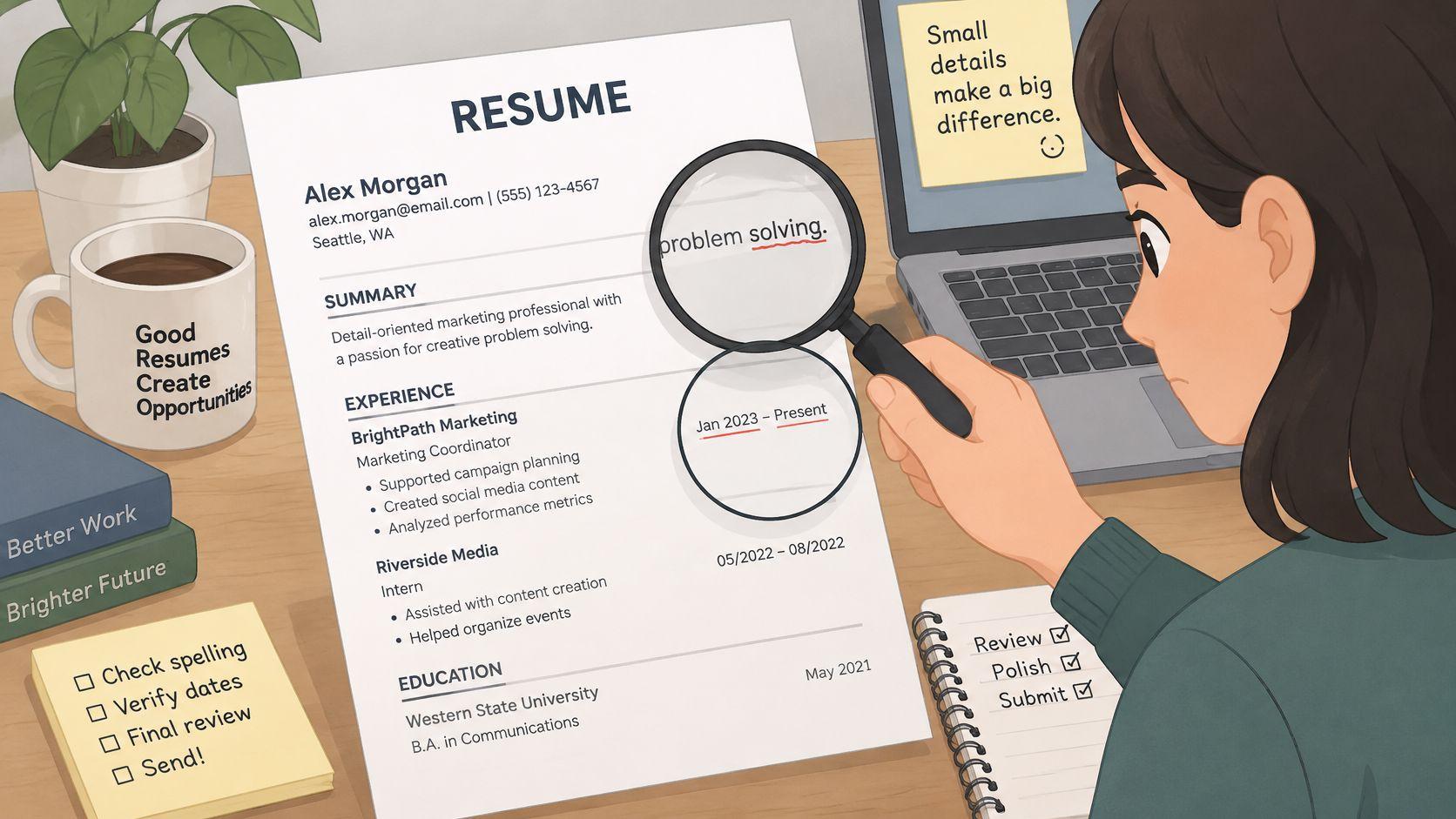
Inconsistency creates the same impression. Don’t list one role as “Jan 2020 - Present” and another as “03/2018 - 11/2019.” Don’t mix present and past tense inside the same previous role. The reader notices the lack of control before they assess the achievement.
Use a zero-error final pass
- Pick one date format: Use Mon YYYY throughout.
- Fix tense by role: Use past tense for previous roles and present tense only for current work.
- Read it aloud: Then read backwards line by line to catch duplicated words and missing terms.
- Check names manually: Verify employers, technologies, certifications, titles, and dates. Automated tools can change technical terms incorrectly.
- Inspect the exported PDF: Conversion can introduce spacing or character errors that weren’t in your source file.
Ask one other person to proofread the final version. Fresh eyes catch what familiarity hides.
8. Unprofessional Contact Details Broken Links and Poor File Naming
The contact block looks minor. It’s where the next step either happens or doesn’t.
An informal email like lazyfox_2004@… makes a recruiter pause for the wrong reason. A phone number without a country code creates friction for an international employer. A portfolio link that returns an error suggests you didn’t test the file you sent.
File naming causes quieter damage. CV_final_FINAL2.pdf tells the recruiter nothing and is easy to misfile. They shouldn’t have to rename your document before they can track it.
Remove every avoidable obstacle
- Use a name-based email: Choose a professional address with your first and last name where possible.
- Add the country code: Include your phone number, city, country, and time zone so scheduling is straightforward.
- Test every link: Open LinkedIn, portfolio, GitHub, and writing samples in an incognito window. Confirm they’re public and load correctly.
- Name the file for the reader: Use Firstname-Lastname-DataAnalyst.pdf or the equivalent for your target role.
- Send the requested format: Use a text-preserving PDF unless the employer asks for DOCX or another format.
Click every link from the exported file, not from your browser bookmarks. A link can work in the source document and break after export. Check the exact attachment you’re sending, on the exact version the recruiter will receive.
Final contact check: If someone wanted to invite you to interview within one minute, could they reach you without searching anywhere else?
Which Resume Mistakes Cost the Most and How Quickly to Fix Them
| Item | Who It Hurts Most | Filter It Affects | Quickest Fix |
|---|---|---|---|
| Sending One Generic Resume to Every Job | Applicants targeting varied roles | Relevance and ATS ranking | Tailor the summary and key bullets to the role |
| Missing the Keywords the Job Description Uses | Qualified applicants using different terminology | ATS keyword matching | Add accurate keywords from the posting |
| ATS-Unfriendly Formatting: Tables, Columns, Graphics, and Headers | Applicants using design-heavy layouts | ATS parsing and recruiter search | Use a single-column layout with standard headings |
| Listing Duties Instead of Quantified Achievements | Applicants whose impact is hard to assess | Recruiter accomplishment review | Rewrite bullets to show actions and measurable results |
| Missing Work Authorization, Location, and Remote-Eligibility Information | International and remote candidates | Eligibility, location, and sponsorship filters | State location, work authorization, and availability clearly |
| Bloated Length and Irrelevant Content | Applicants with crowded or unfocused resumes | Recruiter scan and relevance review | Remove outdated or unrelated details |
| Typos, Inconsistent Dates, and Careless Formatting | Applicants for detail-focused roles | Recruiter quality and communication review | Standardize dates and proofread the final resume |
| Unprofessional Contact Details, Broken Links, and Poor File Naming | Applicants with hard-to-use contact details or links | Contactability and candidate record creation | Verify contact details and links; use a clear file name |
Fix These Eight Mistakes Once Then Check Every Application
Start with the filters that act first. Rebuild the layout in a single-column format, put contact and eligibility details in the body, and make sure every line survives PDF export as selectable text. If the system can’t parse the file, better bullets won’t help.
Next, tailor one application at a time. Keep the master resume complete, then rewrite the summary and top bullets for the role in front of you. Use the employer’s exact tool names and job title where they’re truthful, pair each important skill with evidence, and leave out terms you can’t discuss.
Then tighten the evidence. Replace duties with scope, scale, and outcome. Cut early or irrelevant roles so the first half-page carries the strongest match. Finish with the slow checks recruiters notice quickly, including consistent dates, clean tense, working links, and a professional file name.
Our ATS Resume Builder can score your current file against five ATS checks and rebuild it in a clean single-column template. After rebuilding, the old score appears beside the new one, so you can see what changed. Uploading a PDF or DOCX gives you an instant ATS score, and the exported PDF contains real selectable text.
Before you apply, run a Resume Match Score on the specific posting to catch missing keywords. Use Career Gap Analysis to spot skills your saved roles keep asking for, then decide whether the gap needs experience, training, or clearer wording in the resume.
Filter your search by visa sponsorship opportunities or by remote eligibility so you spend tailoring time on roles you can take. Before sending the next application, read our guide to what an ATS-friendly resume actually contains and compare your file against it line by line.
You don’t need a louder resume. You need one that passes eligibility, parses cleanly, matches the posting, and proves results fast. Fix the structure once. Check the fit every time.
Upload your resume to JobGlance to score live roles against your experience, catch missing keywords before you apply, and filter for visa sponsorship or work-from-anywhere eligibility from the start. Rebuild the file in a clean ATS-friendly format, tailor it to the posting you want, and spend your applications on roles you’re genuinely eligible to win.
Keep reading


