 AI Tools · Magic Toolbox
 Find a better version of this job.
Without leaving the tab.
The listing looks close but something's off. One click finds equivalent roles from 100+ sources, in context.
How it works
Open any job listing
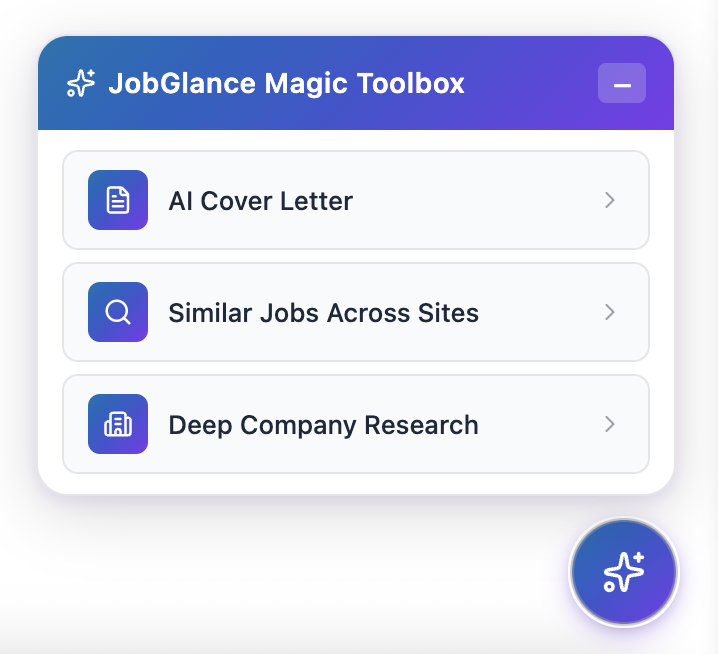
On any site. The Magic Button sits in the bottom-right corner of every job page you visit.
Click Magic Button → Similar Jobs
The tool reads the current listing's title, skills, and requirements and constructs a search automatically.
Browse equivalent roles
Results appear instantly — the most similar roles from across our entire database, ranked by how closely they match the job you're viewing.
Not "more jobs."
The right version of this one.
This isn't a generic "find more jobs" button. It searches for roles that match what drew you to the current listing — same title, similar scope, equivalent requirements — from across 100+ sources.
Find the same role posted more recently elsewhere.
Find the same role at a less competitive company.
Find equivalent roles with better terms.
Find the same role at a company that does.

Who it's for
For job seekers who find roles they like but for one reason or another can't or don't want to apply to that specific posting. Instead of re-searching from scratch, one click finds alternatives without interrupting your browsing flow.
Frequently asked questions
The free tier includes 5 similar job searches per 30-day rolling window. Pro unlocks unlimited searches.
No — similar jobs are ranked by how closely they match the job you're currently viewing, not by your resume fit. Think of it as "find me more jobs like this one" rather than "find me jobs that fit me."
Yes — it searches our full database, not just jobs from the site you're currently on.
Never settle for the only posting you found.
Start for free · No credit card required · Pro from $12.99/mo