Gap Analysis Example for Job Seekers: A Worked Walkthrough


On this page
You saved another listing last night, then two more this morning, and the requirements still refuse to line up. One posting wants Python and Airflow. The next wants SQL, Azure, and “strong stakeholder communication.” A third says remote, then adds a country restriction halfway down the page. After a dozen tabs, the search feels like a pile of overlapping checklists rather than a plan you can act on.
A gap analysis example for job seekers fixes that pile by counting what repeats. You don’t treat one job description as the truth. You save comparable roles, tally the requirements they share, and rank the shortfalls against proof already on your resume. The same pass also splits skill shortfalls from eligibility blocks, so you don’t spend a month learning a tool for a role that can’t hire you.
I would run the audit in this order. Build the table, read one worked example, separate hiring blockers from learning work, rank what to close versus reframe, then keep the counts current.
Gap Analysis Explained in Plain Terms
A gap analysis compares where you are with where you need to be and ranks the distance between them. Every useful version has three parts, and skipping one of them turns the exercise into a vague to-do list.
Current state is what you can prove today. That means skills named on your resume, projects with a result, and work samples a recruiter can open. Desired state is the standard you must meet, which for a job search is the requirements that keep showing up across the roles you want. The gap is the difference, ranked by how much it changes your chances, not by how interesting the skill sounds.
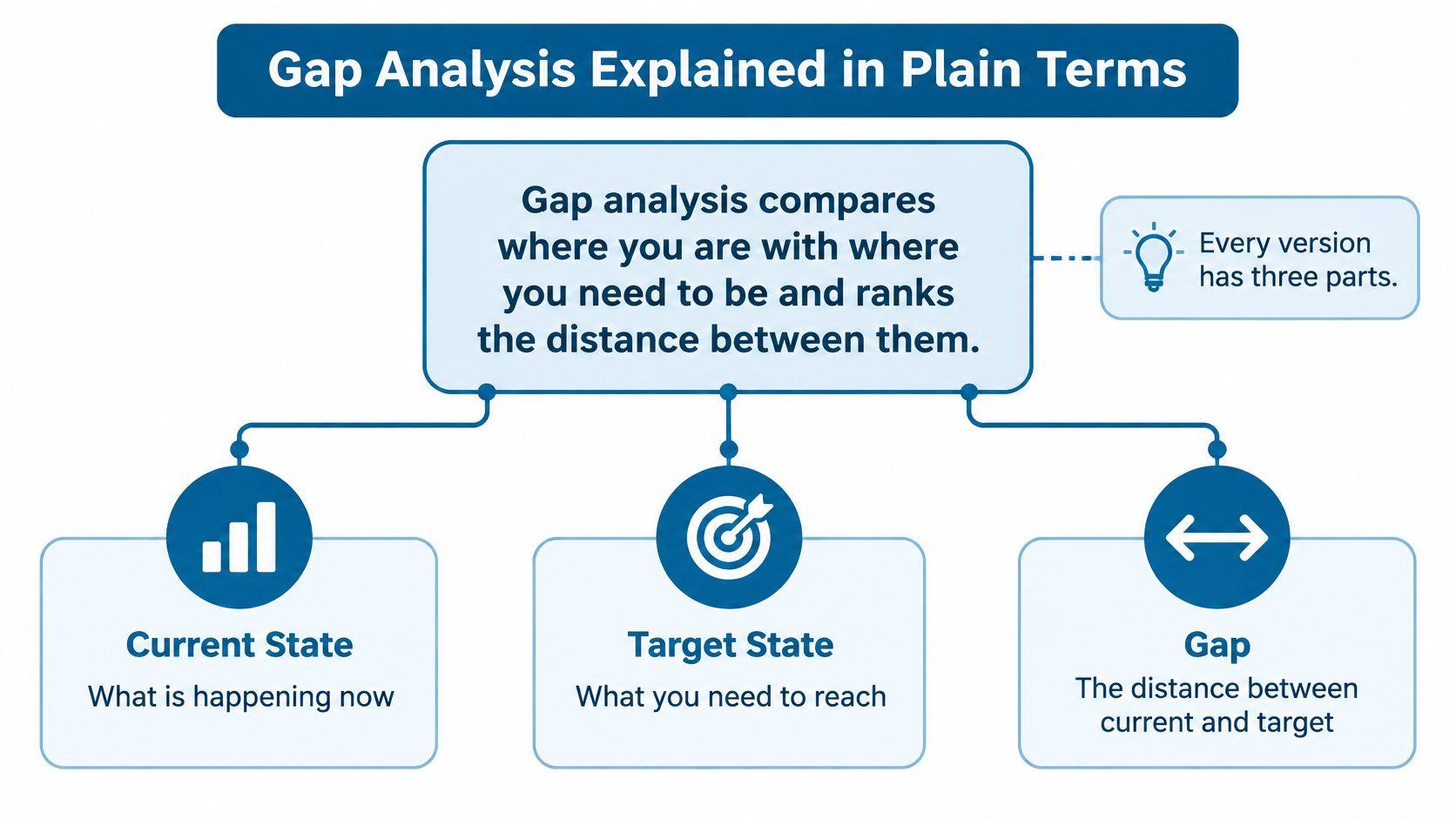
It’s like a route check before a road trip. You note the starting point, the destination, and the stretches that need fuel or repairs. You don’t rebuild the whole car because one sign mentioned a steep hill.
Why the count beats one listing
Dozens of postings use overlapping but different wording for the same work. A single listing can send you after a tool that never appears again. The rule I apply throughout is simple. A requirement counts as a real gap only when several saved roles repeat it, not when one posting mentions it once.
That rule has a long pedigree outside hiring. The U.S. Geological Survey history of the Gap Analysis Program records that J. Michael Scott conceived the method in the 1980s at the University of Idaho. After an Idaho pilot in the late 1980s, the program launched in 1989 to compare existing biological and land-use information with conservation priorities, then direct scarce effort toward the shortfalls that mattered most. A company can run the same comparison against a strategic plan. A product team can run it against customer needs. A job seeker runs it against saved vacancies.
Practical rule: If a skill shows up in one saved role and nowhere else, treat it as noise until a second and third posting repeat it.
The same logic helps outside tech. Someone moving into care work can find training for care assistant roles and then check whether those skills repeat across the vacancies they saved, instead of collecting certificates at random. Build the table next, read a worked example, check eligibility, rank the gaps, and keep the analysis current.
How to Build a Gap Analysis from Saved Roles
The first pass takes about an hour. Later reviews take about fifteen minutes, because the rows already exist and you only update the counts. Browse live openings by title on the role category pages so the five to ten roles you save share one target title and one seniority level.
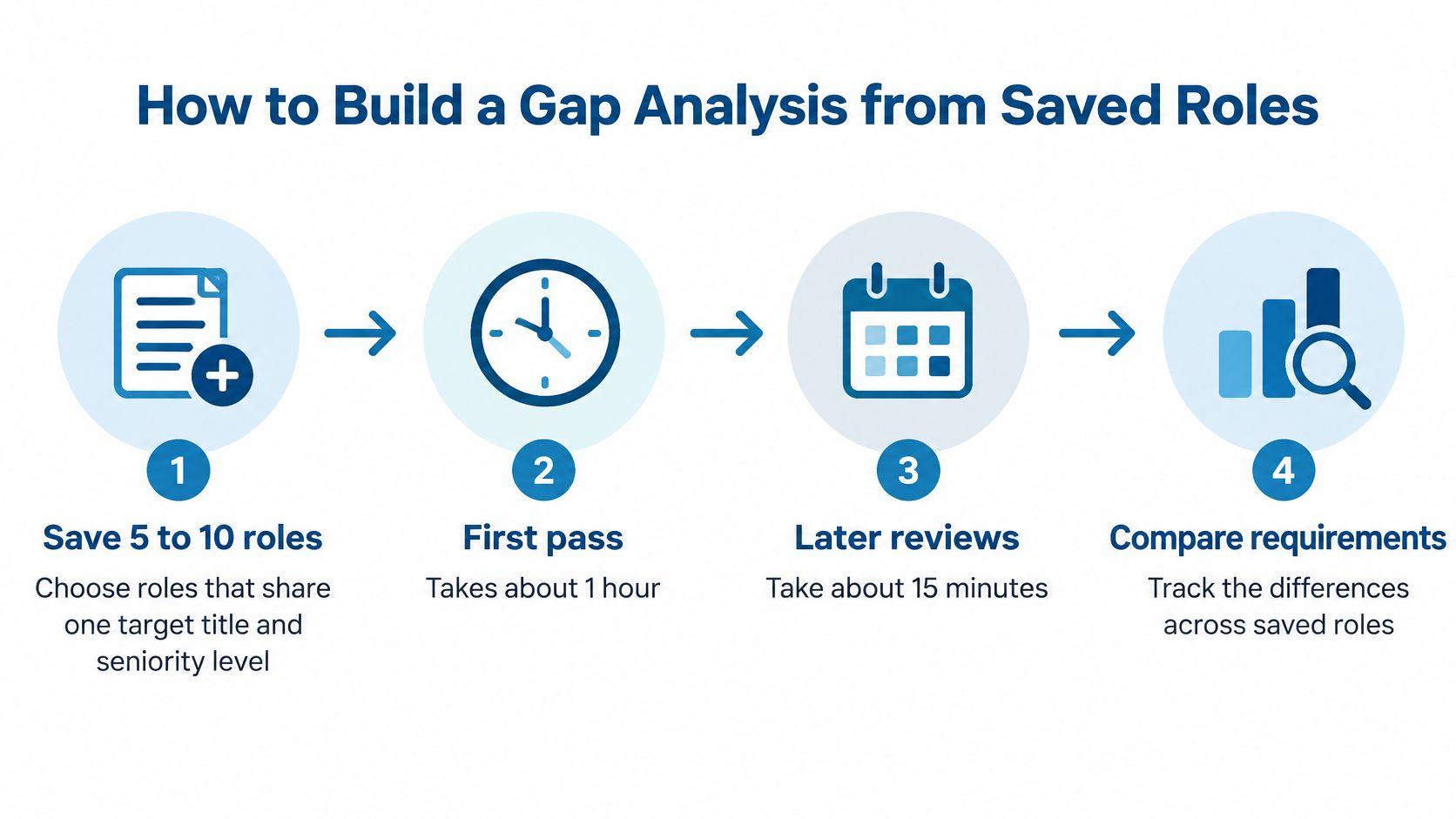
Seven steps that produce a ranked list
- Save five to ten comparable roles. Pick one target title and one seniority band, because a junior analyst posting and a staff engineer posting don’t share a fair requirement set.
- Copy every requirement line into one spreadsheet. Keep the posting’s exact wording on the first pass, so you don’t accidentally rewrite “preferred” into “required.”
- Merge wording variants into one row. “AWS, GCP or Azure” becomes a single cloud platform row, and “Airflow or dbt” becomes one pipeline row, or the same skill gets counted twice.
- Mark must-have or nice-to-have from the posting’s own labels. Use words such as “required” and “preferred,” because your guess about importance is weaker than the employer’s label.
- Count how many saved roles mention each skill. That frequency is the ranking signal, and a skill in four of five roles outranks a skill in one.
- Label each skill as shown, adjacent, or absent against your resume. Adjacent means you did the work under a different job title and can point to a result.
- Write the proof for each absent or partial skill. Name a project, a certificate, or a work sample, because a course completion with no artifact rarely changes a screening decision.
Before you lock the labels, understand your learning strengths so the proof you choose matches how you retain a skill. A portfolio project beats another video course for some people. A short assessed certificate beats an open-ended side project for others.
Slips that wreck the count
Double-counting one role. If you paste the same description into two rows because you saved it on two boards, that role inflates every frequency.
Splitting one skill across rows. “Python” and “Python 3” are the same requirement. Leave them split and both look rare.
A useful result is three to five gaps, ranked by frequency, each with a named proof attached. If the list runs past five, the title is too broad or the seniority mix is off. Narrow the save set and recount before you start studying.
Worked Example for a Data Engineer Role
Say a data analyst with strong SQL evidence saves five data engineer roles at a similar level. The finished table is the analysis. Each frequency is a count out of those five, and each evidence cell is checked against the resume rather than against what the candidate remembers doing.
You can pull a fresh set of comparable postings from data engineer roles and run the same count on your own saves. The rows below are one candidate’s result, not a universal curriculum.
Skills gap table for five saved data engineer roles
| Skill | Roles requesting it (of 5) | Resume evidence | Gap status |
|---|---|---|---|
| Python | 5 of 5 | Not shown | Priority gap |
| SQL | 5 of 5 | Shown in 2 projects | Covered |
| Cloud platform (AWS, GCP or Azure) | 4 of 5 | Not shown | Priority gap |
| Data pipelines (Airflow or dbt) | 4 of 5 | Not shown | Priority gap |
| Data modelling | 3 of 5 | Shown in 1 project | Partial gap |
| Stakeholder communication | 2 of 5 | Shown in 3 roles | Strength to highlight |
How to read the rows
Python sits at the top because it is absent from the resume while the saved set treats it as standard. That is the first proof project, scoped as a small pipeline script with a README a hiring manager can open.
Cloud platforms and data pipelines form the second tier. Both are missing, both are repeated, and neither is a nice-to-have in this set. I would not start three courses. I would build one project that lands data in a single cloud and schedules it with one orchestration tool, so two rows close together.
SQL is covered. It appears throughout the set and already shows up in two projects, so more SQL study is a distraction unless a posting asks for a dialect the resume never mentions.
Data modelling is a partial gap. One project is not enough when the skill keeps appearing, but the candidate is not starting from zero. A second example, with a schema diagram and a short note on why the grain was chosen, is the proof.
Stakeholder communication is a strength to highlight, not a course to buy. It is less frequent than the technical rows, and the resume already shows it across prior roles. Put it in the summary and in one bullet with a result.
Three priority gaps, one partial gap, and one strength. Each status is tied to a count you can check against your own saved roles.
The World Economic Forum’s Future of Jobs Report 2025 gives the wider reason this count is worth the hour. Employers expect 39% of workers’ existing skill sets to be transformed or become outdated between 2025 and 2030, down from 44% in 2023. In a hypothetical workforce of 100 people, 59 will require upskilling or reskilling by 2030. Of those, 29 could be developed in their current positions and 19 could be retrained and redeployed, while 11 may not receive the training needed. Your table is how you choose the 29-style work you can do now, instead of treating every missing keyword as equal.
Separating Skill Gaps from Eligibility Gaps
The most expensive mistake is learning a new tool for a role that cannot legally or operationally hire you. A candidate spends eight weeks on Power BI, SQL, and a dashboard portfolio, then discovers the posting said “remote, US only,” or that the employer does not sponsor. The skills were real. The months were still wasted.
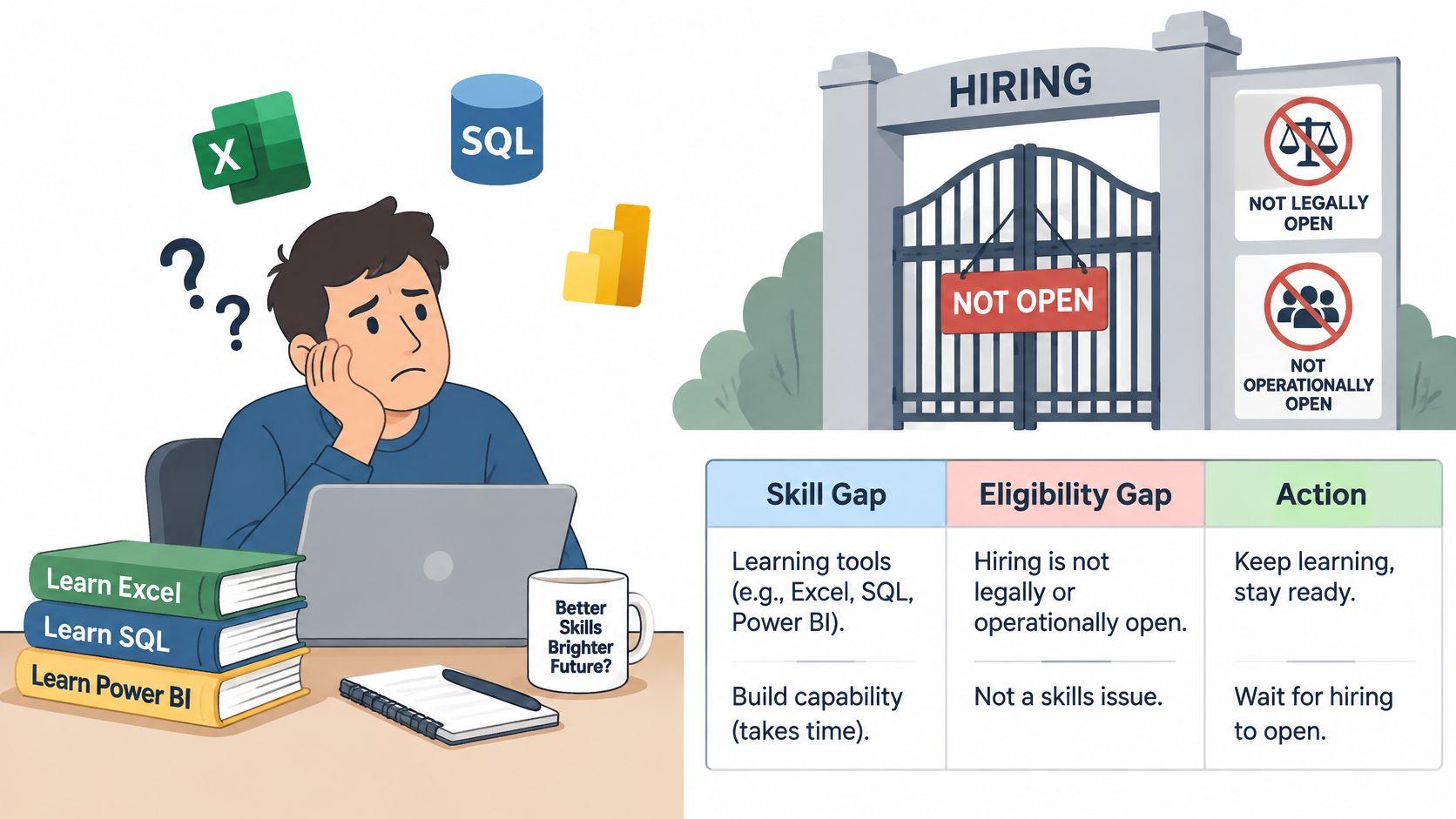
Three types of gap and what to do about each
| Gap type | Question it answers | Typical example | Action |
|---|---|---|---|
| Capability gap | Can I do the work? | No experience with Airflow | Build a project and record the proof |
| Eligibility gap | Is the role open to me where I live? | Posting says remote, US only | Filter out before applying |
| Authorization gap | Can the employer legally hire me? | No sponsorship for this role | Check the employer’s sponsor status before investing time |
A capability gap is about what you can do. An eligibility gap is about where the role is open to you. An authorization gap is about whether the employer can legally hire you, usually through a visa or sponsorship route. Mixing the three produces a study plan for jobs you were never going to get.
The OECD International Migration Outlook 2023 shows why authorization is not a footnote. Among male migrants in 2021, employment rates were 85% for those admitted through a skilled-migration stream, 68% for family migrants, and 50% for humanitarian migrants. Across OECD countries, more than two-thirds of immigrants were employed in 2020, while one in ten migrants was unemployed compared with one in fifteen native-born people. Admission route changes outcomes even when skills look similar on paper. The employer’s sponsorship position, not your course list, often decides the result.
Order of action
Confirm eligibility and authorization before you score capability gaps. An ineligible role does not need a skills plan at all. Filter those postings out, then spend learning time only on roles that can hire you. If sponsorship is the blocker, start with visa sponsorship jobs and read whether the employer sponsors before you open a textbook.
When the barrier really is a missing skill and the role can hire you, explore upskilling for a career change with a proof project in mind, not an open-ended catalogue of courses.
This week’s check is one saved role. Read the location line, the remote restriction, and any sponsorship sentence before you look at the tools. If any of those three fail, drop the role from the frequency count so it stops inflating your gaps.
Ranking Gaps and Reframing Surplus Skills
A long list of gaps is not a plan. You can’t close eight skills before the next application cycle, and trying to usually means finishing none of them. Rank after eligibility is settled, using four criteria.
Criteria for ranking skills gaps
| Criterion | What to measure | High-priority threshold |
|---|---|---|
| Frequency | Saved roles requesting the skill | Requested in 4 or more of 5 saved roles |
| Hiring impact | Listed as must-have rather than nice-to-have | Listed as required in the posting |
| Learning effort | Time needed to produce credible proof | Under 4 weeks for a project |
| Existing evidence | Adjacent experience that can be reframed | Strong adjacent work already on the resume |
Frequency comes first. A skill in four or five saved roles changes more applications than a skill in one. Hiring impact comes next, using the posting’s required label rather than your hunch. Learning effort keeps you honest. If credible proof takes longer than four weeks, split the work or pick a narrower artifact. Existing evidence stops you from pretending you are a beginner when adjacent work is already on the resume.
Competition is why the order matters. Greenhouse recruiting benchmarks cover more than 640 million applications from over 6,000 companies between 2022 and 2025. Average applications per job rose from 116 in 2022 to 189 in 2023, 223 in 2024, and 244 in the latest period, an increase of 111%. Applications handled per recruiter rose from 1,610 in 2022 to 4,890, a 203.7% increase. Screeners are moving faster. A resume that already matches the repeated must-haves gets read. A resume that chases every rare keyword does not.
Surplus is a gap you reframe
Not every difference is a deficiency. The 2025 Skills Gap Report found that 26% of OECD workers report being over-skilled for their jobs, compared with 10% who report being under-skilled. Some rows on your sheet are better rewritten than studied.
Sort each item into one of four buckets.
- Missing from the resume: no proof a screener can see, even if you have done the work informally.
- Frequently requested: repeated across the saved set, which is where study time goes first.
- Nice to have: preferred language, useful later, not this month.
- Rising in importance: worth a watch on the next review, not an automatic course today.
An operations analyst who built forecasting models in spreadsheets can describe that work as early data analysis evidence. Name the decision the model changed, the grain of the data, and the tool. That is a reframe. Starting from zero, as if spreadsheets never counted, throws away the evidence you already have.
Close the high-frequency must-have gaps first. Reframe the rows where adjacent evidence already exists, and leave the nice-to-haves off the active list.
Turning Gap Insights into a Recurring Review
A table from last month lies as soon as you save new roles. Counts shift, a proof gets finished, and a skill that looked essential can fade from newer postings. Keep one spreadsheet and update it on a schedule, or the ranking gradually goes stale.
Columns worth keeping
Hold the tracked list to about ten skills. More than that and the review becomes another job.
Use these columns, in this order:
- Skill: one merged name, not every synonym from the postings.
- Roles requesting it: a count out of total saved, such as 4 of 7, so the denominator stays visible.
- Must-have count: how many of those mentions were labelled required.
- Resume evidence: shown, adjacent, or absent, with a pointer to the bullet or project.
- Planned proof: the artifact, not the course title.
- Status: priority, partial, covered, or strength.
- Date last checked: so you can see which rows you are ignoring.
How the numbers move
A skill whose count rises across two review cycles is a growing priority. Move it up even if you like another topic more. A skill that drops out of new listings may be a passing trend. Don’t delete the row immediately, but stop spending evenings on it. A gap whose proof is complete moves into the evidence column and leaves the active study list.
Review cadence for a recurring gap analysis
| Trigger | What to recheck | Output |
|---|---|---|
| After every five new saved roles | Recount requirements across all saved roles | Updated frequency column |
| Monthly | Ranked list of priority gaps and proof in progress | Next three gaps to work on |
| Quarterly | Target role set and eligibility filters | Adjusted target titles and locations |
| Before applying to a new role | Match the role against the top three gaps | Decision to apply, reframe or skip |
The quarterly pass is where people drift. Titles creep from “data analyst” into “analytics engineer” without a fresh eligibility check, and the frequencies stop meaning anything. Reset the target set when the work you want has changed, not when you are bored with the current proof project.
Decision rule: when a new role changes the top three gaps, update the plan before you apply, not after a rejection. Applying first and studying later is how the same missing keyword shows up in three rejection emails.
Run Your First Gap Analysis This Week
Don’t rebuild the whole method before you start. The steps are already set. Pick one target title, save five comparable roles today, and build the first table before you run another search. Another hour of browsing only adds wording variants you have not merged yet.
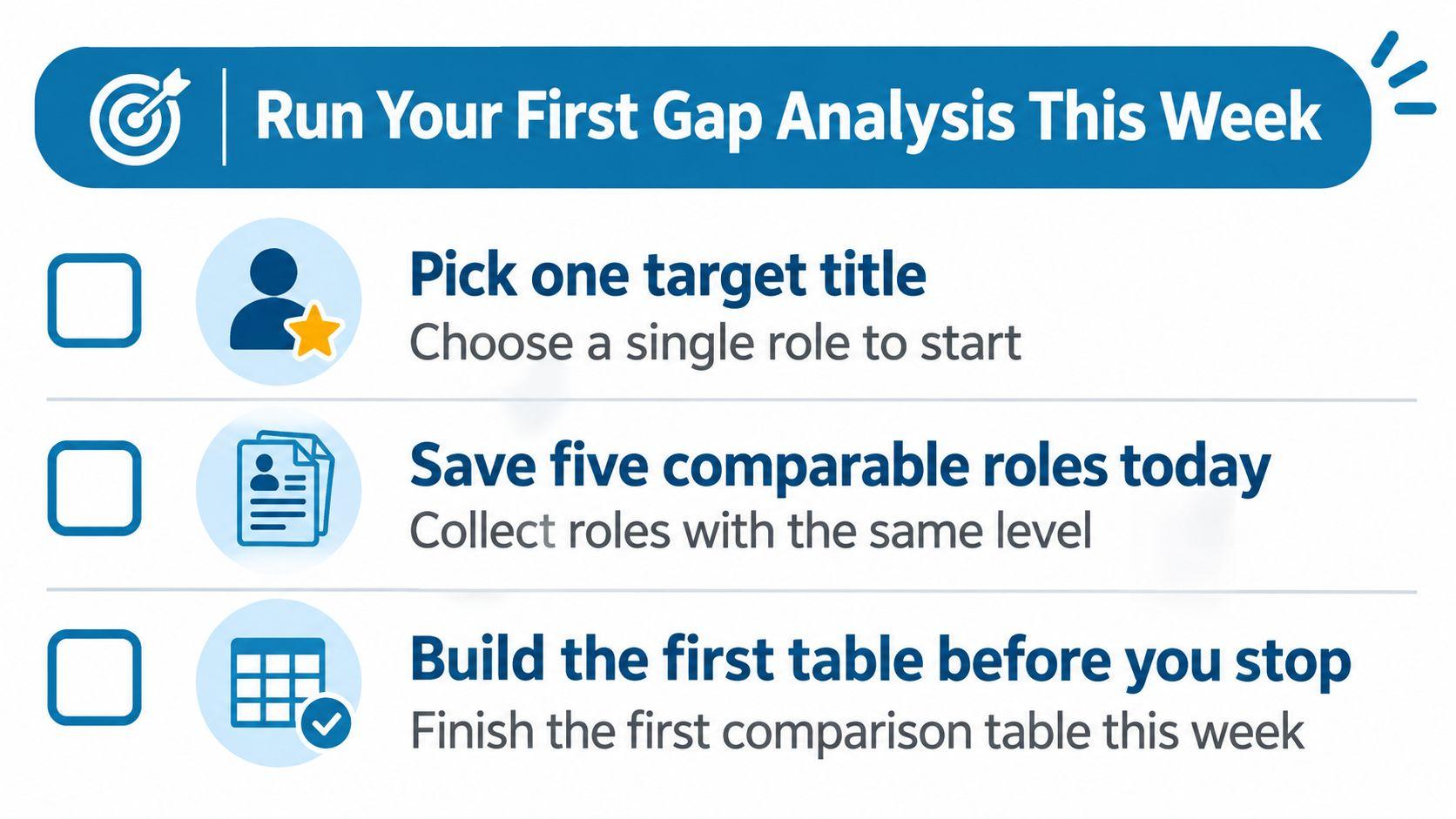
The only gap to test first
Use the top priority row. Scope the proof so you can finish it in under four weeks. A small public project with a result beats a syllabus you will not finish. If that top row is a tool you have already used under another name, reframe the bullet this week and move to the next row. Studying a skill you can already evidence is the failure mode of a tidy spreadsheet.
If the first obstacle is not a skill, stop the learning plan. Visa sponsorship openings and remote roles let you separate country limits from worldwide remote before a frequency count treats an ineligible posting as a skill demand. Read what visa sponsorship means before you assume a friendly remote line includes a visa. If your skills are real but the resume never surfaces them, the ATS-friendly resume guide is the fix, because a parser that drops your project section creates a fake gap.
Career Gap Analysis on JobGlance, including in the Chrome Extension, shows gaps across all saved jobs, so the same count can run without maintaining the spreadsheet by hand. You still decide which proof to build. The tally just stops depending on whether you merged “Python” and “Python 3” correctly at midnight.
Save five roles today. Build the first table before you open another search tab.
JobGlance brings visa sponsorship, worldwide remote, and resume fit into one search, then shows the skills your saved roles keep repeating so a gap analysis example turns into a short proof list instead of another pile of tabs. Career Gap Analysis reads across those saves and points at the requirements worth closing first. Visit JobGlance and run the count on roles you can be hired for.
Keep reading


