Resume Review Checklist: 8 Checks Before You Apply


On this page
Make your resume prettier and you’ll get more interviews. That popular advice gets the screening order backwards. Your document usually has to survive parsing, eligibility checks, and keyword retrieval before anyone judges its design, then a person may give it only seconds. In 2024, 96% of surveyed U.S. recruiters and HR professionals reported using AI or automated tools to screen resumes in a survey published by MyPerfectResume. Human attention isn’t generous either, since 42% of surveyed HR professionals said they spend less than 10 seconds reviewing an initial resume, according to Novorésumé’s HR survey.
This resume review checklist is sequenced around actual failure points rather than vague qualities. You’ll test keyword alignment, machine readability, evidence, scannability, tailoring, eligibility, contact conventions, and accuracy, in that order, in one sitting. Each check ends in a concrete action you can complete or fail. If a parser can’t extract your employer, elegant wording won’t save you. If your strongest skill appears only under a generic label, a recruiter searching for the employer’s exact term may never see it. Run the checks before the application goes out, not after silence makes you wonder what happened.
1. Keyword Alignment With the Target Job Description
Start with the posting, not your existing wording. Highlight every required skill, tool, certification, and role-level term, then mark each one as present, phrased differently, or missing on your resume. Put binary requirements first, because 84% of recruiters in a 2025 study of 25 U.S. recruiters relied on knockout screening, while 92% reported their systems did not automatically reject resumes based on content or formatting, according to HR Tech Edge’s recruiter study. Work authorization, a mandatory degree, or a required technology can end the review before semantic fit matters.
The U.S. Department of Labor’s resume guidance tells applicants to use keywords that match the job announcement. Use the employer’s exact term where it’s truthful, and include a common abbreviation too, such as Search Engine Optimization (SEO) or continuous integration and continuous delivery (CI/CD). Don’t bury PostgreSQL under “relational databases” or Kubernetes under “cloud.”

Worked example
Say a data analyst posting asks for SQL, dashboarding, and stakeholder reporting. “Built reports for leadership” is accurate, but it’s hard to retrieve. “Built SQL-driven dashboards used in monthly stakeholder reporting” matches the posting and gives the reader a clearer picture. On JobGlance, the Resume Match Score highlights matched and missing keywords inside the job description, so you can inspect the gaps directly.
- Map every core requirement: Add context and an outcome beside each skill you claim.
- Place keywords where they’re found: Use the skills section and the first bullets of recent roles.
- Keep proof ready: For each term, keep one project you can explain under interview questioning.
- Leave real gaps visible: If Kafka is missing and you haven’t used it, don’t invent experience.
Practical rule: A keyword earns its place only when you can name where you used it, at what scale, and what changed.
2. ATS-Friendly Formatting and File Structure
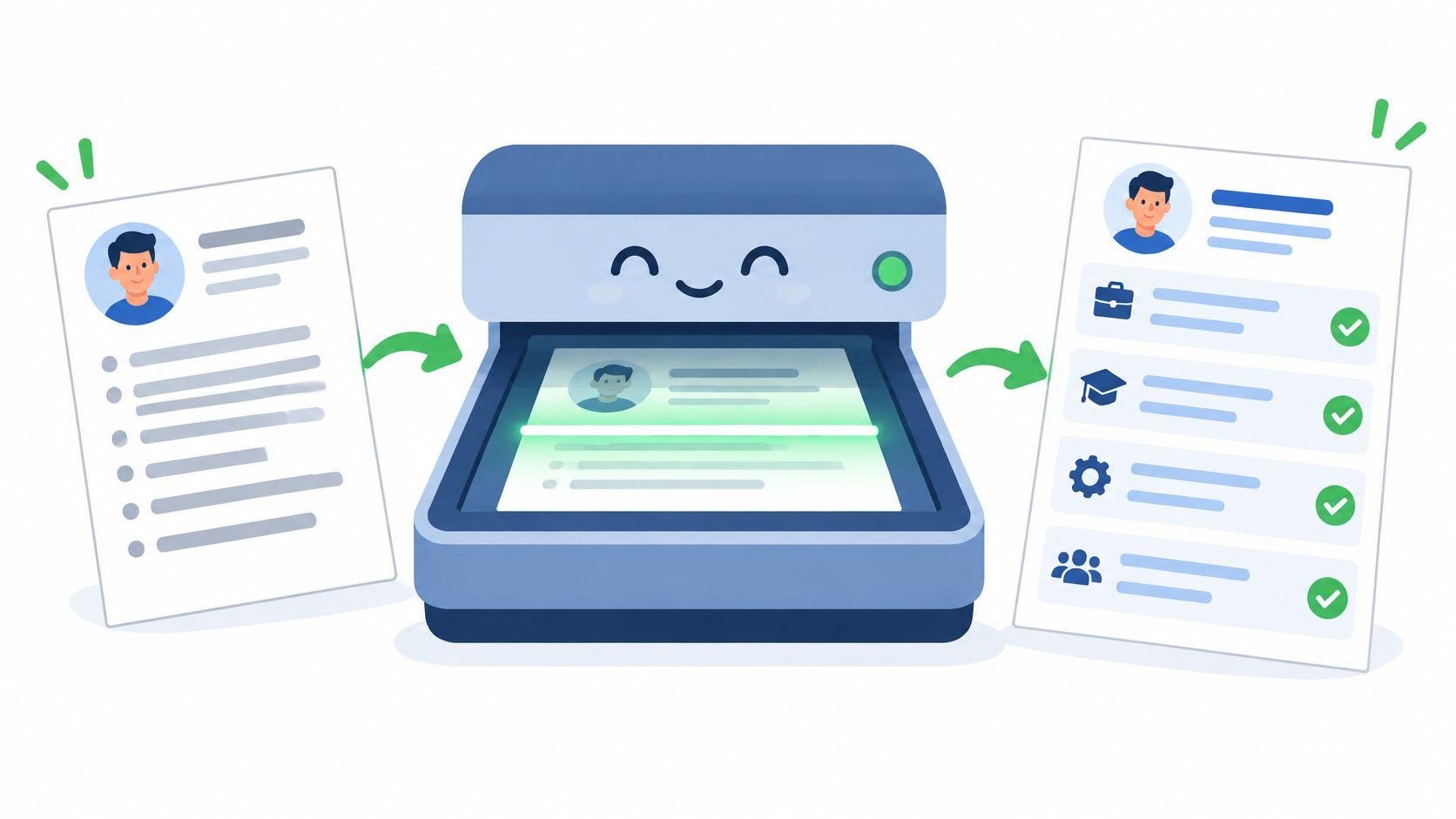
A parser doesn’t admire layout. It tries to assign text to fields such as name, employer, job title, dates, education, and skills. Multi-column designs, tables, text boxes, icons, image-based text, and contact details placed in headers or footers can scramble that assignment or drop fields entirely. Your visual original may look perfect while the employer’s record shows your employer in the education field.
Treat machine readability as a measurable test. A 2025 analysis covering more than 10 ATS platforms reported that plain DOCX files failed to parse about 4% of the time, compared with approximately 18% for PDFs, and found about 93% parsing accuracy for single-column layouts versus 86% for two-column designs, according to VisualCV’s AI hiring analysis. Choose the format the employer requests, but don’t assume every PDF is safe.
Run the extraction test
Copy the entire finished document into a plain-text editor. Read from top to bottom and confirm that name, email, phone, employers, titles, dates, skills, and education remain in a sensible order. Check accented characters and international phone numbers too. If columns interleave lines, rebuild the resume in one column with conventional headings such as Experience, Education, and Skills.
Say contact details sit inside a decorative header and the email disappears during extraction. Move them into one line in the body and test again. If you convert from Word, preserve fonts when exporting Word documents and confirm the PDF still contains selectable text. The ATS Resume Builder scores a resume against five concrete ATS checks, rebuilds it in single-column templates, and exports a text-preserving PDF.
Use simple bullets and one consistent date format, such as Jan 2022 to Mar 2024. Name the file clearly, for example FirstName-LastName-Resume-2025.pdf.
3. Quantified Achievements Using Impact Statements
“Responsible for onboarding” tells a recruiter what sat in your job description. It says nothing about whether you did it well. Rewrite duty bullets as accomplished X, as measured by Y, by doing Z. That structure forces you to supply the action, method, and evidence in one line.
Screening is moving beyond keyword presence. Nearly two-thirds of employers in NACE’s 2025 Job Outlook survey reported using skills-based hiring, while fewer than 40% screened entry-level candidates by GPA, according to NACE’s 2025 Job Outlook spring update. A mentioned skill is a claim. A demonstrated skill has scope, method, and a result attached.

Before and after
Compare “Responsible for customer onboarding” with “Reduced onboarding time from 14 to 6 days by automating three manual approval steps, supporting 1,200 new accounts per quarter.” The second version proves process improvement, automation, and operating scale. A product manager could write, “Prioritized a backlog of 80 or more features using RICE scoring, shipped the top 12 in two quarters, and lifted trial-to-paid conversion by 9%.” Those figures are examples of format, so use only numbers you can substantiate.
- Quantify each recent role: Include revenue, cost, time, volume, error rate, team size, or customer count.
- Use honest ranges: Write “about 40%” when an exact figure is confidential, and keep your estimation method in mind.
- Lead with a precise verb: Prefer led, reduced, launched, migrated, automated, or recovered.
- Maintain an achievement log: Record baselines and results during projects, not months later from memory.
If a bullet has no number, add the artifact or method instead, such as a migration plan, test suite, dashboard, or runbook. Evidence beats another adjective.
4. Scannability and First-Screen Impact
Open your resume, look away after ten seconds, and answer three questions. What role is this person targeting? How senior are they? Which relevant skills are obvious? If you hesitate, the hierarchy isn’t working. Recruiters scan for recognizable anchors first, then decide whether a deeper read is worth their time.
An eye-tracking study reported by Boston University found recruiters spent only about 6 seconds reviewing an individual resume, with nearly 80% of that time concentrated on elements including the candidate’s name, current and previous job titles, employment dates, and education, according to TheLadders eye-tracking study hosted by Boston University. A later eye-tracking study reported an average initial screening time of 7.4 seconds and found recruiters skimmed layout, job titles, text flow, and keywords, according to HR Daily Advisor’s eye-tracking report. Those anchors must be effortless to locate.

Build the first screen
Put a targeted headline and the strongest relevant skills near the top, followed by recent experience in reverse chronological order. Say an experienced DevOps engineer leads with Terraform, Kubernetes, and AWS, then supports each term with quantified infrastructure work. A career changer needs a three-line summary naming the target role family and transferable evidence, otherwise the reader has to infer the switch.
For most candidates with under ten years of experience, one page is the safer default. Two pages can work for experienced professionals when the second page carries relevant outcomes, not an archive. Cut old bullets unless they prove a current requirement, keep headings consistent, and leave enough white space to separate employers. Academic and some senior research CVs follow different norms, so check the target sector and country before forcing a page limit.
If your best evidence begins halfway down page one, your resume is asking for attention it hasn’t earned yet.
5. Tailoring With One Master Resume and Role-Specific Versions
Don’t rewrite your history for every posting. Keep one master resume containing all credible roles, projects, tools, certifications, and metrics. For an application, copy it, then select, reorder, and emphasize what matches that employer. Tailoring changes prominence, never facts.
The trade-off is time. Sending one generic version lets you apply faster, but each application carries irrelevant bullets and misses the employer’s language. Deep tailoring for every weak-fit role is also wasteful. I recommend a full pass where your fit is strong and a light pass, mainly summary, skills order, and top bullets, for borderline roles.
A practical versioning system
Say a data engineer applies for a platform role and an analytics role. The platform version leads with pipeline reliability, streaming, and infrastructure. The analytics version leads with reporting, experimentation, and stakeholder work. Both come from the same master file, but the first screen tells a different, accurate story. Name files by role and date, such as Resume_ProductManager_2025-03, so you never upload the wrong version.
Role requirements are easier to spot when you compare several listings. If saved roles repeatedly request dbt and Airflow, move genuine projects using those tools higher or make the gap explicit in your learning plan. Review common expectations for roles such as product manager openings before deciding which projects deserve prominence. On JobGlance, the ATS Resume Builder can tailor a resume to a job on the platform, while Career Gap Analysis aggregates recurring skill gaps across saved roles.
- Start from the master: Copy first, then cut aggressively.
- Rewrite the opening: Adjust headline, summary, and skills order for the target role.
- Promote matching proof: Put the most relevant bullets first in each recent position.
- Record the version sent: Track employer, posting, file name, and date together.
6. Work Authorization, Eligibility, and Location Signals
Ambiguity isn’t neutral. If a recruiter can’t tell whether you can legally work in the role’s location, you’ll often lose to a similar candidate whose status is clear. State the relevant fact briefly near your contact details or summary, then lead the rest of the document with skills and evidence.
Mixed human and AI screening makes explicit signals more useful. A 2026 survey reported that 79% of hiring managers’ organizations automate some part of hiring, yet only 19% use AI to screen out applications before human review and 32% said AI recommends or ranks candidates while humans make final decisions, according to ResumeProofed’s 2026 AI screening report. Your eligibility line therefore has to work for both a ranking system and the person verifying it.
Say the exact thing that applies
“Eligible to work in the UK, Graduate visa valid to 2027” is useful. “Open to opportunities worldwide” is not. If you need sponsorship, write “Requires visa sponsorship for U.S. roles.” If you don’t, don’t invite doubt by leaving an international address unexplained beside a domestic-only role.
Say you’re a remote engineer based in Lisbon. Write “Based in Lisbon, GMT+0 or GMT+1, eligible for remote roles hiring across the EU and UK” if that’s accurate. Separate visa sponsorship from work from anywhere, because a remote job may still require residence and work rights in one country. Before tailoring, search visa sponsorship jobs and confirm the employer’s stated locations match your situation.
Check your permit conditions before publishing a status line, and update expiry dates immediately. Also verify whether “remote” means worldwide, regional, or one country. Applying to a role you can’t legally take wastes the tailoring time this checklist is meant to protect.
7. Contact Details, Professional Links, and International Conventions
Your header has one job. It lets the right person identify and contact you without detective work. Include your professional name, professional email, phone number with country code for international applications, city and country, and relevant links such as LinkedIn, GitHub, a portfolio, or a publication profile. Put the details in the document body, not in a graphical header the parser may skip.
Conventions vary sharply by market. Photos, dates of birth, and nationality are generally discouraged in the U.S., UK, and many EU markets, while some other regions may expect different personal details. Follow the target employer’s market, not the template you downloaded years ago. Never add sensitive personal data just because a form-like template contains a field for it.
Make remote availability schedulable
Say you’re applying from Singapore to a U.S. remote role. “Singapore, GMT+8, available for a three-hour overlap with U.S. Pacific time” gives the recruiter something concrete to assess. A software engineer can include LinkedIn and GitHub, provided both profiles support the resume rather than contradict it. For location-independent searches, compare your stated base and overlap with roles listed under remote worldwide jobs before assuming your country is eligible.
- Use a name-based email: Retire school addresses and nicknames.
- Synchronize profiles: Match LinkedIn headline, current title, location, and dates to the resume.
- Test every link: Open portfolio and GitHub links in a private browser window.
- Add a country code: Format phone numbers for an international reader.
- State time zone plainly: Mention regular overlap hours when they matter.
Click your own email and phone links in the exported PDF. A broken mail link or transposed digit can end an otherwise successful application.
8. Accuracy, Consistency, and Proofreading
Your resume is a verifiable record, not marketing copy floating free of evidence. Confirm job titles, employers, dates, certifications, metrics, and locations against offer letters, certificates, contracts, or payslips when you’re unsure. Then compare the result with LinkedIn and any portfolio profile a recruiter is likely to open.
Spelling deserves its own pass because small errors carry measurable consequences. In a scenario experiment involving 445 recruiters, resumes containing five spelling errors had an interview probability 18.5 percentage points lower than error-free resumes, while resumes with two errors had a 7.3-point lower probability, according to the spelling experiment published in PLOS ONE. A misspelled tool can also destroy an exact keyword match.
Proof in separate passes
Read once aloud for sense, once backward line by line for typos, and once only for numbers and proper nouns. Run a spellchecker, but manually verify technical terms, product names, certifications, and employer names because generic dictionaries mishandle them. Keep tense, capitalization, punctuation, and date format consistent. A second reader is useful, especially after you’ve stared at the document for an hour.
Say LinkedIn says Senior Analyst while your resume says Analyst. Use the official employer’s title in both places, or explain a working title without replacing the formal one. For an eight-month relocation gap, add one honest line such as “Relocated internationally and completed AWS Solutions Architect certification, Jan to Aug 2024.” That accounts for time without turning the gap into a defensive essay.
Final check: Every claim should survive three questions. Where did you do it, how was it measured, and who or what can corroborate it?
Update the resume and LinkedIn together. Then check whether your skills story remains consistent across saved roles, because repeated gaps are a positioning issue, not something to hide with new keywords.
The 8-point resume review checklist at a glance
| Check | What it verifies | Who it matters most for | Quick test |
|---|---|---|---|
| Keyword Alignment With the Target Job Description | Relevant skills, tools, and role terms match the posting accurately. | Applicants screened by ATS or applying to a specific role. | Compare your resume with the posting and check for missing terms you can honestly support. |
| ATS-Friendly Formatting and File Structure | Resume content is readable by applicant tracking systems. | Anyone applying through online application systems. | Copy text from the PDF and check that it appears in the correct order. |
| Quantified Achievements Using Impact Statements | Bullets show measurable results, scope, and how you achieved them. | Candidates who want to demonstrate impact beyond job duties. | Check whether recent roles include a result and a credible measure. |
| Scannability: Length, Hierarchy, and First-Screen Impact | Key qualifications are easy to find quickly and the resume is an appropriate length. | Candidates whose experience needs to stand out in a quick review. | Give someone 10 seconds to identify your target role and strongest skills. |
| Tailoring: One Master Resume and Role-Specific Versions | Each application emphasises relevant experience without changing your work history. | Applicants pursuing multiple roles or role families. | Confirm the headline and top bullets match the target role. |
| Work Authorization, Eligibility, and Location Signals | Work eligibility, sponsorship needs, location, and remote availability are clear. | International, relocating, and remote-work candidates. | Check that a recruiter can quickly tell where you can work and whether you need sponsorship. |
| Contact Details, Professional Links, and International Conventions | Contact information and relevant profiles are current and suited to the target market. | All applicants, especially international and remote candidates. | Verify your email, phone, location, and links, then check local CV conventions. |
| Accuracy, Consistency, and Proofreading | Dates, titles, credentials, writing style, and public profiles are consistent and accurate. | All applicants, particularly those facing background checks. | Compare resume details with LinkedIn and official records, then proofread line by line. |
Run the Checklist, Then Let Fit Do the Sorting
Use this order on your next application. First, extract the posting’s binary requirements and compare its terminology with your resume. Add truthful matches in the skills section, summary, and strongest recent bullets, but don’t let keyword coverage displace proof. A term without a project, method, scope, or result is only a promise.
Next, run the plain-text extraction test. Rebuild anything that scrambles in a single-column format with standard headings and selectable text. Then perform the ten-second first-screen test with fresh eyes, or hand the page to someone who doesn’t know your target. If they can’t name your role, level, and top skills, move the evidence upward and cut whatever competes with it.
Rewrite weak bullets until each major responsibility carries a measurable result or concrete artifact. Create the version from your master resume, save it under the role-specific file name, and record which version you sent. Add the correct work authorization, location, and time-zone line, particularly when you’re applying across borders or to a role described only as remote.
Finish with the boring checks candidates skip when they’re eager to submit. Click every link, call the phone format into question, compare titles and dates with LinkedIn, and proofread in separate passes. Verify numbers against source documents. Explain a material gap in one line. This part isn’t glamorous, but it’s where preventable doubt enters an otherwise credible application.
The other half of the problem is choosing applications worth this effort. JobGlance scores 50,000 or more active roles from over 100 sites against your uploaded resume with a 0 to 100 match score, so you can apply the full checklist where fit is already plausible. Its ATS Resume Builder is free and unlimited, and the Chrome extension carries the same match score onto job pages elsewhere. Spend your tailoring time on roles you can legally take and credibly perform. That’s where a careful review turns into interviews instead of polished rejection.
Upload your resume to JobGlance to score active roles against your actual experience, inspect matched and missing keywords, and rebuild your document in a parse-safe, single-column format. Use the match score to choose roles worth tailoring before you run this checklist, then apply with a version that’s machine-readable, evidence-led, and clear about your eligibility.
Keep reading


