10 Remote Job Sites for Legitimate Global Work in 2026


On this page
The biggest mistake in remote job searches is treating every remote listing like it offers the same access. It doesn’t. A role can be remote in one country, remote within a time zone, or open to candidates anywhere in the world, and those differences decide whether you can take the job. That’s why the best remote job sites aren’t the ones with the largest feed, they’re the ones that filter eligibility, legitimacy, and location before you spend time applying.
The market now supports that approach. U.S. remote postings peaked at 10.4% of job ads in February 2022, then settled at 7.8% by October 2024, still far above the 2.6% level in January 2019, according to the remote job market data summarized by StayWise. Across 20 OECD countries, postings offering remote or hybrid work moved from about 2.5% in January 2020 to around 11% in January 2023 before leveling off, which shows why the category is now structural rather than temporary. Job seekers need tools that separate real availability from noise.
JobGlance is built around that exact problem. It aggregates 50,000+ active roles from 100+ job sites, refreshes every 24 hours, and keeps visa sponsorship separate from Globally Remote eligibility, so you can judge a role before you waste an application slot. For readers comparing options, I’d use one broad source, one or two specialist boards, and one consolidation layer that ranks results by fit, not just recency. Helpful starting points include JobGlance’s remote roles category, its worldwide remote jobs page, and the Europe visa sponsorship category. For application prep, the ATS Resume Builder guide is worth pairing with a live search because it keeps the job hunt and the resume work in one place.
1. JobGlance
JobGlance is most useful when the first question is not “Is this remote?” but “Can I take this role?” The platform scores each result 0 to 100 against your resume, then reorders the list whenever your query or filters change, so fit comes before recency. That matters because remote openings are still a small slice of the market, and Robert Half remote work statistics show how limited that slice remains.
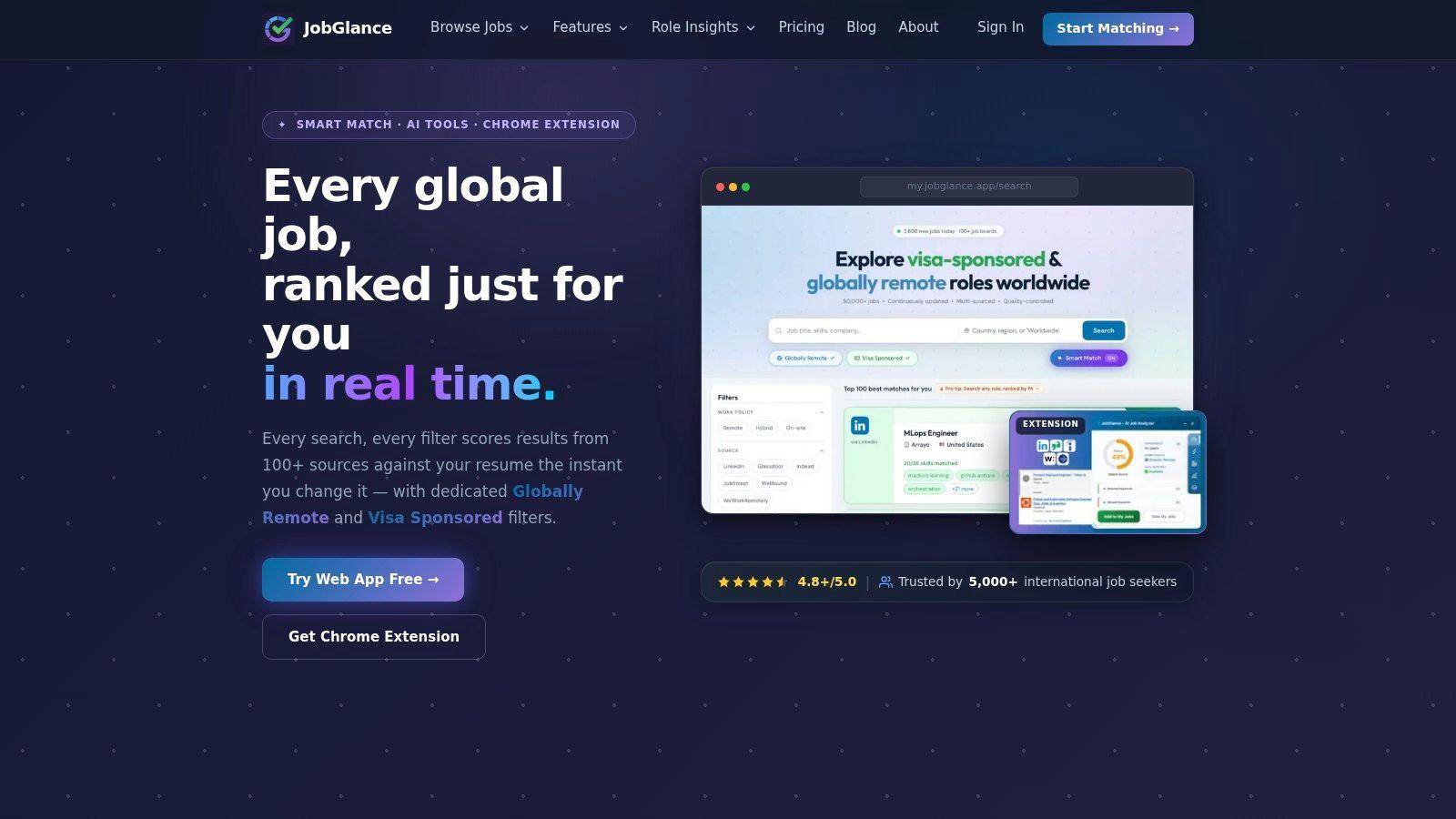
The practical value is the split between Visa Sponsorship and Globally Remote. Those are different filters for a reason. A posting can be remote and still exclude your country, or it can allow international applicants but require sponsorship paperwork. JobGlance separates those cases so you can screen for legality and geography before you spend time on an application. Its sponsorship track is also useful for spotting employers that have handled cross-border hiring before, which is a better signal than a generic “remote” tag. On the Europe sponsorship page, JobGlance defines sponsorship as an employer willing to act as your sponsor so you can legally work in Europe as a foreign national, usually handling the paperwork and, in most cases, the fees.
The browser extension extends that sorting logic to other boards, including LinkedIn, Glassdoor, Indeed, Wellfound, JobStreet, We Work Remotely, Working Nomads, and Jobspresso. It adds match score, sponsorship detection, missing keywords, and skill gaps directly on the page, then lets you save roles with one click. The extension is free and unlimited, so it works well as a verification layer even if you start your search somewhere else.
The web app’s free tier includes the ATS Resume Builder, with limited monthly search volume. Pro is $12.99/month or $10.39/month billed quarterly, based on JobGlance’s published pricing.
JobGlance also keeps the application workflow in one place. Deep Company Research helps you check the employer, Similar Jobs gives you alternatives when a role looks close but not quite right, AI cover letters speed up the first draft, and Career Gap Analysis helps explain timeline issues without rebuilding your resume from scratch. The privacy model is straightforward too, the resume scoring stays local, the browser pipeline never leaves your machine, and the resume is not sold or used to train models.
Use it first to decide whether a role is eligible, legitimate, and geographically open. Then use specialist boards for extra coverage. That sequence saves time and keeps you from optimizing applications for roles you cannot realistically accept.
2. We Work Remotely
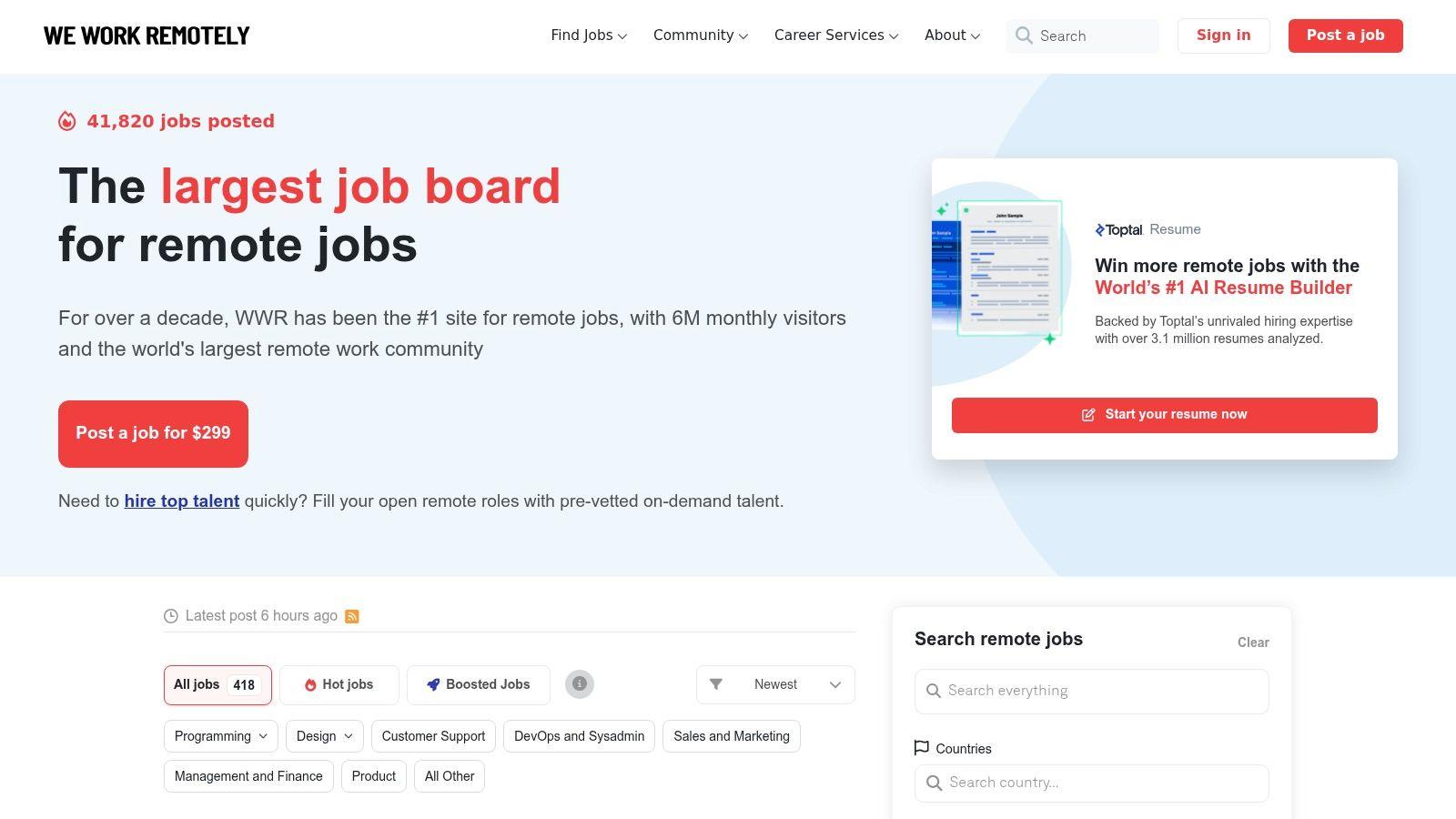
We Work Remotely stands out because it does one job well, it filters for remote-only roles instead of mixing them with office-first listings. That makes the board useful for engineering, design, product, marketing, operations, and customer support, especially if you want a cleaner shortlist and less time spent sorting through weak matches.
The question is not whether a role is remote. It is whether the role is eligible for you, legitimate, and open in your geography. We Work Remotely gives you the listing, but it does not do that verification for you, so you still have to check region limits, timezone language, and employer-specific restrictions before you apply. A remote label alone does not mean global access.
JobGlance’s remote category is useful at that point because it adds resume-based ranking and other screening signals across a wider set of roles. If We Work Remotely shows you a promising post, JobGlance helps you judge fit before you spend time on the application. That matters when competition is high and speed alone is not enough.
Where it works best
The board works best for candidates in remote-friendly functions who want a steady flow of real openings without broad search noise. Its category structure makes scanning fast, and that helps when you are comparing several roles in one session.
Its coverage is narrower than a general board. The listings lean toward tech and startup hiring, so it is less useful if you need broad non-tech volume. Use it as a discovery source, then verify fit and geography before you commit effort.
3. Remote OK
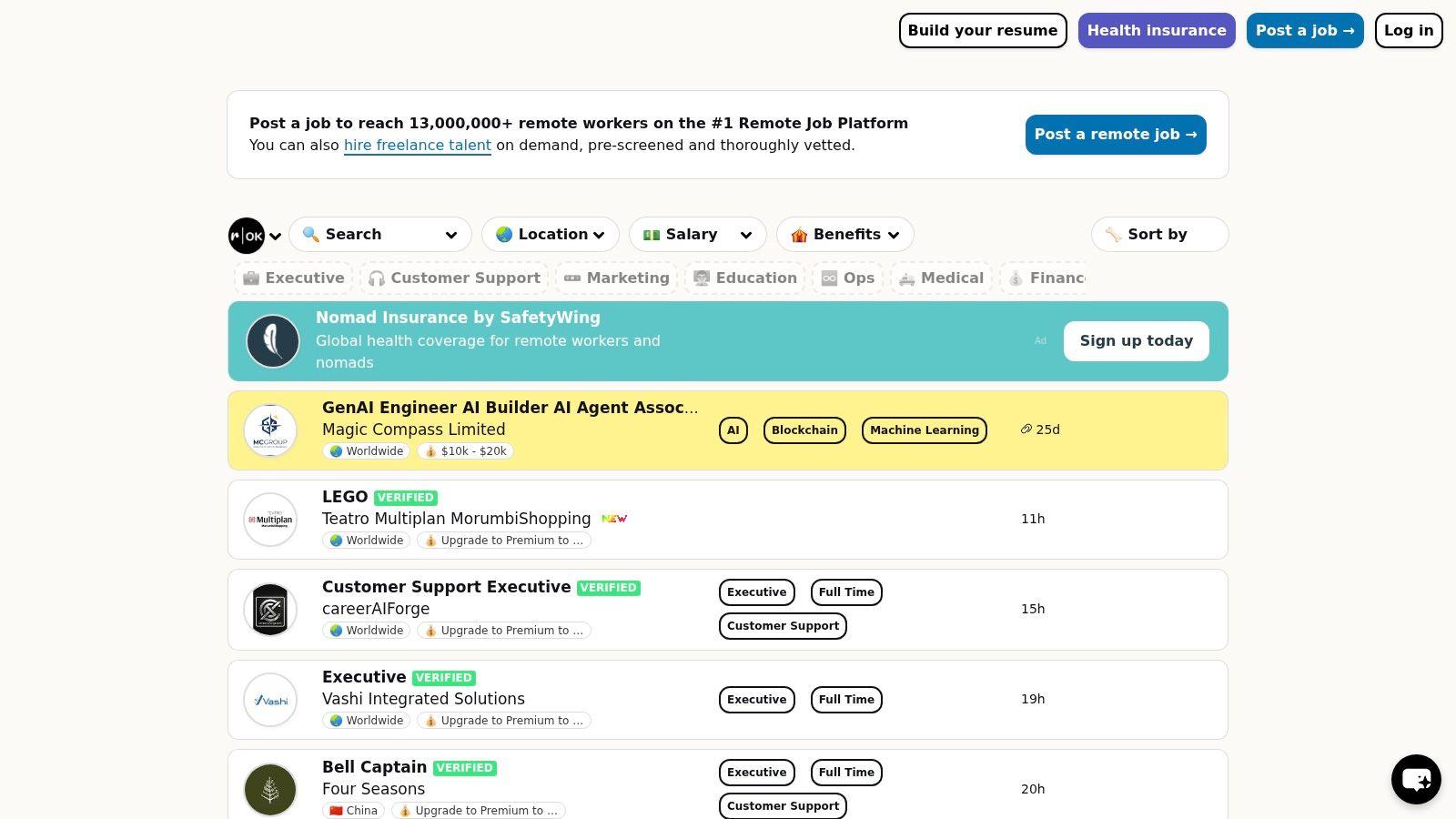
A candidate checking Remote OK every morning is usually looking for speed, not curation. The board refreshes fast, which makes it useful for startup and technical roles where early applicants tend to get the most attention. It helps you spot openings quickly, but it does not answer the bigger question of whether the role is open to your location.
JobGlance’s worldwide remote page is the better first pass for that check, because it separates global roles from posts that only look remote at a glance. Use Remote OK to find activity, then use JobGlance to test eligibility before you spend time on an application. That order matters when a listing may still be limited by country, region, or employer policy.
Best use case
Remote OK works well for applicants who want frequent updates and are comfortable scanning for technical fit on their own. Its filters by skill, role, and location make it easier to separate a relevant post from general noise, and that is useful if you review listings in short sessions.
The board is weaker on proof. Salary details are uneven, and filter behavior can be inconsistent, so the listing itself is not enough. The practical workflow is simple. Use Remote OK to identify candidates worth reading, then confirm geography, legitimacy, and application rules on the employer site or with JobGlance before you apply.
4. FlexJobs
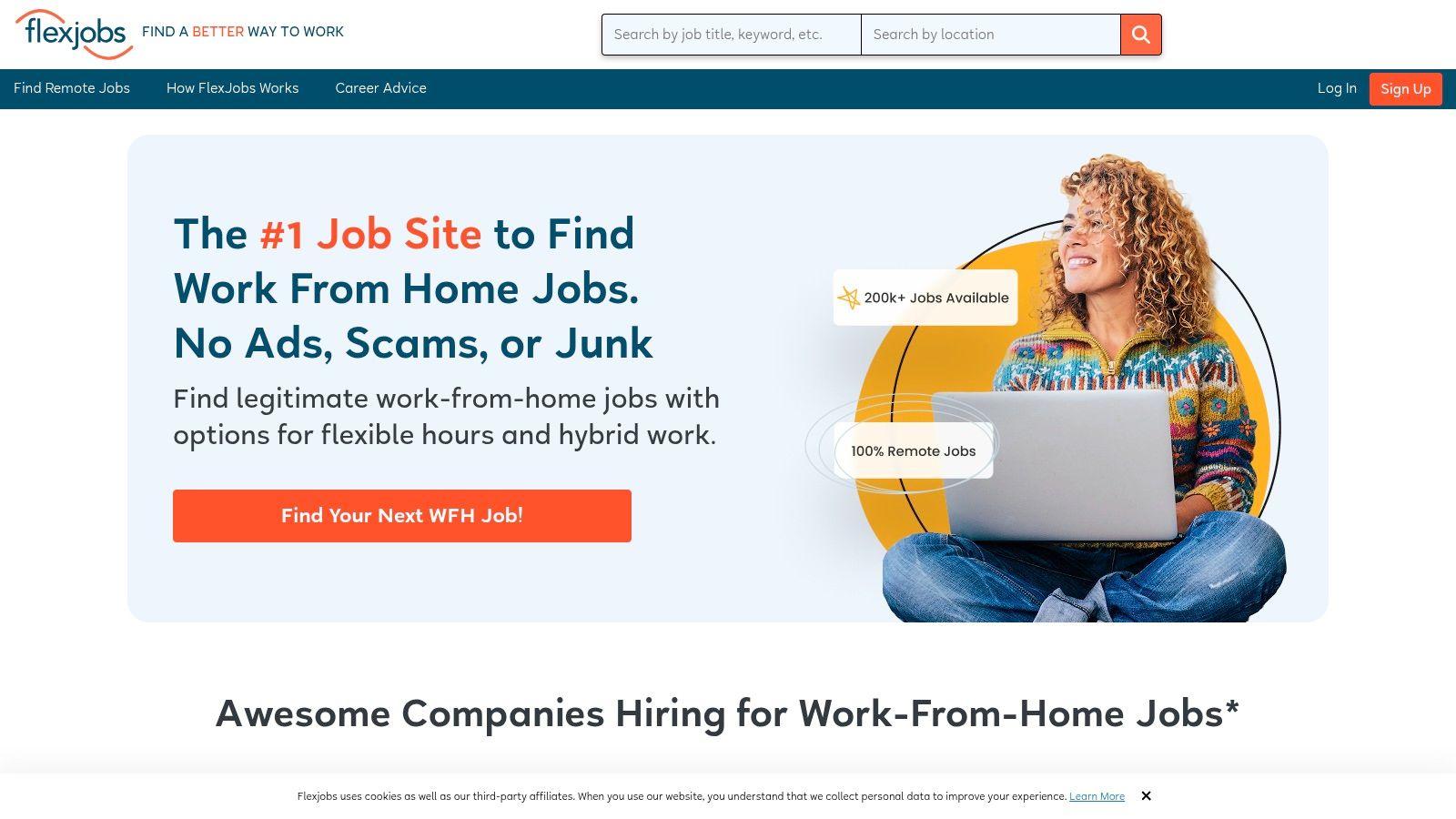
A non-tech job seeker sorting through thin, unvetted listings may find FlexJobs more useful than a noisy public board. Its value is not volume, it is screening. That matters if you are looking across education, healthcare, finance, nonprofit, writing, or admin roles and want fewer obvious scams to inspect.
JobGlance’s entry-level remote page works well alongside FlexJobs for early-career searches, because it helps separate entry-level remote roles from broader listings that still require careful review. FlexJobs adds filters for schedule, level, and location, so you can narrow by work pattern instead of reading every posting one by one. The paid model is the tradeoff, and it exists because the curation is part of the product.
What it’s actually good for
FlexJobs fits candidates who care about legitimacy first and are willing to pay for a cleaner list. It is also practical for non-tech remote work, where the problem is often not finding roles but finding ones that are real, relevant, and open to your location. People in operations, support, and professional services often get more value here than on boards built around sheer posting count.
The limit is access. You are paying before you know which roles will match your profile, so the cost only makes sense if you value screening more than open browsing. If you already use a fit-ranking tool like JobGlance, compare how much time FlexJobs saves against the free workflow before subscribing. FlexJobs is strongest when you want less spam and a narrower pool to review.
5. Wellfound
Wellfound stands out for a different reason than most remote boards on this list. It is built around startup hiring, so the useful question is not just whether a role is remote, but whether the company is transparent enough to judge before you apply. Many listings surface remote policy, timezone expectations, salary bands, and sometimes equity details, which makes early filtering much easier. That matters most if you are comparing several early-stage roles and need to separate promising openings from vague ones.
The platform also reduces some of the back-and-forth after discovery. Candidates can message or track applications inside the system, so it is easier to move from screening to contact without extra steps. In startup hiring, that workflow can matter as much as the listing itself.
Where it adds the most value
Wellfound is most useful for candidates who are comfortable with ambiguity and want early-stage or growth-stage roles with more upfront context. Salary transparency and remote-policy details are visible early, which helps you judge fit before you spend time on a full application. It is also a practical place to check whether a company is naming timezone or geographic limits clearly, since those constraints can decide whether a role is worth pursuing.
Its limits are just as clear. Smaller teams change quickly, compensation can shift, and heavily regulated professions show up less often here. Treat Wellfound as a startup discovery layer, then confirm legal eligibility and location rules on the employer’s own site before you apply.
6. Remotive
A senior remote candidate can use Remotive to avoid wading through boards full of hybrid roles and weak location signals. Its listings are remote-only, and the audience skews toward tech and startup jobs, so the feed is narrower and easier to sort than a general aggregator.
That narrow focus is the point. If you already know how to judge timezone overlap, communication expectations, and legal eligibility, Remotive helps you move faster because fewer listings are obviously irrelevant. The tradeoff is not just smaller inventory. Some roles sit behind a membership wall, which can block entry-level applicants before they even reach the application step.
Why experienced remote workers like it
Remotive works well for applicants who can screen opportunities quickly and want cleaner remote-only results. The simple filter structure makes daily scanning practical, and the listings are usually formatted for fast triage rather than long company research. Used alongside JobGlance, it is more useful as a focused remote board than as a place to build a full market view.
Its main limitation is coverage. You will not see the same volume as larger aggregators, and the startup and tech tilt leaves less room for other industries. For candidates outside that center of gravity, the membership barrier matters even more, since it adds one more check before you can decide whether a role is worth pursuing.
7. Himalayas
Himalayas makes company pages do more of the screening work. You can often see the tech stack, benefits, and hiring locations before you click through, which helps separate a remote role from one that only sounds remote. That matters if you are checking whether a job is open to your region or restricted by timezone.
The setup also helps you judge legitimacy earlier. A fuller employer page gives you more to compare than a title and a short blurb, so you can spot thin postings and vague hiring claims without opening every listing in a new tab. For applicants reviewing international roles, that reduces the chance of wasting time on jobs that look broad but are not.
Good for remote context, not just titles
Himalayas fits candidates who want the employer context first and the application second. Its AI career tools are a practical add-on, especially if you are sorting listings by fit and want faster ways to compare openings. If a posting says remote but the company page points to narrow hiring regions or heavy timezone overlap, the mismatch is visible early.
Its limit is not only size. The board still skews toward tech and startup employers, so it will not cover every field. Use it when you want stronger company detail and clearer remote signals, then widen the search with a larger aggregator if coverage matters more than depth.
8. Dynamite Jobs
A listing that says remote is not enough here. Dynamite Jobs is useful because the board is screened for remote-only roles, so applicants can spot onsite creep, vague location language, and late-stage surprises before they invest time in an application. For anyone checking whether a role is open to their region, that filter matters more than a broad feed.
The site also gives candidates free profiles and email alerts, which changes the search workflow. You can keep a profile ready and let new openings come to you instead of rebuilding searches every day. That is practical if you are tracking remote-first SaaS companies or online businesses and want a lighter routine than manual browsing.
Useful when legitimacy matters
Dynamite Jobs works best as a screening layer. The screened listings reduce junk and make it easier to judge whether a posting is remote, hiring, and worth opening. It is less about volume than about removing obvious ambiguity.
Used with JobGlance, the fit is clearer. JobGlance helps rank roles across sites, while Dynamite Jobs supplies a cleaner remote-only feed and email distribution that can surface new matches without constant searching. If a listing looks promising, you can use JobGlance to compare it against other saved roles before applying.
The limit is coverage. A specialist board like this will not replace wider search if you need breadth, so treat it as a trusted source for remote-only roles rather than your only source of leads.
9. Jobspresso
A writer who has already sifted through generic boards may find Jobspresso easier to trust. The site relies on manually reviewed remote jobs, so it is better at filtering obvious junk than a large open feed. Its categories also cover marketing, support, writing, product, and tech, which gives non-engineering candidates clearer options to scan.
That manual review matters most if you care about whether a role is legitimate before you spend time on it. Jobspresso’s newsletter and partner distribution also help openings reach a more engaged audience, but the board’s real value is cleaner listing quality, not sheer volume.
When it beats larger boards
Jobspresso works best for candidates who want fewer, better-labeled roles and do not need every possible opening in one place. Writers, support specialists, and marketers can use it to separate suitable jobs from development-heavy feeds more quickly. The coverage is narrower than a mega-board, but the listings are easier to judge at a glance.
Use it as a screening source, not a final answer. Some jobs appear elsewhere too, so a single search here will miss part of the market. JobGlance helps fill that gap by ranking Jobspresso openings against other saved roles, which makes comparison faster once you have a shortlist.
10. NoDesk
NoDesk opens with a low-noise board and a built-in resource hub, so the page does more than list jobs. The layout is minimal, the feed is remote-only, and the content is easy to scan without spending long on each visit. That matters if you want to check for suitable roles quickly and keep moving.
Its listings skew toward tech, product, and ops, but the resource side changes how you should use it. The company notes and remote-work guides help you judge whether a posting fits your location, work style, and search stage before you apply. That is a different use case from boards that only surface openings.
Best for quick daily scans
NoDesk works well for candidates who want a cleaner read on legitimacy and fit than a large open feed usually gives. The site is useful as a first-pass filter, especially if you are trying to separate real remote roles from posts that are only loosely remote. The browsing experience stays simple, which helps when you are reviewing several boards.
Its coverage still has limits. The inventory is smaller, and the mix tilts toward tech and startup roles, so it should not carry your whole search. Use it alongside JobGlance if you want the same quick review experience plus resume ranking, sponsorship signals, work-from-anywhere filters, and application tools that make comparison easier.
Top 10 Remote Job Sites Comparison
| Product | Core features ✨ | Quality ★ | Value/Price 💰 | Target 👥 |
|---|---|---|---|---|
| JobGlance 🏆 | Smart Match 0–100 resume scoring; 50k+ aggregated roles; visa & globally-remote filters; ATS resume builder; Chrome extension magic button ✨ | ★4.8/5 · Daily refresh · Deduped & self-healing | 💰 Free extension; Web free tier (limited searches); Pro $12.99/mo (or $10.39/qtr) | 👥 International & globally-remote job seekers |
| We Work Remotely | Remote-only inventory; category & GeoLock targeting; 30-day campaigns ✨ | ★ High visibility; steady new roles | 💰 Free to browse; employers pay to post | 👥 Remote engineers & designers |
| Remote OK | Fast-refresh feed; skill/location filters; strong startup syndication ✨ | ★ Fast-moving; favors early applicants | 💰 Free for jobseekers; employer-paid listings | 👥 Startup-focused tech candidates |
| FlexJobs | Hand-screened listings; advanced filters; cross-industry remote roles ✨ | ★ Curated; low scam/expired-role risk | 💰 Subscription required (paywalled) | 👥 Mid-career & non-tech remote seekers |
| Wellfound (AngelList) | Startup marketplace; remote policy, timezone & salary bands; direct messaging ✨ | ★ Startup ecosystem; salary transparency | 💰 Free to use; employer-paid features | 👥 Startup jobseekers & founders-connections |
| Remotive | Curated remote jobs; advanced filters; optional paid membership ✨ | ★ Quality-over-quantity curation | 💰 Some features behind membership | 👥 Remote-experienced candidates (tech) |
| Himalayas | Time-zone friendly filters; company pages; built-in AI career tools ✨ | ★ Clear company intel; useful AI helpers | 💰 Basic free; Himalayas Plus for AI tools | 👥 Global remote candidates seeking company context |
| Dynamite Jobs | Human-screened remote roles; verified global hiring; free profiles ✨ | ★ Verified remote focus; low “fake remote” | 💰 Free candidate profiles; employer-paid listings | 👥 Remote-first SaaS & SMB jobseekers |
| Jobspresso | Manual company review; curated categories; partner distribution ✨ | ★ Low noise; vetted listings | 💰 Free to browse; employers pay | 👥 Marketing, support, writing & product roles |
| NoDesk | Minimalist curated board; quick-scan layout; optional AI toolkit ✨ | ★ Low noise; fast daily scan | 💰 Free; small inventory | 👥 Tech/product/ops candidates who value speed |
Build a Shortlist, Then Verify Every Location Claim
Use one broad source, one or two specialist boards, and one tool that ranks by fit before you send an application. That workflow matters because remote is not the same as work-from-anywhere, and neither is the same as a job that happens to be posted online. A listing can be remote yet still require residency, exclude your country, or demand timezone overlap that doesn’t work for you. The only safe move is to confirm the employer, application domain, employment type, timezone requirement, hiring countries, and sponsorship language on the original posting.
That verification step matters even more for international candidates. Recycled listings often strip out the most important line, the one about location eligibility, visa support, or regional limits. A board summary can get you started, but the employer’s own description is where you confirm whether the role is domestic-remote, globally remote, or only remotely accessible inside a specific market. If a role feels vague, treat it as incomplete until you see the original source.
JobGlance helps here because it consolidates the parts most job boards separate. It ranks roles against your resume, detects sponsorship and work-from-anywhere signals, pulls in similar jobs across the network, and shows recurring skill gaps so you can adjust your profile before the next round of applications. The browser extension adds those signals on top of the boards you already use, which makes it easier to compare listings without redoing the same research. For candidates chasing global mobility, that’s a better system than hopping between tabs and hoping the word “remote” means what you need it to mean.
Eligibility first, fit second, application speed third.
If you’re building a serious international search, start with a platform that separates sponsorship, globally remote, and remote-only roles before you waste time applying. JobGlance gives you that filter layer, plus resume-ranked search, company research, and application tools in one place, so you can spend less time guessing and more time applying to roles you can accept.
Keep reading


