Job Search Automation That Actually Gets Interviews


On this page
The modern job search has become a volume problem before it became a productivity problem. Greenhouse-tracked data covering more than 640 million applications across over 6,000 companies found that applications per open role rose from 116 in 2022 to 244 in 2025, while applications per recruiter climbed from 146 to 746 over the same period, according to The Hire Hub’s analysis of AI-generated job applications.
That shift changes what effective job search automation should mean. The objective isn’t to submit the most applications. It’s to automate discovery, eligibility checks, ranking, tailoring, and tracking, then keep a human involved at the point where judgment and credibility matter most.
Why Job Search Automation Matters Now
AI now shapes both hiring and job seeking. Reporting covering 2025 and 2026 found that 43% of organizations used AI for HR tasks in 2025, up from 26% in 2024, while recruiting was the leading HR use case at 27% of organizations, as reported in HireTruffle’s recruitment statistics roundup. Candidates have adapted too. 53% of new hires used generative AI in their job search in Q1 2024, compared with 25% in Q2 2023.
Application behavior has also changed. Roughly 4 in 10 candidates use AI during the application process, and 22% of job seekers use bots to apply automatically, rising to 31% among Gen Z candidates, according to the same reporting. Manual searching and repetitive form filling now leave candidates operating more slowly than employers’ software, which parses, ranks, filters, and surfaces applications.
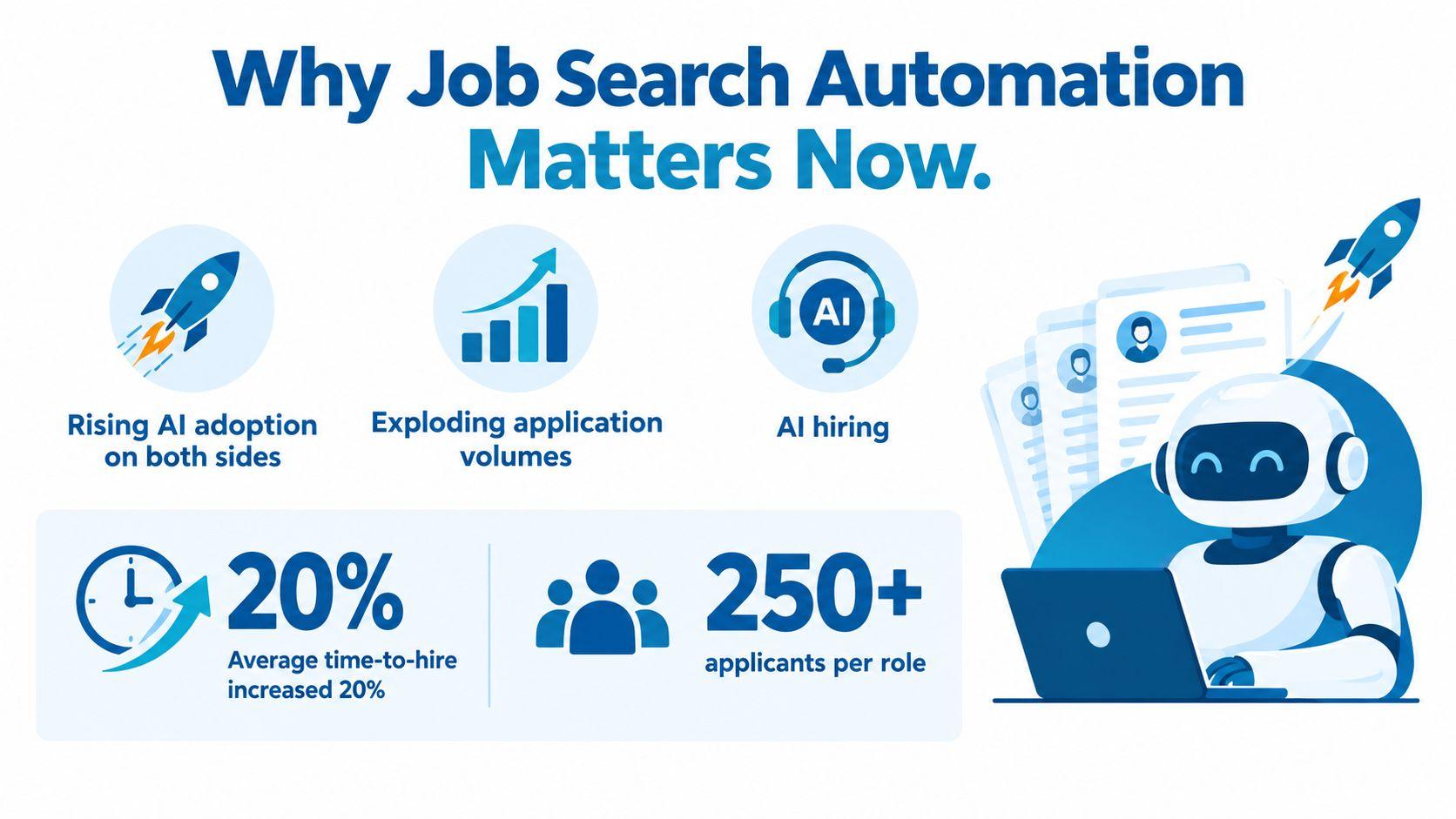
Application volume creates a second pressure. Independent summaries cited by The Hire Hub report that average time spent per application fell from 36 minutes in 2023 to 4 minutes in 2026, while average time-to-fill stayed around 44 days. Faster submission does not produce better submission. It increases the amount of activity that candidates and employers must sort, making eligibility and relevance stronger filters than speed alone.
What automation can and cannot fix
Automation can remove repetitive work:
- Discovery: Gather listings from multiple sources instead of checking each board separately.
- Eligibility: Check sponsorship, location, and work-policy constraints before review time is spent.
- Ranking: Compare each role with your resume and prioritize fit over posting recency.
- Tailoring: Identify job-specific language and suggest accurate resume-bullet changes.
- Tracking: Record source, role type, stage, and outcome consistently.
Automation cannot create experience you lack, confirm an employer’s intentions with certainty, or make a generic resume credible through keyword stuffing. It also cannot decide whether a role fits your immigration plans, career direction, compensation needs, or tolerance for relocation risk.
Practical rule: Automate the search for opportunity, not the judgment behind accepting it.
The boundary is straightforward. Let software narrow a large pool to roles you could realistically take, prepare draft materials, and expose missing information. Personally review the final resume, application answers, eligibility details, and submission before anything goes out. That human checkpoint protects conversion and trust while automation handles the work that scales.
Build an Automated Discovery Engine That Ranks by Fit
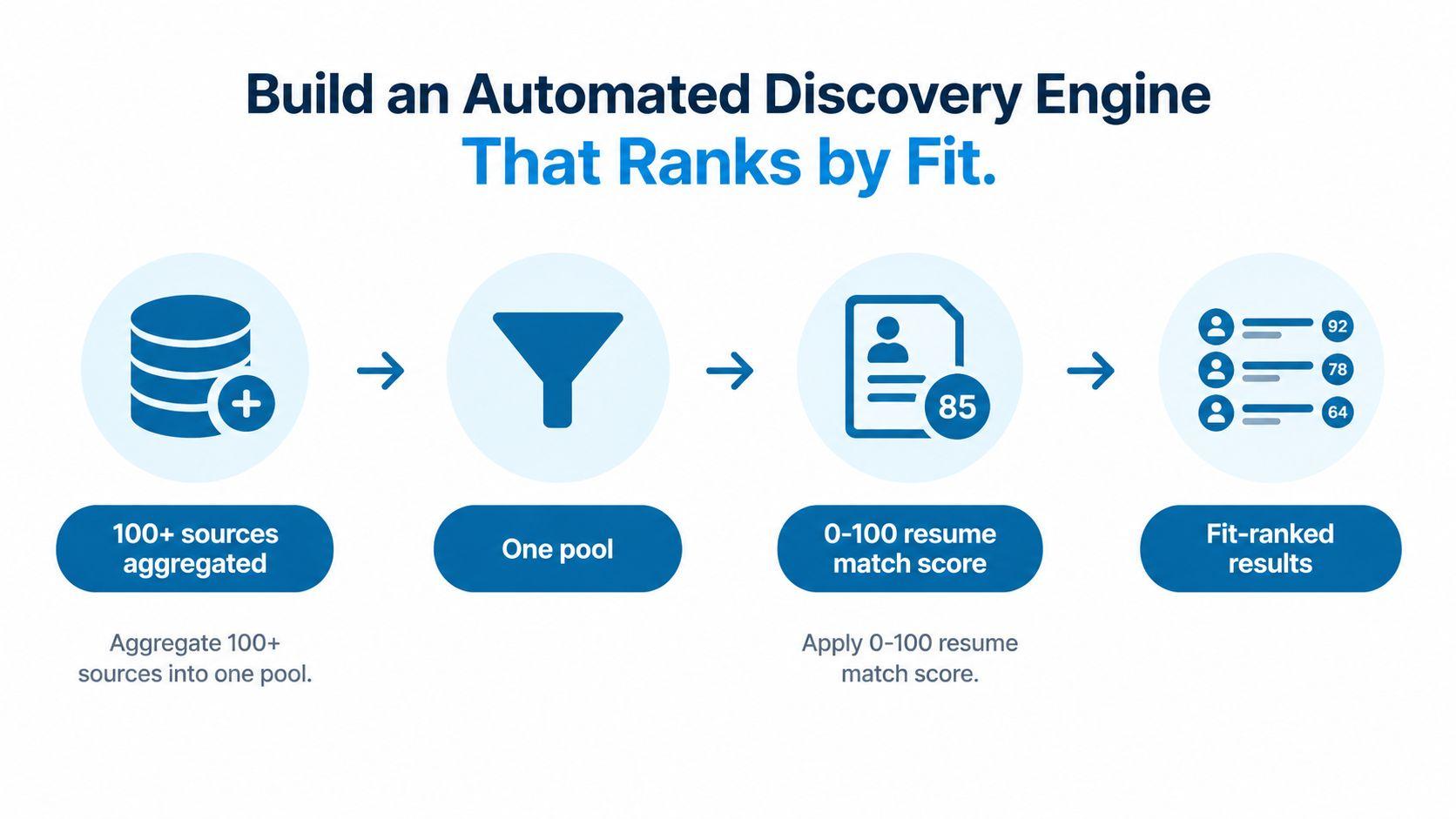
A useful discovery engine begins with one pool rather than a collection of disconnected alerts. JobGlance, for example, aggregates 50,000+ active roles from 100+ job sites, deduplicates them, refreshes the database every 24 hours, and purges expired roles within 24 hours, according to the publisher’s product information. You can also use a spreadsheet, saved searches, an aggregator, or a small personal workflow, but the architecture should remain the same.
Start with eligibility, not keywords
Create hard filters before you optimize titles or skills. For international searches, begin with visa sponsorship, relocation eligibility, and target countries. For remote searches, distinguish between “remote in one country” and work from anywhere in the world. Those are different conditions, and treating them as interchangeable creates a large amount of wasted review time.
A dedicated visa sponsorship jobs search is more reliable than typing “sponsorship” into a keyword field. Employers often omit sponsorship language from the posting, and a keyword-only search can miss eligible roles or include positions that mention sponsorship only in a restriction.
Rank the remaining roles against your resume
After eligibility filtering, score the remaining roles against your actual profile. A practical match score can use a 0–100 scale, with higher scores reflecting stronger alignment across titles, skills, seniority, location, and explicit requirements. The precise formula matters less than applying it consistently and recalculating it whenever the query or filters change.
Use two discovery modes:
- Top Matches: Start with the strongest-fit roles across the full database when you don’t yet have a narrow title or skill query.
- Search and Rank: Search for a title, technology, or domain, then let the system order the results by your fit rather than by recency.
This solves a common failure in job boards. A recent role isn’t necessarily a useful role, and a slightly older listing may match your experience, location, and authorization far better.
Keep the feed clean
A discovery engine becomes less trustworthy when it retains dead, duplicate, or misleading listings. Daily refreshes help, but self-healing signals are useful too. If a candidate opens a listing and finds that it has closed, the system can hide it and remove it from future results.
Your own tracking system should flag repeated failures. Mark listings that redirect to broken forms, request suspicious information, duplicate another posting, or contradict the stated work policy. Automation should reduce noise over time, not merely deliver the same noise faster.
Automate Resume Tailoring Without Triggering ATS Filters
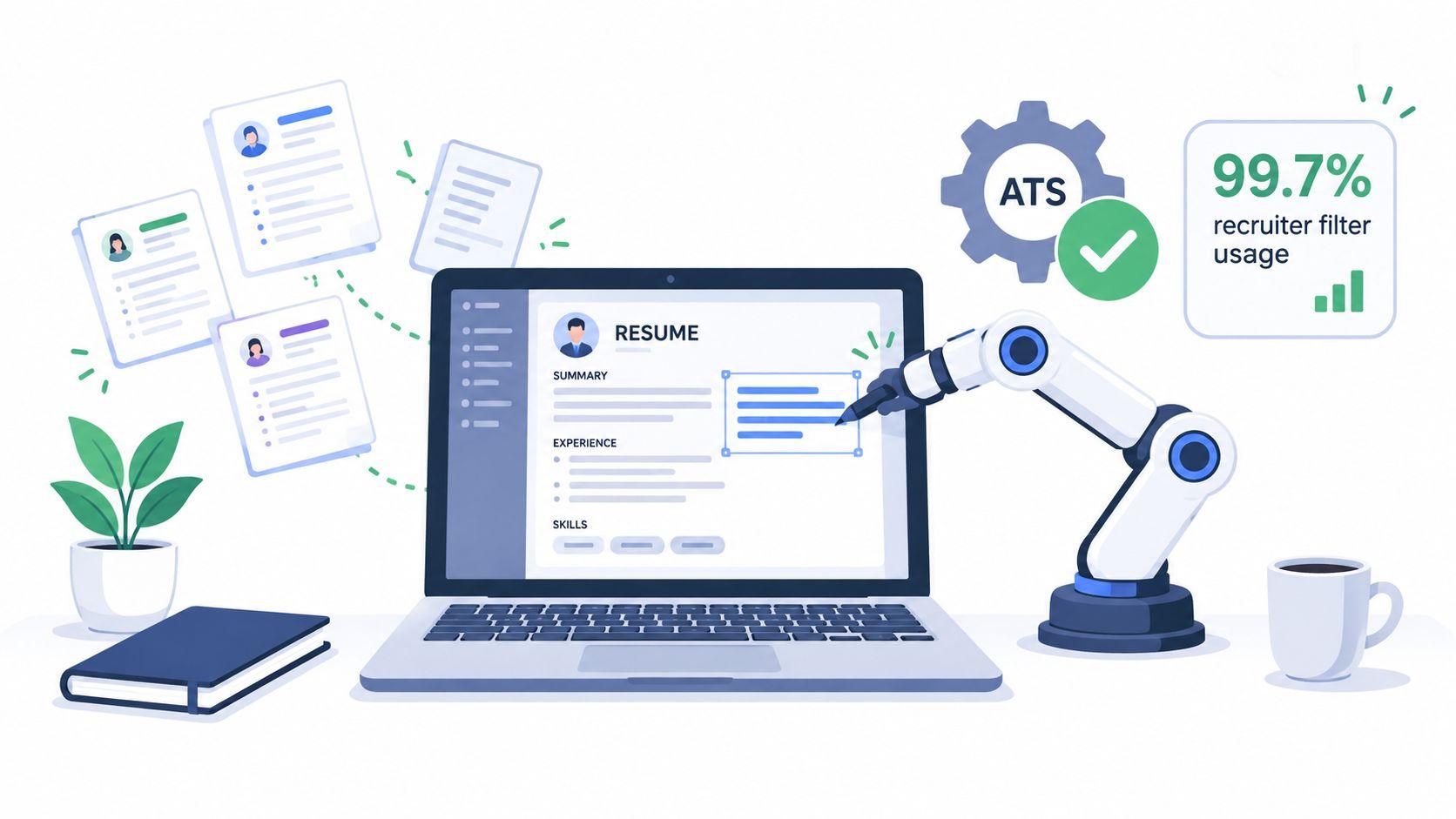
Resume automation should improve eligibility and evidence, not conceal a weak fit. Large employers rely heavily on applicant tracking systems. A reverse-engineering review of Fortune 500 career pages found detectable ATS use at 489 out of 500 companies in 2025, or 97.8%, according to OneHour Digital’s ATS adoption statistics. Another ATS report says 99.7% of recruiters use filters based on keywords, job titles, certifications, and structured fields, as described by OneHour Digital’s keyword-screening analysis.
Those filters do not mean software automatically rejects every resume. A 2025 recruiter survey found that 92% of recruiters said an ATS does not automatically reject resumes, according to Career Launch Kit’s ATS statistics. In many hiring workflows, software ranks, filters, and surfaces candidates before a recruiter reviews them. Use automation to identify missing evidence and improve fit, then keep the final submission under human review.
Use a five-check ATS review
Before exporting a resume, check five areas:
- Text extraction: Copy the PDF text into a plain document. The order should remain logical, with no missing sections or scrambled dates.
- Requirement coverage: Compare the resume with the job description and identify hard requirements you meet.
- Keyword accuracy: Use the employer’s terminology where it truthfully describes your experience. Do not add a tool, certification, or responsibility you have not used.
- Structure: Prefer a single-column layout with conventional headings such as Experience, Education, Skills, and Certifications.
- Evidence: Connect each important skill to an accomplishment, responsibility, project, or measurable result already supported by your background.
JobGlance’s ATS Resume Builder can score a resume against five ATS checks, rebuild it in single-column templates, adapt it to a job, and export a text-preserving PDF. Its role pages also highlight matched and missing keywords inside the job description. For a focused example, compare your materials with Data Engineer jobs and inspect which requirements recur.
Build a controlled customization loop
Use a human-in-the-loop workflow:
- Extract: Separate must-have requirements, preferred qualifications, responsibilities, and domain language.
- Map: Link each requirement to an existing resume bullet, project, or accurate skill statement.
- Rewrite: Put the strongest relevant evidence first and mirror the posting’s terminology without copying whole sentences.
- Check: Review unsupported claims, formatting problems, and missing eligibility information.
- Export: Produce a text-preserving PDF and open it before uploading.
Customization has a measurable effect. One resume-analysis source covering 139,927 applications reported an interview rate of 4.23% for customized resumes versus 2.07% for non-customized resumes, as detailed by Apply Mate’s ATS statistics analysis. Treat those rates as directional, not a promise. Accurate alignment can materially affect what happens after submission, but automated rewriting still needs a final factual review.
Extend Automation to Any Job Board With Your Browser
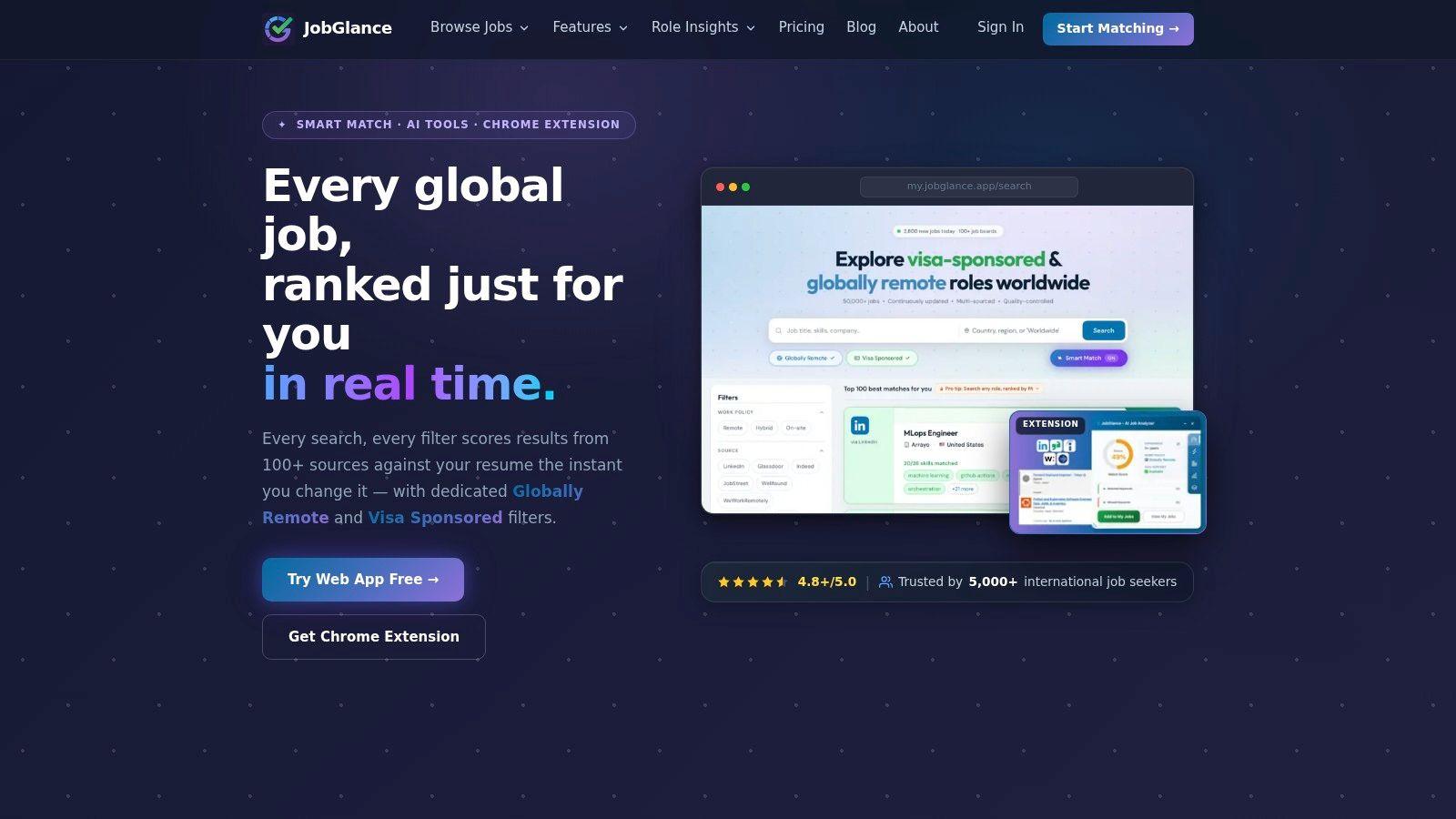
A web application can organize your search, but candidates still encounter listings on LinkedIn, Indeed, Glassdoor, Wellfound, JobStreet, WeWorkRemotely, WorkingNomads, Jobspresso, and company career pages. A browser extension should carry the same decision system onto those pages instead of forcing you to start over.
Read the listing before you commit
When the extension reads a listing, look for three signals immediately:
- Resume match: Does the role align with your experience, not just your preferred title?
- Sponsorship status: Is sponsorship stated, likely based on employer history, unavailable, or unclear?
- Work policy: Is the role open across countries, or merely remote within a specified location?
This matters especially for international candidates. A remote role restricted to one country can look perfect in a title search while remaining unusable because of payroll, employment law, time-zone, or authorization constraints. A dedicated worldwide remote jobs search keeps that distinction visible before you spend time tailoring.
Keep the useful actions on the page
A good browser workflow shouldn’t make you copy a posting between tools. A Magic Button can open a cover-letter assistant, company research, and similar-job discovery from the listing itself. One-click saving then moves the role into a pipeline where you can review it later rather than applying impulsively.
Career Gap Analysis becomes more valuable as you save roles. Instead of guessing which course to take next, look for skills that recur across the roles you want. The analysis should influence your learning priorities, resume language, and future searches.
Privacy also matters. A local browser pipeline keeps saved applications in the browser rather than sending the entire application history to a third-party cloud database. Resume data should be used to generate match scores, not sold or used to train unrelated models.
The extension is most useful as a hybrid layer. Use it to evaluate roles wherever you find them, but preserve the same eligibility-first filters and human review that govern your main search.
Avoid the Bulk Apply Trap and Keep Humans in the Loop
Fully automated submission looks efficient, but it often removes the checks that protect response quality. A 2026 industry review reported callback rates of roughly 1% to 6% for fully automated tools, compared with about 5% to 15% for copilot-style tools that retain human review, according to Jobscan’s auto-apply tool review. The review also warns that cloud-based, high-velocity automation increases the risk of weak submissions and platform restrictions.
The failure is visible in reported outcomes. One case involved 5,000 automated applications producing only 20 interviews, a 0.5% success rate. Another source places generic bulk-apply bot interview rates between 0.4% and 2%, as reported by Resume Fast’s analysis of AI auto-apply tools. A high application count can therefore hide a weak pipeline. The dashboard stays active while relevant interviews remain scarce.
Compare the boundary directly
| Workflow | Callback Rate | Risk Level |
|---|---|---|
| Fully automated submission | Roughly 1% to 6% | High |
| Generic bulk-apply bots | Roughly 0.4% to 2% interview rates | High, including platform restriction risk |
| Human-in-the-loop copilot | About 5% to 15% | Moderate |
| Human-reviewed managed service | 40% to 60%, vendor-reported and not independently audited | High cost and verification risk |
These are reported ranges, not promised results. The managed-service figure is vendor-reported and was not independently audited, so treat it as a comparison point rather than a benchmark.
Automate preparation, keep the decision manual
| Automate | Keep manual |
|---|---|
| Listing collection and deduplication | Final eligibility judgment |
| Sponsorship and remote-policy detection | Authorization or relocation questions |
| Resume-to-job comparison | Claims made in resume bullets |
| Draft cover letters and application answers | Final wording and tone |
| Reminders and follow-up dates | Submission and employer-specific questions |
| Outcome aggregation | Whether to continue, pause, or change strategy |
Use automation to rank opportunities by eligibility and fit. Keep the final submission manual. That division lets a system detect sponsorship terms, location limits, missing requirements, and repeated keywords, while a person verifies whether the evidence is accurate and the role is worth pursuing.
Trust creates another constraint. A job-search trends report found that 86% of job seekers use AI tools, while only 26% trust AI to evaluate them fairly and 32% worry AI will mistakenly reject them, according to Huntr’s 2025 annual report. The same source reports that 63.2% of surveyed job seekers experienced AI-mediated rejections, 52% would trust AI to apply on their behalf, and 71% rejected one-way AI interviews.
Candidates want help with repetitive work, not an opaque system making every consequential choice. For international applicants, an incorrect match can waste even more time because sponsorship, location, or work authorization may disqualify a role before qualifications receive review.
My submission rule: If I can’t explain why this specific employer should interview me, I don’t let an automation tool submit the application.
Track Applications and Turn Automation Into Offers
Automation only improves a search when it creates feedback. Log every serious application with the role, company, source, location, sponsorship status, remote policy, match score, resume version, submission date, and current stage. Record outcomes consistently, including rejection, no response, screening call, interview, and withdrawal.
Review the log on a recurring schedule rather than relying on memory. Look for patterns by source and role type. If one source produces many saved roles but no interviews, reduce its priority. If a particular job family produces conversations, study the language, seniority, and eligibility conditions those roles share.
Use saved roles as a career signal
Career Gap Analysis can turn saved listings into a development plan. When the same skill appears repeatedly, decide whether it belongs in your resume, requires a portfolio project, or represents a genuine gap that makes the target role premature. Don’t respond to every missing keyword with a course. Separate skills you can demonstrate from credentials employers require.
A practical review ritual looks like this:
- Refresh discovery: Remove closed, duplicated, or clearly ineligible roles.
- Review ranking: Open the strongest-fit roles and verify the match manually.
- Tailor selectively: Prepare materials only for roles that pass eligibility and relevance checks.
- Submit carefully: Read every generated answer and confirm factual accuracy.
- Measure outcomes: Compare interviews and replies by source and role type.
- Adjust the system: Change filters, target titles, resume emphasis, or learning priorities.
The most productive automated search is a controlled loop. Discovery creates a qualified pool, ranking protects attention, tailoring improves visibility, human review protects credibility, and tracking tells you what deserves more effort.
Start with eligibility filters today, save only roles you could accept, and manually review every submission until your tracking data shows where your strongest conversion comes from.
JobGlance aggregates roles from more than 100 job sites, ranks listings against your resume, and carries match, sponsorship, remote-policy, research, and saving tools onto job boards through its browser extension. Visit JobGlance to build an eligibility-first workflow that automates discovery while keeping the final application decision in your hands.
Keep reading


