Where to Apply for Jobs Online: 10 Sites Compared for 2026


On this page
Start with the biggest job board and apply to everything. That’s the standard advice, and it’s backward for anyone who needs visa sponsorship or truly global remote work. You’ll open dozens of roles, tailor a resume, then find the posting is limited to one country or won’t sponsor at all.
Decide where to apply for jobs online by eligibility first. Can you legally take this role from where you are? Online searching is mainstream, not a backup plan. In a Boston Consulting Group and Recruit Works Institute survey of more than 13,000 job seekers across 13 countries, 55% searched online, and internet job sites were rated most effective by roughly one-third of job changers. The same survey found online applicants needed about 15 applications to get a job, compared with 10 direct applications and six referral-based applications.
That gap is why filtering matters more than volume. The 10 sources below cover global aggregators, professional networks, startup and remote boards, and an official government portal. Each entry states what it does well, where it wastes your time, and whether you apply on-site or get sent to an employer’s system.
1. JobGlance
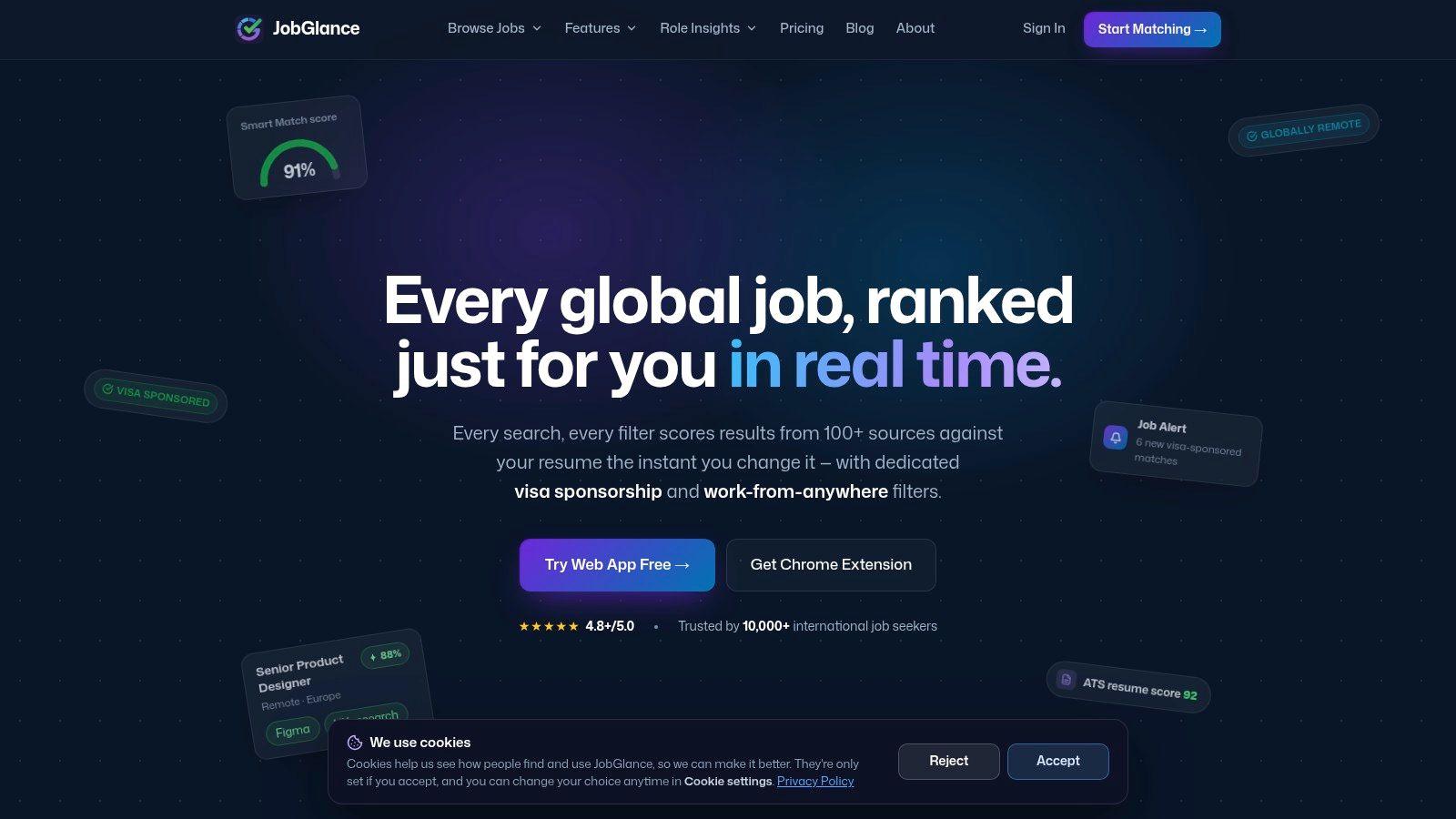
JobGlance is built for international and remote job seekers, so it starts with the eligibility question. Its web app aggregates 50,000+ active roles from 100+ job sites, most pulled straight from companies’ own career pages, and scores every listing against your resume. You add the resume once, type a title or skill, and get matches ranked best fit first. That beats sorting by posting date when you have limited applications to spend.
Dedicated visa-sponsored and globally remote filters separate real work-from-anywhere roles from domestic remote listings that only look open. JobGlance also tracks companies that hire globally by default, so eligible roles surface even when a posting says nothing about it. For UK roles, run the filter result against the rules anyway. Under the UK Skilled Worker visa job requirements, the employer must be Home Office approved, and the salary has to clear the route’s threshold or the occupation’s going rate, whichever applies. Several routes carry lower thresholds than the general level, so check the specific route before ruling a role in or out.
What It Adds Beyond Search
A Chrome extension brings the same data onto job pages on LinkedIn, Glassdoor, Indeed, Wellfound, JobStreet, WeWorkRemotely, WorkingNomads and Jobspresso. You turn it on from the browser icon or by right-clicking the page. From any job card, Similar Jobs Across Sites finds comparable roles across the same 100+ sites.
Alerts go out by Telegram or email with visa and work-from-anywhere filters applied, plus keyword, location, work policy and experience-level options. Run a search, then use the “Get these jobs in your inbox” row under the results to create one. Listings arrive through automated collection and pooled user submissions, so a Report button lets you flag spammy posts. Anything saved in My Jobs syncs across the devices you sign in from.
Two limits to plan around. Most roles send you to the employer’s own career page, so the application lands in an external system and tracking stays manual once you click through. That matters because ATS screening is nearly universal at large employers: one analysis found detectable ATS usage at 487 of 500 Fortune 500 companies, or 97.4%, with skills filtered by 76.4% of surveyed recruiters. Confirm sponsorship with the employer directly as well. The filter gives you a strong starting signal, and the employer’s own wording is what counts at offer stage.
2. LinkedIn Jobs
Use LinkedIn Jobs when you want listings and people in the same place. You can search by title, company, and location, follow employers, read employee profiles, and contact recruiters. A basic account is free, and that combination is genuinely useful for warm introductions.
The limit is inconsistency. Some roles let you apply on LinkedIn. Others send you to the employer’s ATS, where your tracking stops. Popular postings also draw heavy competition, so an Easy Apply click without tailoring rarely helps.
Trust is another issue with automated screening. In Gartner research on candidate trust in AI evaluation, only 26% of candidates trusted AI to evaluate them fairly, while 52% believed AI screens their application information. Apply directly in the employer’s system when you can, keep the exact job title and required skills in your resume, and don’t submit duplicates through both routes.
- Best for: Networking, employer research, and cross-industry discovery
- Watch out for: Off-site applications, crowded listings, and optional Premium Career costs that vary by plan and location
- Practical move: Save searches, set alerts, then check the company page before applying
3. Indeed
Indeed covers more ground than almost any board here: most industries, most seniority levels, and filters for pay, schedule, and remote work. Searching, building a profile, and applying are all free.
Its reach comes from aggregation. As Pandologic’s history of online recruitment describes, Indeed grew by pulling listings from employer career pages and staffing sites into a single index rather than hosting only its own posts. That model produces two different application flows, and the difference matters when you’re tracking where you applied.
Listings that accept applications inside Indeed show an on-platform apply button. Those submissions land in your account’s My Jobs page, where status updates stay visible. Listings that point outward send you to the employer’s ATS, and Indeed’s tracking ends the moment you leave. Check which flow a posting uses before you start, and keep your own log for the external ones.
The remote filter has its own limit. A remote tag doesn’t mean a role accepts applicants in every country, so read the location paragraph in full rather than trusting the label.
Practical rule: Treat Indeed as a discovery engine. Verify eligibility and posting freshness on the employer’s own careers page before you tailor anything.
Its resume and profile tools help you organize applications. They don’t replace that verification step.
4. Glassdoor
Glassdoor earns its place for research, not just listings. You can search and apply for jobs while reading employee-submitted reviews, salary information, and interview reports. That’s useful before you invest an hour in a customized application.
Don’t treat that material as settled fact. Reviews reflect particular teams and locations, and salary figures are estimates to investigate, not promises about your offer. Some listings also duplicate roles you’ll see on other boards, and applications may lead to external employer sites.
Use Glassdoor to screen employers out, not only in. Legitimacy is a live problem for online applicants. In iHire’s State of Online Recruiting 2025 survey on fake and ghost jobs, 39.3% of candidates named fake, fraudulent, or ghost jobs as a top challenge. Cross-check the role on the official careers page, confirm the recruiter’s domain, and walk away from any request for money or sensitive documents early in the process.
Access for job seekers doesn’t require a paid subscription. That’s the right price for a research layer that supports decisions made elsewhere.
5. ZipRecruiter
ZipRecruiter works best as an alert system. Create a free profile, upload a resume, and you’ll get recommendations and notifications as new roles appear. Eligible listings support quick applications on web and mobile.
Speed is its strength and its risk. One-tap applying makes it easy to send a generic resume to a role you haven’t checked for location, eligibility, or fit. Some applications also leave ZipRecruiter, so keep your own tracking record.
Volume alone won’t fix a weak pipeline. U.S. Bureau of Labor Statistics data on how jobseekers search shows jobseekers averaged six applications for every interview. That supports building a steady pipeline of relevant roles, not blasting every recommendation the app sends you.
How to Use It Well
- Set narrow alerts: Use specific titles, not broad categories, so recommendations stay relevant
- Pause before one-tap: Check work location, sponsorship language, and required skills first
- Track off-site: Log every application that finishes on an employer’s system
It’s free for job seekers, which makes it a reasonable secondary channel alongside a more eligibility-focused search.
6. Wellfound
Wellfound is the board I check when the constraint is startup risk as much as eligibility. Engineering, product, design, sales, marketing, and operations listings often show salary, equity, remote policy, and location requirements upfront, and a free profile can carry many applications.
Read the location line before the pitch. A startup can say remote and still mean US only, EU only, or a fixed overlap with headquarters; sponsorship is also less predictable than at larger employers. Outside tech and startups, coverage thins fast.
Niche boards are mainstream now. A 2026 iHire survey of job board use and candidate frustration found 82.1% of job seekers used general boards and 50.9% used industry-specific or niche boards. It also found 43.1% were frustrated by duplicate postings, so check whether the same startup role is already in your tracker before applying again.
For engineers who need sponsorship, compare startup postings against software engineer roles with visa sponsorship and confirm the employer can sponsor. If you use the JobGlance extension, Wellfound is one of the supported boards it can collect job data from, which helps when the same opening is reposted across sites. Response time still sits with the employer.
7. We Work Remotely
Use We Work Remotely when remote is the first filter. The board is built around remote categories such as programming, design, product, customer support, sales, and operations, and a free account can save listings and send category alerts.
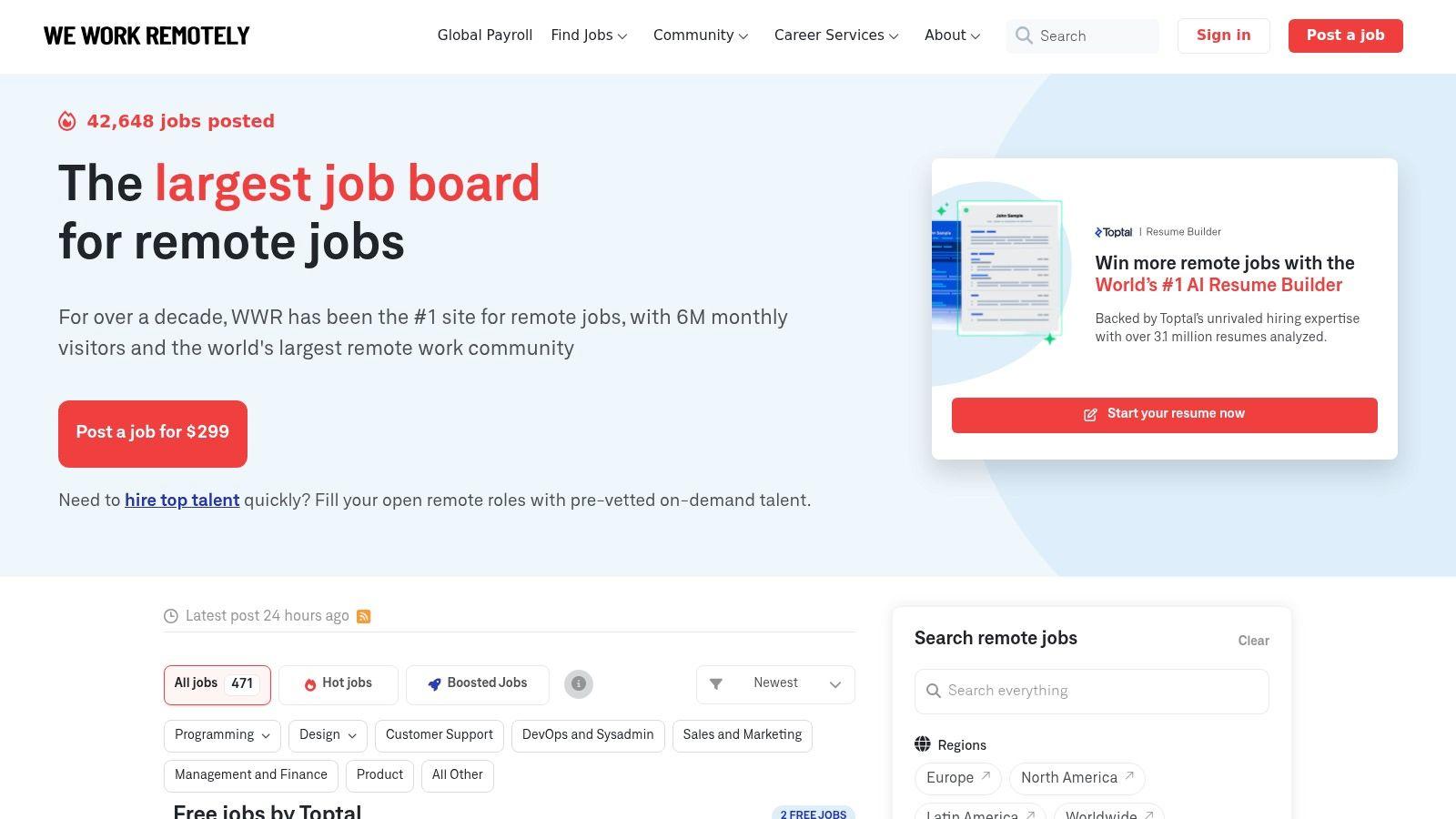
Treat region labels as an eligibility screen. Remote can still mean Americas only, EU only, or a fixed time zone, so confirm your country is in scope before you write. When location is the constraint, compare a posting against remote worldwide roles open across borders before tailoring an application.
- Strength: Remote-first categories make browsing fast.
- Limit: Some applications leave the board for employer forms, so track where you applied.
- Cost note: Paid tiers exist, but terms change; check current pricing and commitment details on the site before paying.
Start free. Upgrade only if alerts or application tools replace manual work you do every week.
8. FlexJobs
FlexJobs sells curation. It specializes in remote, hybrid, and flexible schedule listings across many fields, not only technology, and says listings are screened before publication. Full access requires a paid subscription.
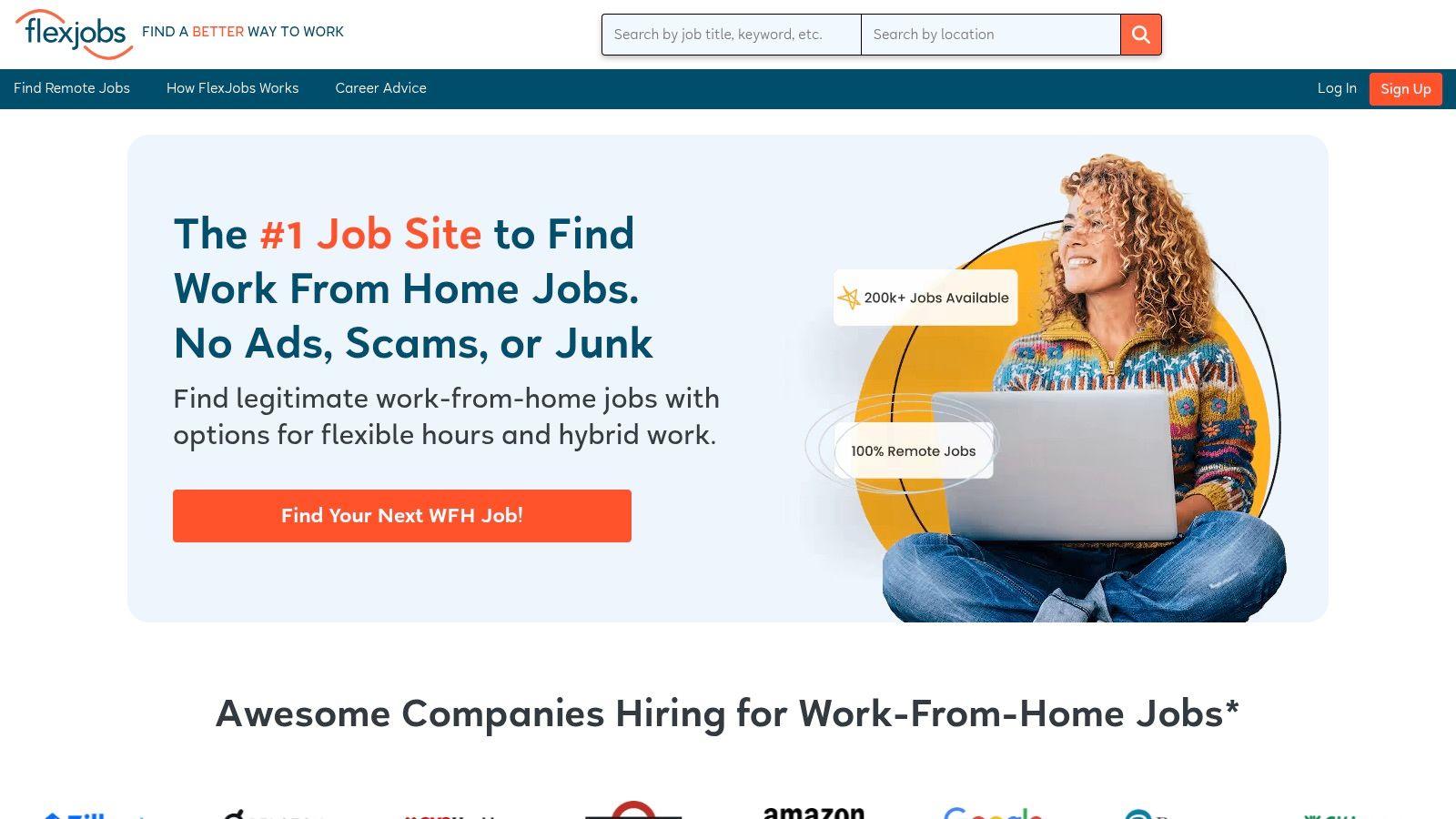
Screening can reduce the noise you have to wade through, and its search by job type, schedule, and career level suits candidates whose main filter is flexibility. Career resources and employer information are included, which helps if you’re changing fields as well as location.
The question is whether you’ll use it enough. Listings can still carry location requirements, and some openings appear elsewhere for free. Before subscribing, run your target search on free boards for a week. If you’re spending hours rejecting questionable postings, a screened list may be worth paying for. If your results are already clean, it probably isn’t.
A smaller source with freshness controls and clear location eligibility often beats a huge database full of stale, duplicated roles.
That principle applies whether the source charges you or not.
9. Monster
Monster is a general job board with a long history and a resume database employers can search. Search by role, company, and industry, upload a resume for employer discovery, and control how visible that resume is. Core search and resume upload are free.
Its value is passive discovery. A searchable resume can bring recruiter contact you wouldn’t get from applications alone. Keep expectations in check. Recruiter outreach doesn’t confirm a legitimate offer, so verify the employer independently before sharing documents or bank details.
Not every application finishes on Monster, even when you apply with a Monster resume. Some resume and application tools also sit behind paid plans. Check what the free tier covers before assuming a feature you saw advertised is included.
Best Use Case
Use Monster as a profile channel, not your only search. Keep the uploaded resume simple, single column, and aligned with the titles and skills you actually want. Recruiters search by keywords, so a clever layout works against you here too. Update the resume when your target role changes, or you’ll attract calls for work you left behind.
It won’t solve sponsorship or global remote filtering for you. Treat any match as unverified until the employer confirms eligibility.
10. USAJOBS
USAJOBS is the official channel for U.S. federal civilian jobs, including some postings outside the continental United States. Searching and applying are free. Eligibility decides more here than anywhere else on this list: announcements can restrict applicants by citizenship, status, or location, and those limits are written into each posting rather than left to guesswork.
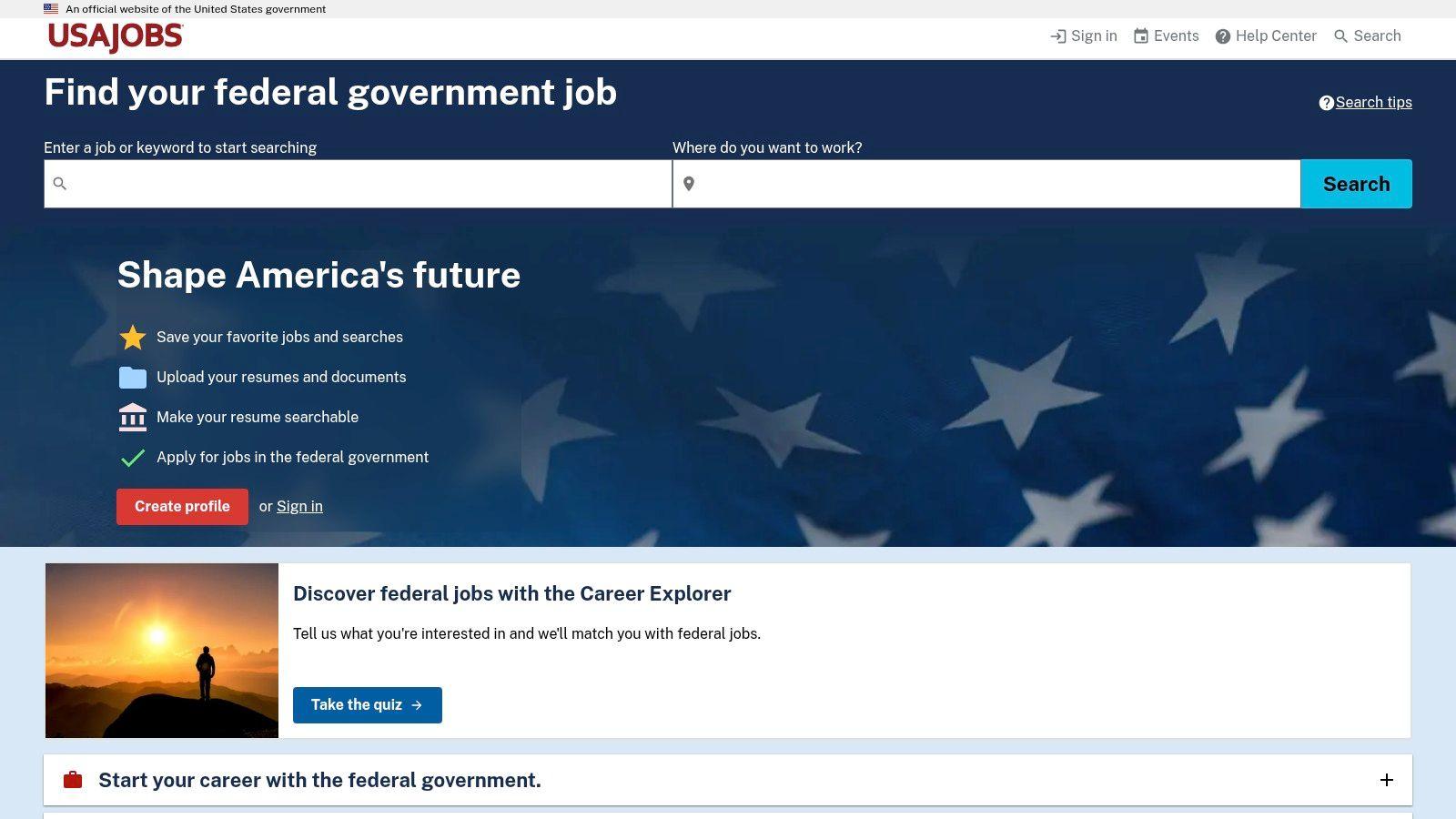
Read each announcement as its own rulebook. Required documents, assessment steps, and deadlines vary by posting. Many applications also continue into a separate agency system, so plan for more time than a standard private sector submission.
Its scope is federal roles only, so it stays out of a broad private sector search. For international candidates comparing routes, the US visa sponsorship listings covered earlier show which private employers are open to sponsorship, a question federal postings answer on different terms.
Save searches in your account and assemble the full document package before the closing date. Missing paperwork is a common, avoidable reason applications fail.
How the 10 Application Sources Compare on Cost, Focus and Eligibility Filtering
Eligibility decides most rejections before a recruiter reads a word, so the table sorts each source by how it handles that question first. The ten fall into three groups. Broad aggregators (LinkedIn, Indeed, ZipRecruiter, Monster, Glassdoor) trade precision for volume. Niche boards (Wellfound, We Work Remotely, FlexJobs) narrow the pool by role type or work model. USAJOBS stands alone as the official channel for federal roles, where eligibility rules sit inside each announcement rather than in a filter.
| Item | Cost for Job Seekers | Best For | Visa or Remote Eligibility Filtering |
|---|---|---|---|
| JobGlance | Free tier available; paid Pro plan with current pricing listed on the site | International candidates who want global roles ranked against their resume | Dedicated visa-sponsorship and work-from-anywhere filters |
| LinkedIn Jobs | Basic access is free; Premium Career is optional | Job search combined with networking and employer research | No dedicated visa or remote eligibility filtering specified |
| Indeed | Free to search, create an account, and apply | Broad searches across industries and locations | Remote filter available; country eligibility should be checked |
| Glassdoor | Job-search access available without a paid subscription | Job search alongside company, salary, and interview research | No dedicated visa or remote eligibility filtering specified |
| ZipRecruiter | Free for job seekers | Job alerts, recommendations, and broad searches | No dedicated eligibility filter specified; check location and requirements |
| Wellfound | Free to create a profile and apply | Startup and technology roles | Listings may state location or time-zone limits; visa filtering not specified |
| We Work Remotely | Free account for browsing and saving; paid plans offer additional features | Remote-focused roles across multiple categories | Region and time-zone preferences available; roles may remain location-restricted |
| FlexJobs | Paid subscription required for full access | Curated remote and flexible-work listings | Listings may have location requirements; worldwide eligibility is not guaranteed |
| Monster | Free core search; some tools require a paid plan | General job search with resume tools | No dedicated visa or remote eligibility filtering specified |
| USAJOBS | Free to search and apply | U.S. federal civilian roles | Eligibility requirements are stated in each announcement; restrictions vary |
One more column matters in practice: where the apply button sends you. Boards that keep the application on-site keep your status history in one place. Boards that hand you off to an employer’s own system split your records across portals, so set up a simple tracker before you start applying in volume.
Start With Eligibility, Then Apply Where the Role Is Open to You
Set your eligibility filters before you read a single job description: work authorization, countries you can legally be hired from, and time zones you can cover. Then run two searches a week. One broad aggregator for coverage, one niche or remote board for precision. Broad boards give you volume. Niche boards give you signal. You need both, in that order.
Check official portals whenever a role depends on citizenship, agency rules, or a government register. Sponsorship is the clearest case. A job title with the word sponsorship in it proves nothing, because UK rules set different salary thresholds depending on the route. Under UK guidance on sponsoring a Skilled Worker for certificates assigned on or after 22 July 2025, the general threshold can be £41,700, £37,500, £33,400, £31,300, £28,200, or £25,000 depending on route and conditions, and the occupation’s going rate applies too. Inspect the specific occupation, route, and salary before you apply.
Verify every promising listing the same way. Find it on the employer’s own careers page and look for a recent activity signal. If the same role appears on several boards, apply once through the employer’s system and note where the application actually landed, on the board or off-site. That detail decides where your tracking lives. Walk away from any listing that asks you to pay for a visa, equipment, or a background check before you have confirmed the offer through official channels.
A Simple Tracking Habit
Keep one record. Five fields per application: the sponsorship signal, the remote location rule, the application URL, the channel, and the date. That record stops duplicate submissions and makes follow-up easy when a recruiter replies weeks later. After a month it also shows which channels produce interviews and which only produce silence, so you can drop the dead boards.
For live examples, browse the visa sponsorship category pages and remote job categories, which group openings by destination and candidate location. Read what visa sponsorship means for employers and candidates before you rely on a sponsorship label, and read what makes a resume ATS friendly before you submit through a large employer’s portal.
Deciding where to apply for jobs online gets simpler once eligibility leads. You’ll apply to fewer roles, skip listings that were never open to you, and spend your tailoring effort where you have a real chance of being hired.
JobGlance is built for this order of operations. As noted earlier, its Smart Match scores roles against your resume, visa and globally remote filters narrow the search, job alerts deliver new matches by Telegram or email, and jobs saved to My Jobs stay in your account on every device you sign in from.
Keep reading


