9 Common Interview Mistakes to Avoid in 2026


On this page
Only a small share of live job posts explicitly say sponsorship is available, while many say nothing at all. That changes what interview prep has to do. You’re not just proving you can answer questions well. You’re also proving that you understood the role, checked your eligibility, prepared for the format, and won’t create friction in a process that already has uncertainty built into it.
That matters because the interview is the biggest leak in the hiring funnel. Candidate-experience data summarized by Yomly says only 24% of candidates reported satisfaction with the interview process, 40% waited more than two weeks for follow-up after a first interview, and interview-stage drop-off is estimated at 25% (interview process statistics summarized here). If you’re pursuing remote work, technical rounds, or visa-sponsored roles, that friction hits harder because timing, location, and process clarity all affect whether the employer keeps moving.
This list is ordered by preventable damage. First come readiness and eligibility mistakes. Then communication and evidence mistakes. Then technical and offer-stage errors that often sink otherwise strong candidates late in the process. For each one, you’ll see what tends to happen, why it happens, a realistic failure scenario, a replacement script, and a simple JobGlance workflow that helps prevent it.
If your issue is nerves rather than knowledge, it helps to build interview confidence with Qcard.
1. Arriving Late or Unprepared
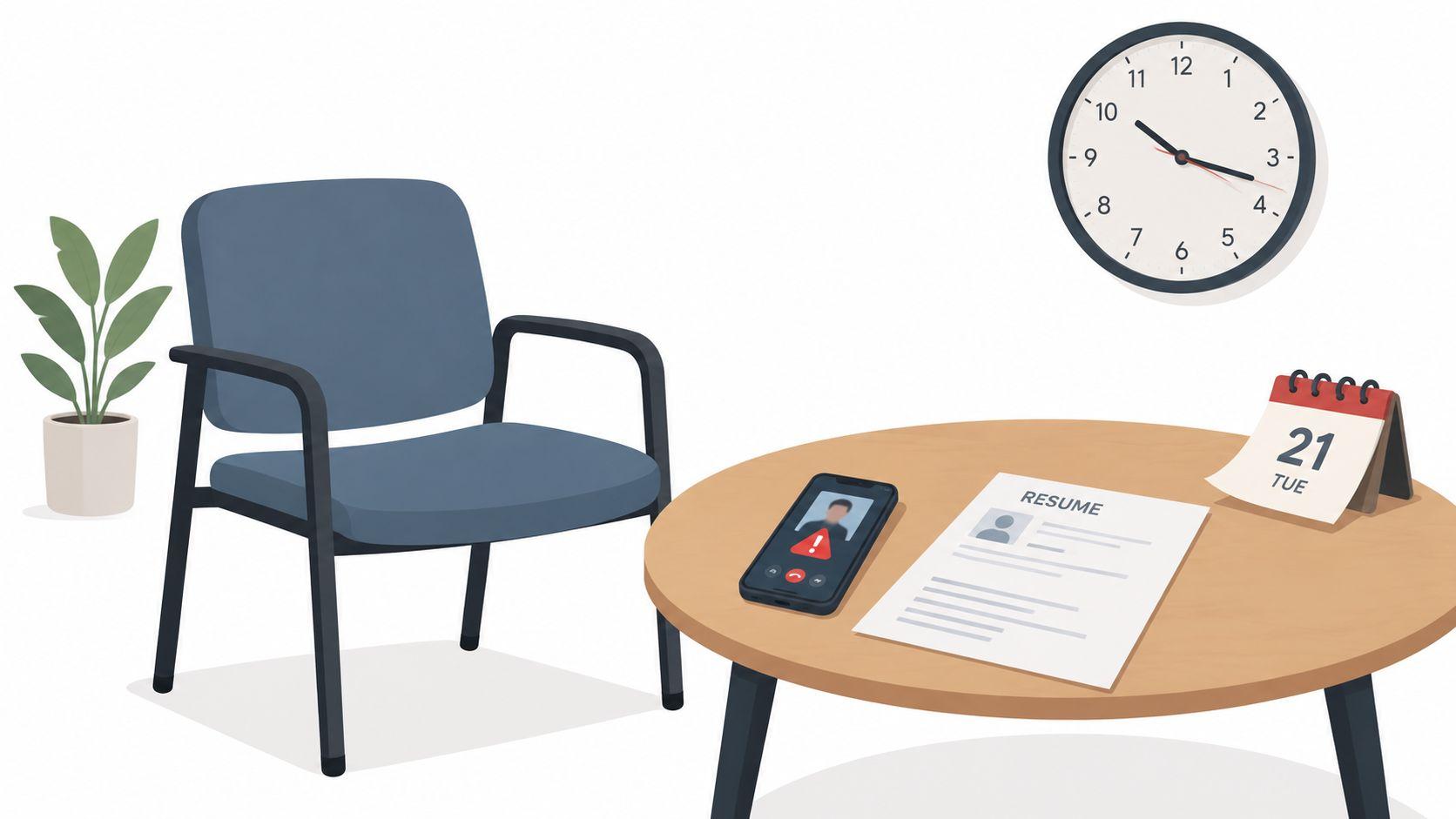
Interview lateness ranks high on employer complaint lists, as noted earlier. The reason is straightforward. A delay at the start creates evidence of execution risk before you have answered a single question.
The symptom is easy to spot. You join late, scramble for the meeting link, open the wrong resume version, or realize you never checked the platform. The cause is usually earlier and less obvious: no calendar check, no time-zone verification, no role-specific examples prepared, and no backup plan if the format changes.
That distinction matters because the fix depends on the interview type. In an in-person interview, lateness suggests poor planning and weak respect for other people’s time. In a remote interview, the same mistake often comes from preventable setup failure. For international candidates, a calendar or time-zone error can also raise a separate concern about whether work authorization details, location constraints, or scheduling expectations were read carefully.
What this mistake looks like in practice
A candidate for a remote support role joins three minutes late, says the app needed an update, then spends another two minutes fixing audio. The interviewer now has a problem beyond punctuality. Support roles depend on fast handling of basic operational issues, so the first five minutes have already contradicted the job requirements.
In a technical panel, unpreparedness shows up differently. The candidate is on time but cannot find the coding environment, has not reviewed the stack in the job description, and asks which language they are expected to use. That is not the same failure as weak technical skill. It signals that they did not prepare for the format.
What the interviewer infers
Interviewers rarely isolate lateness as a one-off event. They connect it to future work. If the role involves clients, cross-functional handoffs, incident response, or regulated processes, a messy start suggests more coordination problems later.
A rough opening also changes how the rest of the interview is scored. Once the interviewer has seen avoidable friction, they start testing for reliability, not just capability.
Use a reset script that addresses the role directly:
“Thanks for waiting. I’m set up now. I reviewed the job requirements and prepared examples on the parts most relevant to this role, including X, Y, and Z.”
That script works because it does two things fast. It closes the logistics problem, and it redirects attention to evidence tied to the role.
Prevention workflow
- Confirm the interview mechanics: Check the time zone, meeting platform, interviewer names, and contact number the day before.
- Prepare role-linked proof: Keep your resume, the job description, and three short examples matched to the role’s main requirements.
- Test the format you were given: For remote interviews, check camera, mic, browser permissions, and a backup connection. For technical interviews, confirm the coding environment, expected language, and any tool restrictions.
- Account for eligibility constraints: If you are applying across borders, verify local interview time, work authorization status, and whether the employer expects location-specific availability.
In JobGlance, the practical workflow is to save the role, review the job description inside Resume Match Score, and add one example under each major requirement before the interview. If the posting lives on another site, the Chrome extension lets you keep those notes attached to that exact role, which lowers the odds of showing up with generic talking points or the wrong prep file.
2. Failing to Research the Company and Role Thoroughly

Unpreparedness is broader than not knowing the company’s mission statement. A 2026 summary cited by Apollo Technical reported that 70% of hiring managers said being unprepared is a common interview mistake, while 21% said not researching the company beforehand was a mistake (interview preparation statistics compiled here). The useful takeaway is that “do your research” is too vague. Interviewers want evidence that you understand the company, the function, and the exact problem this role exists to solve.
The weak answer is familiar: “I want to work here because it’s a great company.” That tells the interviewer nothing. It also wastes one of the few moments when you can prove commercial judgment, especially in product, operations, and strategy roles.
What this mistake usually sounds like
A candidate for a product role says they love innovation, but can’t explain the user problem, product surface, or team scope. That creates doubt about whether they’ll think clearly once hired. If you want a model for role-specific preparation, even a live role page like Product Manager roles on JobGlance shows how differently employers describe ownership, metrics, and stakeholder work.
A stronger script sounds like this:
“I’m interested in this role because the team’s priorities seem specific, not generic. From the posting and company materials, it looks like you need someone who can translate customer signals into roadmap decisions, coordinate across functions, and stay clear on business tradeoffs. That’s the part of product work I’ve done most consistently.”
Prevention workflow
Use a three-layer research stack before the interview:
- Company layer: What they sell, who they serve, and what changed recently.
- Role layer: What outcomes the job description implies, not just the responsibilities list.
- Team layer: What cross-functional pressure this role probably sits under.
JobGlance’s Deep Company Research is useful here because it organizes interview-relevant context into practical categories such as company stability, culture, listing legitimacy, and interview difficulty. Pair that with Role Insights when available, and you can move from generic enthusiasm to informed relevance fast.
3. Talking Too Much About Yourself Without Connecting to the Role

This is one of the most common interview mistakes because it feels like a strong answer while you’re giving it. You’re speaking fluidly, covering your background, and filling silence. But the interviewer isn’t scoring autobiography. They’re scoring fit.
A bad version usually starts with “Tell me about yourself” and turns into a full career timeline. The candidate describes every move, every company, and every interest area, but never bridges back to the employer’s problem. By the end, the interviewer still doesn’t know why this person fits this role now.
The cause is usually poor answer design
Candidates ramble when they haven’t chosen a headline. They think more context creates more credibility. In reality, excess detail often signals weak prioritization.
For international candidates, this can show up in a different way. Some spend too long explaining relocation history or sponsorship concerns before they’ve established value. Eligibility matters, but fit should come first unless the interviewer asks directly.
Use this replacement structure:
- Present: “I’m currently doing X.”
- Relevant past: “Before that, I built Y skill through Z kind of work.”
- Bridge: “That’s relevant here because this role needs A, B, and C.”
- Check: “Happy to go deeper on any part of that.”
Keep your first answer tight enough that the interviewer wants more, not relief when you stop.
A usable script:
“I’m a backend engineer focused on reliability and data-heavy systems. Over the last few roles, I’ve worked on performance bottlenecks, migrations, and cross-team platform work. That lines up well with this position because the posting emphasizes scaling data pipelines, improving service stability, and partnering closely with product and analytics.”
Prevention workflow
Use Resume Match Score to identify which parts of your background matter for this role. Then write a 60 to 90 second opening that only includes those parts. If you can’t tie a detail back to the job description, cut it.
The goal isn’t to sound shorter. It’s to sound more useful.
4. Giving Weak or Evasive Answers to Behavioral Questions
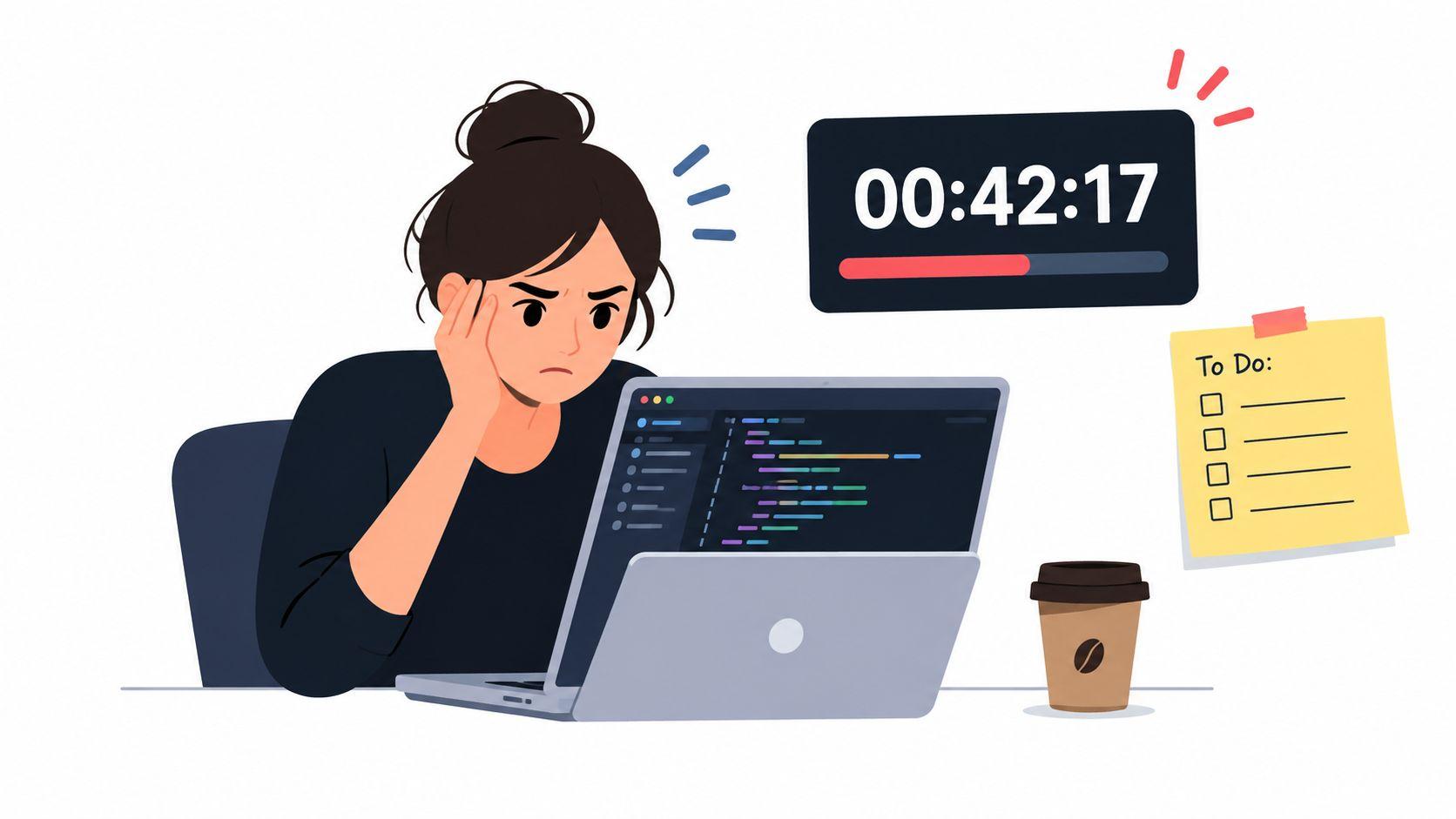
Behavioral questions are one of the fastest ways interviewers check whether your examples support your claims. As noted earlier, hiring managers often flag weak answers to basic questions as a common interview problem. The pattern is consistent across general, remote, international, and technical interviews because these prompts test judgment, ownership, and communication under mild pressure.
The symptoms are easy to spot. The answer stays abstract. It hides behind “we.” It skips the conflict, mistake, or tradeoff. It ends without a result.
The cause is usually different. Candidates often prepare themes such as “I’m collaborative” or “I handle ambiguity well,” but they do not prepare proof. In technical interviews, that creates another problem. Strong technical candidates can still fail the behavioral round if they describe architecture in detail but avoid their own decision-making, especially around incidents, disagreement, or missed deadlines.
What a failure scenario looks like
A hiring manager asks, “Tell me about a time you handled conflict on a team.”
The candidate says, “I’m generally collaborative and try to communicate well with everyone.”
That answer creates risk for a simple reason. It gives no evidence. In a remote interview, it can be even weaker because distributed teams depend on written alignment, clear escalation, and documented tradeoffs. In an international interview, some candidates also drift into explaining cultural fit in broad terms instead of answering the question asked.
Use a tighter structure: situation, tension, action, result, lesson. Keep the situation short and spend most of the time on what you did.
“The disagreement was about project scope, not personality. I owned the delivery timeline, and a stakeholder wanted late requirements added two weeks before launch. I split the work into must-have and later-phase items, documented the delivery risk, and got product and engineering aligned on the launch version. We shipped on time. The main lesson was to surface scope risk earlier and document decision owners before final sprint planning.”
That script works because it names the constraint, your role, your action, and the outcome. For technical roles, swap in examples about production incidents, code review disagreement, or a failed rollout. For sponsorship or relocation cases, do not turn a behavioral answer into an eligibility discussion unless the interviewer asks directly. Answer the prompt first.
Prevention workflow
Build a story bank of six to eight incidents, not polished speeches. Cover conflict, failure, ownership, ambiguous requirements, prioritization, learning, and stakeholder management. For each story, write five lines only: context, problem, your action, result, and what changed in how you work.
JobGlance can make that preparation more targeted. Use Career Gap Analysis with the role description to spot which behavioral signals appear repeatedly across the jobs you are saving. If the pattern is cross-functional communication for product roles, incident ownership for SRE roles, or client management for international customer-facing roles, prioritize stories that match that role family. That turns behavioral prep into a repeatable workflow instead of a last-minute memory test.
5. Not Asking Thoughtful Questions at the End
A weak closing question can undo a strong interview. LinkedIn’s 2024 hiring-manager survey found that 25% cited not asking questions about the role or organization as a common interview mistake, as reported earlier in this article. That matters because the final minutes often test something different from the rest of the conversation. They show whether you can identify missing information, prioritize what matters, and judge fit with the actual job conditions.
The visible symptom is silence, or a generic question such as “What is the culture like?” The cause is usually narrower. The candidate did not prepare role-specific questions, did not listen closely enough during the interview to adapt them, or did not know which constraint needed verification before accepting next steps.
A realistic failure scenario looks like this. A remote operations candidate finishes a solid interview, then asks, “So, what does your company do?” or says, “No questions from me.” For the interviewer, that creates a credibility problem. The candidate either skipped basic research or treated the meeting as a one-way evaluation. In distributed roles, that can be costly because teams need people who identify ambiguity early instead of waiting for instructions.
Good closing questions do three jobs at once. They test the work environment, they show that your interest is specific, and they surface constraints that affect whether the role is workable.
For a remote role, ask about execution, not perks:
“How does this team handle urgent decisions across time zones, and which issues are usually resolved asynchronously versus in live meetings?”
For an international candidate, timing matters. Do not open with immigration process questions in the first minute unless eligibility is the main screen. Ask after you have established fit for the role:
“If I reach the offer stage, could you share how the company usually handles work authorization for this role type, including whether sponsorship has been approved recently?”
For a technical interview, ask about failure points in the system or team process:
“What tends to slow delivery most on this team right now. Is it prioritization, handoffs, test coverage, or something else?”
Those questions work because they are hard to answer with boilerplate. They also produce decision-useful information. A candidate for a hybrid analyst role learns whether the team documents decisions. A visa-dependent applicant learns whether sponsorship is realistic before investing in later rounds. A software engineer learns whether the team’s bottleneck is technical debt or unclear ownership.
Prevention workflow
Prepare seven questions in advance, grouped by format: general, remote, technical, and eligibility. Then choose the three that match the conversation you just had. That prevents two common errors. Asking something already covered, and wasting the closing minutes on broad prompts that reveal little.
Use JobGlance’s company and listing signals to pre-sort those questions. If the listing already states location limits, async expectations, or sponsorship exclusions, remove those from your end-of-interview list and replace them with process questions the posting cannot answer. That turns “Do you have any questions for us?” from a formality into a screening step you control.
6. Poor Body Language and Nonverbal Communication
Body language isn’t a side issue. It’s one of the earliest filters. A CareerBuilder survey reported that 67% of employers said failure to make eye contact is a common nonverbal mistake, while 39% cited failing to smile, 33% cited playing with something on the table, and 30% cited bad posture and fidgeting too much (nonverbal interview mistakes summarized here). Interviewers notice these signals before you finish your first answer.
That matters even more on video. Remote interviews compress the visible field. Small habits become dominant impressions because the interviewer mostly sees your face, your posture, your voice, and whether you seem present.
The remote version of this mistake
A customer-support candidate joins from a dark room, camera below chin level, eyes flicking to a second screen, voice flat, shoulders tense. Nothing they said may be wrong. But the delivery suggests low confidence or low engagement. If you’re interviewing for distributed service work, that’s especially costly. A live feed of remote customer service roles on JobGlance makes clear how often employers want calm communication, responsiveness, and customer-facing professionalism.
Your words answer the question. Your nonverbal cues answer whether people will trust you with the work.
Prevention workflow
- Set camera at eye level: It improves eye contact instantly.
- Use front lighting: If the interviewer strains to see you, you’ve added friction.
- Keep hands visible when possible: It reduces the closed-off look that crossed arms or hidden movement can create.
- Record a practice answer: You’ll catch posture, pace, and filler habits faster on video than in a mirror.
JobGlance can’t sit upright for you, but it can reduce the note-shuffling that causes visible distraction. Save the role, keep your key stories attached to it, and trim your prep down to a one-screen summary you can glance at without breaking presence.
7. Badmouthing Previous Employers, Managers, or Colleagues
Speaking negatively about past employers is a common rejection trigger. Reporting on hiring-manager survey results has cited figures in the low-30% range for this mistake, including 32% and 34% in closely related findings, as noted earlier. The exact percentage matters less than the hiring logic behind it.
Interviewers rarely treat criticism of a former boss as neutral context. They often read it as a signal about judgment, discretion, and how you handle conflict under pressure. That matters even more in roles that involve clients, cross-functional work, leadership exposure, or confidential information.
The symptom is obvious. The candidate complains.
The cause is usually less obvious. They have not prepared a clean explanation for friction, and they answer from emotion instead of selection criteria.
A realistic failure scenario: an international candidate is asked why they left a prior team after a visa-related transition and says, “My manager made the process miserable and the company had no idea what it was doing.” Even if the frustration was justified, the answer creates a second problem. The interviewer now has to assess interpersonal risk alongside work authorization risk.
A stronger replacement script keeps the facts and removes the volatility:
“The role taught me a lot, but I learned I work best in teams with clearer ownership, faster decisions, and more direct communication. I’m now targeting positions that match that environment more closely.”
If the interviewer asks about a difficult manager, answer the operational problem, then the adjustment you made:
“We had different working styles. I responded by documenting decisions more clearly, confirming priorities in writing, and escalating fewer issues emotionally. That experience improved how I manage ambiguity and communication.”
This answer works because it shows control. It also fits multiple formats. In a general interview, it signals maturity. In a remote interview, it reassures the employer that written communication will stay professional. In senior or technical roles, it shows you can separate system problems from personal attacks.
Prevention workflow
Prepare two versions of this answer before the interview. One should cover “Why are you leaving?” in 20 seconds. The other should cover conflict with a manager, client, or colleague in 45 to 60 seconds.
Then test each draft for three failure signs:
- Blame-heavy wording: too many references to what the other person did wrong
- Unclear lesson: no evidence that you adapted, learned, or changed your approach
- Role mismatch: you say you want collaboration, autonomy, or structure, but keep applying to jobs that reward the opposite
JobGlance helps at the prevention stage, not the rescue stage. Save roles that match your preferred team structure, communication style, and work setup, then attach your interview notes to each listing. If your target roles fit what you want, your answer sounds forward-looking instead of defensive.
8. Failing to Prepare for Technical or Skills-Based Assessments
Many candidates treat technical interviews as knowledge tests. Evaluators often treat them as communication tests under constraints. That mismatch causes a lot of preventable failure.
Recent guidance on technical and data interviews highlights recurring mistakes such as burying assumptions, overloading visuals or outputs, skipping business context, and dodging follow-up questions (technical interview guidance from Exponent). The useful insight is that “talking too much” isn’t always the problem in these rounds. In technical interviews, being too terse can be just as damaging because the interviewer needs to see how you reason, not just your final answer.
A realistic failure scenario
A data candidate gets a take-home task, produces a polished deck, and then crumbles in the review because they can’t explain tradeoffs, assumptions, or what they’d do next with imperfect data. The work looked fine. The thinking stayed hidden.
For a data engineering role, the replacement script is simple:
“Before I code or design, I want to confirm the goal, constraints, and success criteria. I’ll talk through assumptions as I go so you can see where I’m making tradeoffs.”
If you’re targeting roles like those in JobGlance’s data engineer listings, this matters because employers typically want more than syntax fluency. They want clarity on pipelines, reliability, scalability, and stakeholder context.
Prevention workflow
Practice in the format you’ll face. Whiteboard if the company uses whiteboards. Use a timed shared editor if they use one. Rehearse explaining choices out loud while solving.
Keep a post-interview log. Write down the format, question type, where you hesitated, what follow-up caught you off guard, and whether the issue was knowledge, pacing, or explanation. JobGlance’s saved-role workflow makes that easier because you can tie those notes back to role families and spot patterns across interviews.
9. Negotiating Prematurely or Poorly
Candidates often mishandle negotiation in one of two ways. They raise compensation too early and signal that they care more about terms than fit. Or they wait until the offer arrives but negotiate without clarifying role scope, remote constraints, or sponsorship details.
This mistake is especially expensive for international candidates. If sponsorship, relocation, or work-from-anywhere eligibility matters, the wrong timing can either make you look naive or leave major risk unresolved until too late.
Timing is the whole game
Interview rounds are for proving fit and gathering information. Offer stage is for negotiating the package and confirming execution details. If compensation comes up early, a deflection works better than a number-first answer:
“I’m flexible at this stage and mainly focused on whether the role is a strong fit. I’d be happy to discuss compensation once we’ve both confirmed alignment. What range have you budgeted for the position?”
For visa-dependent candidates, use a parallel script after real interest is established:
“Before I make a final decision, I’d want to confirm the sponsorship path, who manages the legal process, and what the expected timeline looks like after offer.”
Prevention workflow
Prepare your negotiation points before the final round, but don’t deploy them prematurely. Separate them into categories: compensation, location flexibility, start date, visa path, legal cost handling, and relocation support.
JobGlance helps most before the interview even starts. Its dedicated sponsorship and work-from-anywhere filters let you avoid wasting late-stage energy on roles that were never realistically open to you. The Chrome extension also surfaces sponsorship detection and location signals on job pages, which reduces the chance of reaching offer stage with basic eligibility still unclear.
Comparison of 9 Common Interview Mistakes
| Issue | Complexity to fix 🔄 | Resources required ⚡ | Expected outcomes / Impact 📊 | Ideal use cases / When critical 💡 | Key advantages of fixing ⭐ |
|---|---|---|---|---|---|
| Arriving Late or Unprepared, missed timing or technical failures | 🔄 Low, straightforward planning | ⚡ Minimal: time, checklist, tech test | 📊 Prevents immediate disqualification; improves first impression | 💡 All interviews; especially remote/international | ⭐ Signals reliability and professionalism |
| Failing to Research the Company and Role Thoroughly, superficial knowledge | 🔄 Medium, focused research needed | ⚡ Moderate: web/LinkedIn/news, 30–60 min prep | 📊 Enables tailored answers and insightful questions | 💡 Client-facing, strategic, or competitive roles | ⭐ Demonstrates genuine interest and fit |
| Talking Too Much About Yourself Without Connecting to the Role, rambling, unfocused | 🔄 Low, practice and structure | ⚡ Minimal: timed practice, sample stories | 📊 Clearer, concise answers; better engagement | 💡 Time-limited interviews; behavioral rounds | ⭐ Shows communication control and relevance |
| Giving Weak or Evasive Answers to Behavioral Questions, vague or hypothetical responses | 🔄 Medium, prepare STAR stories | ⚡ Moderate: craft 8–10 stories, rehearse with metrics | 📊 Allows assessment of competence; stronger evidence of impact | 💡 Behavioral interviews; leadership or high-responsibility roles | ⭐ Provides measurable examples of achievement |
| Not Asking Thoughtful Questions at the End, missed evaluation opportunity | 🔄 Low, prepare tailored questions | ⚡ Minimal: research + 3–7 prepared Qs | 📊 Reveals team fit and role clarity; increases perceived curiosity | 💡 Final interviews; hiring manager conversations; visa queries | ⭐ Uncovers critical info and shows engagement |
| Poor Body Language and Nonverbal Communication, undermines verbal content | 🔄 Low–Medium, practice and setup | ⚡ Minimal–Moderate: camera, lighting, rehearsal, coaching | 📊 Improves rapport, confidence, and perceived professionalism | 💡 In-person and video interviews | ⭐ Strengthens credibility and connection |
| Badmouthing Previous Employers, Managers, or Colleagues, negative framing | 🔄 Low, reframe responses | ⚡ Minimal: phrasing practice, mindset shift | 📊 Avoids immediate disqualification; preserves reputation | 💡 Any interview; critical for leadership/hiring-sensitive roles | ⭐ Demonstrates professionalism and emotional intelligence |
| Failing to Prepare for Technical or Skills-Based Assessments, rusty fundamentals | 🔄 High, sustained deliberate practice | ⚡ High: practice platforms, time, mentors, mock assessments | 📊 Increases pass rate on technical screens and coding/system design rounds | 💡 Technical roles (engineering, data, design, analytics) | ⭐ Shows competence and clear problem-solving process |
| Negotiating Prematurely or Poorly, timing/strategy errors | 🔄 Medium, timing and strategy | ⚡ Moderate: market data, scripts, offer review time | 📊 Better total compensation and clearer sponsorship/relocation terms | 💡 Offer stage; visa/sponsorship and relocation situations | ⭐ Maximizes package and reduces post-acceptance surprises |
Turn Interview Risk Into a Repeatable Process
Most common interview mistakes aren’t isolated personality flaws. They’re process failures. Candidates show up late because they didn’t operationalize the interview. They ramble because they didn’t map their experience to the role. They give vague behavioral answers because they prepared topics instead of evidence. They negotiate badly because they didn’t separate early-stage fit from late-stage terms.
A stronger approach is sequential. First, verify the interview itself. Confirm the time zone, platform, format, interviewer names, and technical setup. For remote interviews, test your camera, mic, lighting, background, and login in advance. For international roles, confirm what’s known about location eligibility and sponsorship before you walk into the conversation assuming it exists.
Second, research the company and role until you can explain why the job exists. That’s where JobGlance can help in a practical way. Deep Company Research gives you interview-relevant context, Role Insights helps you understand what a role family repeatedly asks for, and Resume Match Score shows which qualifications you need to address in your answers. If your resume still undersells the relevant experience, the ATS Resume Builder can help rebuild it into a cleaner format before the interview loop continues.
Third, prepare evidence. Write short STAR stories matched to the role, not generic stories you force onto every question. Career Gap Analysis is useful here because it shows recurring gaps across saved roles. If several openings keep asking for stakeholder management, cloud tooling, or async communication, those are the stories and examples you should sharpen first.
Fourth, rehearse delivery. Keep your opening answer concise. Practice behavioral responses out loud. Record one remote mock interview and watch it back for pacing, eye contact, posture, filler words, and whether your examples answer the question. If you’re interviewing from external job boards, the Chrome extension helps by carrying match score, sponsorship detection, and AI tools onto those listings so your prep stays connected to the specific role.
A compact final checklist looks like this:
- Verify the logistics: time zone, platform, backup contact, and device setup.
- Check role fit: use JobGlance visa sponsorship job pages or JobGlance remote job pages when eligibility is part of the decision.
- Research the employer: use company context and listing signals to understand the scope of the role.
- Prepare role-matched evidence: build short stories for likely behavioral and technical prompts.
- Rehearse delivery: tighten your opening, your body language, and your closing questions.
- Handle terms at the right stage: clarify sponsorship, remote eligibility, and compensation only when the process has earned that discussion.
- Keep learning between rounds: interview notes improve faster when they’re tied to the role, not left in memory.
If you want outside practice while tightening your process, try ParakeetAI’s real-time interview assistant.
JobGlance helps you reduce interview mistakes before they happen by showing whether a role fits your resume, whether sponsorship or true global remote work is likely, and where your application materials still need work. If you’re applying across countries, formats, and job boards, that’s a simpler way to prepare with the role in front of you instead of guessing from memory. Visit JobGlance to search, filter, score, and prep from the same workflow.
Keep reading


